
Creative video editing. Made simple.
Get to know the MAGIX world of video and post-production. Whether you are a beginner, advanced, or professional user, you can find everything needed for making a video here.
Learn about editing programs for beginners and advanced users, plus helpful tips and tricks on everything to do with video editing.
Bring your ideas to life – 100% the way you imagined.
Video editing software for every task
Before starting video editing, you need to choose the right video editor first. MAGIX video editing software portfolio combines performance and user-friendliness for perfect results. From video editing, motion graphics, image composition, color grading, and correction & sound design, you'll find the right software for any video task at MAGIX.
Video editor for beginners and video hobbyists
Designed for: content creators & video hobbyists - easily produce Youtube videos, tutorials, or product reviews and share them with their audience
Advantage: edit video and audio with intuitive and flexible tools, create engaging content with effects, filters, transitions, and animated titles, upload your final edit to social media directly from your project

Memorable movies – no experience required. Video deluxe Plus provides just the right feature set.
Learn more
Create memorable movies in no time! Video deluxe combines powerful video editing, a unique feature set and around 1,500 effects.
Learn more
MAGIX Video Saver! lets you back up and optimize your most treasured memories in just a few, easy steps and without any technical know-how.
Learn moreVersion comparison
 Save 27%
|
 Save 28%
|
|
Video deluxe Plus |
Video deluxe Premium |
|
|
|
|
|
| Video editing | ||
| Video editing | ||
| Video Editing | ||
| Video Editing | ||
| Audio editing | ||
| Audio editing | ||
| AI and Hub functions | |||
| AI and Hub functions | |||
|
AI Speech-to-text
New
|
|||
|
AI Speech-to-text
New
|
1 hour / year | 2 hours / year* | 6 hours / year* |
|
AI Text-to-speech
New
|
|||
|
AI Text-to-speech
New
|
20,000 characters / year | 30,000 characters / year* | 1.2m characters / year* |
|
MAGIX Content
New
|
|||
|
MAGIX Content
New
|
120 content items / year | 180 content items / year* | 240 content items / year* |
|
Cloud drive
New
|
|||
|
Cloud drive
New
|
1 GB | RAM: 2 GB | 5 GB |
|
Media Share
New
|
|||
|
Media Share
New
|
|||
|
AI Media Management
New
|
|||
|
AI Media Management
New
|
|||
| General | ||
| General | ||
| Import | ||
| Import | ||
| Export | ||
| Export | ||
¹ Credit is valid for one year starting from the registration of a perpetual license. Unused credit expires after one year.
² For ease of comparison, we have adjusted the monthly quotas of the subscription models for a full year. The above service is available on a monthly basis (e.g. Video deluxe Premium 365: 6 hours/year = 0.5 hour/month). Additional service will soon be available for purchase.
* To increase credit for AI and Hub/Cloud functions, please visit the following page.
Video editor for advanced and professional users
Designed for: Advanced video editors, ambitious filmmakers and a professional top-end, cutting-edge video editing & post production content creation aimed at the highest levels
Advantages: A combination of productivity, creativity and performance, advanced color grading, 8K video editing, video sound optimization, AI-assisted tools, design motion graphics, VFX and 3D animations are just a few of the state-of-the-art features available.

MAGIX Video Pro X offers professional users a unique range of powerful tools for video and audio production.

The definitive all-in-one package for Video Pro X17 featuring impressive filters, effects and tools by proDAD, tons of additional content, and larger contingents for creating voice-overs and subtitles, as well as even more stock content.
Learn moreDifferent Levels. Different Tools.



Still not sure which program
is right for you?
Try a free trial version and find the perfect video maker for your video editing needs.
WORTH KNOWING: HELPFUL GUIDES
Expand your knowledge with these helpful guides – whether you are a beginner, advanced or professional user.

Record and edit screen capturing
Easily record your own Let's Plays and tutorial videos. Find out how to create a screen captures and then edit them. Start creating your own screen recordings now.

Compress videos: The essentials
Want to send a video by email, but the file is too big? Compression can help with this problem as well as similar issues. Discover here how to reduce video file size and how to compress your own videos the right way.

Create videos – tips & tricks
Create cinematic videos of parties, holidays or of your family. Learn how to tell a story with your videos and about what you should consider when creating, sorting, cutting and editing footage. Creating a professional video has never been easier.

Creating and editing 3D videos
It isn't that difficult to bring videos to life in the third dimension. Find out how to shoot, cut and edit your footage to create incredible 3D effects. After all, 3D videos are nothing more than great videos that "trick" viewers using spatial perception.

Video effects for professional & hobby productions
What is the difference between visible and invisible effects? How are effects properly applied and at which point in the video editing process should effects be added? Find the answers to all these questions in the video effects guide.

Converting MOV to MP4
MOV is a special format which is problematic for many video players. Many video players will display an error message, but it is still possible to play the MOV video. Learn how to easily convert MOV files to MP4 format.
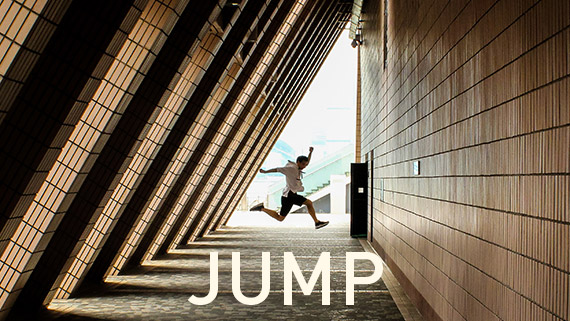
Adding text to your video
Text in videos can be a helpful resource, whether as subtitles, as an intro, or in the credits. Whatever the case, text serves a specific purpose and often help your audience better understand the video. Learn how to add text to your personal videos to give them that little extra touch.

Different video editing techniques
Editing involves assembling your raw footage and using simple or more complex cuts to create a certain mood. Here, you'll learn about the different types of video edits and why it's good to think ahead to the cutting stage while you're still filming.
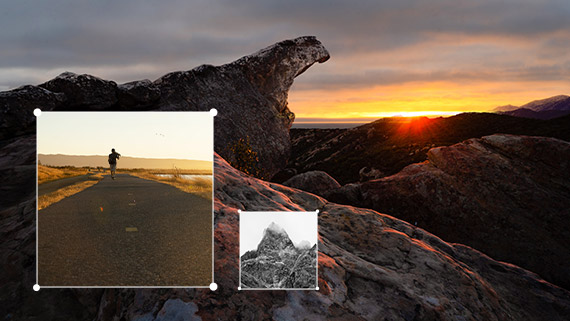
Create your own collages
Video collages are a creative way to create your films. This how-to shows you how you can easily nest your videos or photos into a video collage with Video deluxe Plus.
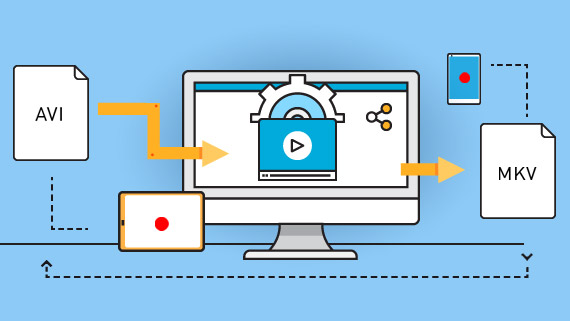
The essential things to know about video conversion
Certain media players require a specific video format, and some devices don't always play all formats. By converting your video to different formats, you can avoid problems during playback. Learn everything you need to know about video conversion here.

A comparison of different video formats
MP4, AVI or MPEG – which video format is right for my needs? If you've ever asked yourself this question, take a look at our guide to video formats. We'll show you what to look out for when choosing video formats.

Converting old tapes to digital
Do you still have old video cassettes that are gathering dust in the attic and don't know how to save them? Digitize your video cassettes with MAGIX in seconds! Here we show you how to keep your cassettes from being forgotten and what you need for digitization.
Other topics




The 5 steps of video editing
1. Review the material
Which recordings are good and which ones are unusable? It's a good idea to make a note of the most important scenes and to remove the scenes you don't want to include in your movie editing.
2. Organizing the movie
Divide your movie into sections according to subject. Once you have defined the individual sections for your video, you can assign the scenes to them.
3. The actual video editing
Now that you have completed all the preparatory steps, you can really start to edit a video. Whether you are an experienced video editor or new to video editing software, the first thing you should do is familiarize yourself with your tool, the video editing program.
4. Fine-tuning
Now you can use effects, titles and image stabilization to smooth the hard edges and to perfect your video.
5. Exporting
Exporting is the last step after editing your videos. You will want to make sure that the image quality is maintained and that the file size stays within acceptable limits.
5 tips for faster video editing results
Platinum | Suite
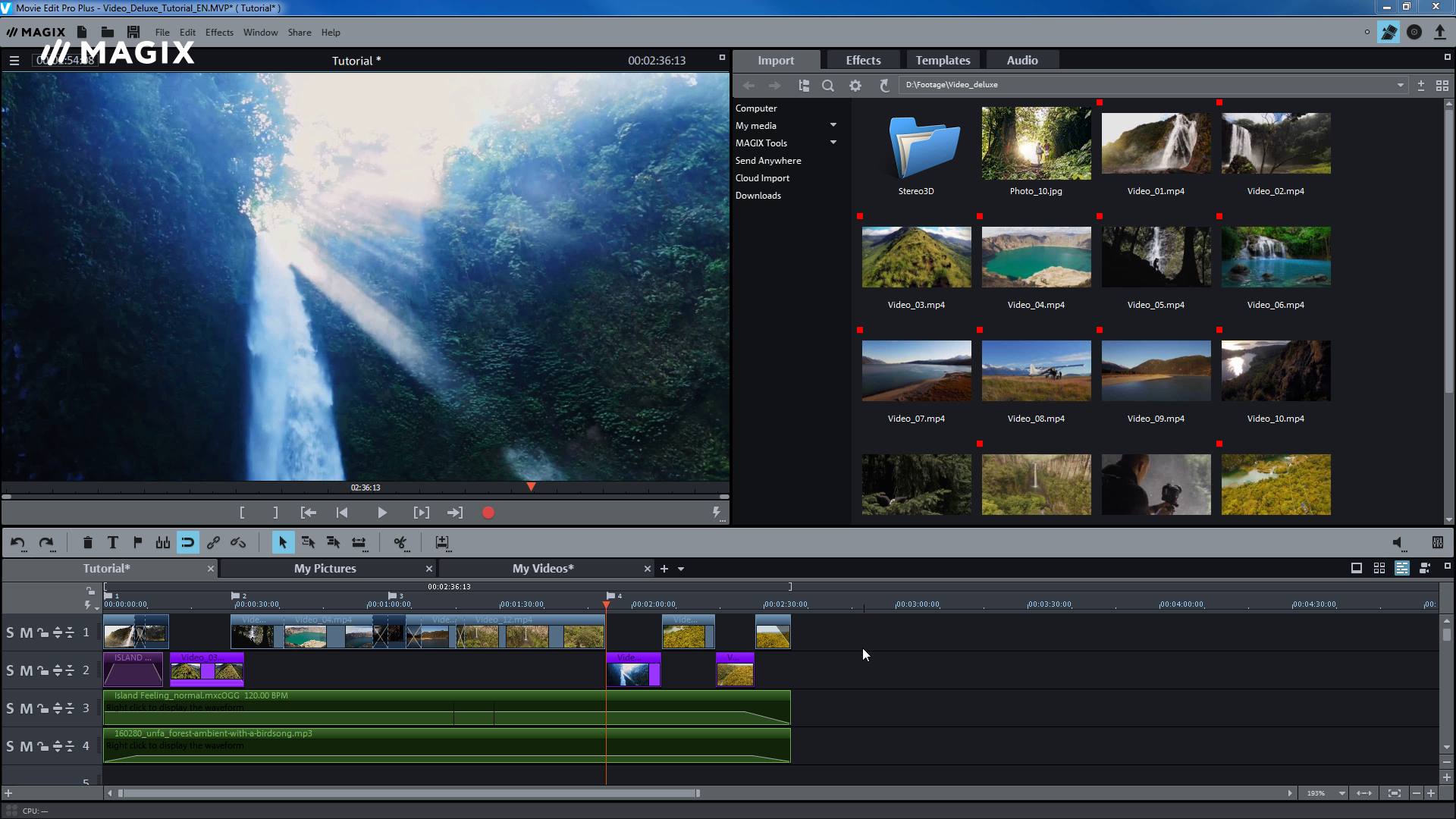
Optimize performance
In larger projects with high-resolution material the playback process may suffer from chopping.
You can find tips & tricks to remedy this problem here.
Platinum | Suite
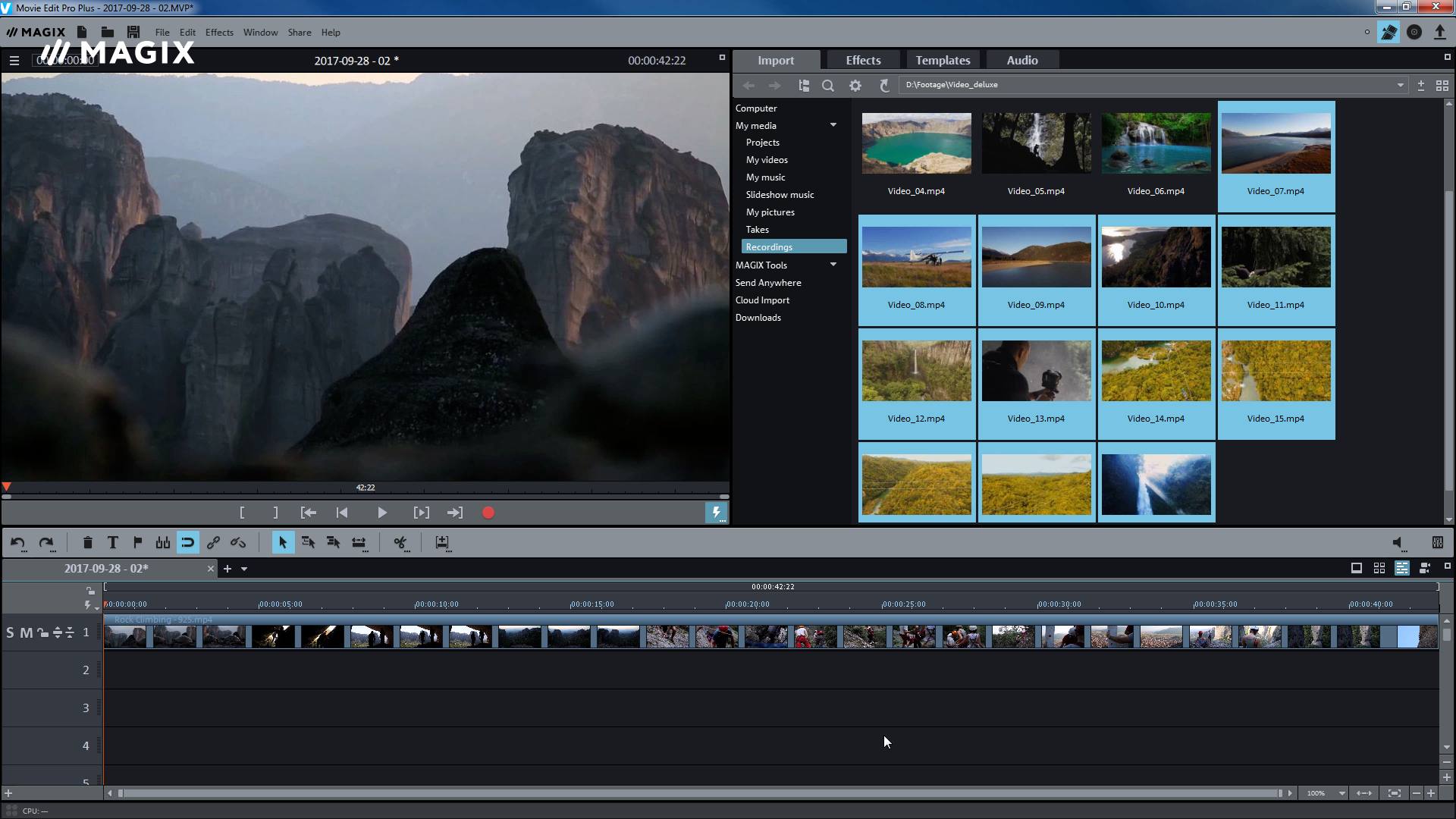
Scene recognition
Automatic scene recognition helps you break up longer videos into individual scenes.
This function analyses recordings for image cuts. The scenes that are identified can be saved as takes and arranged in a new order.
Platinum | Suite
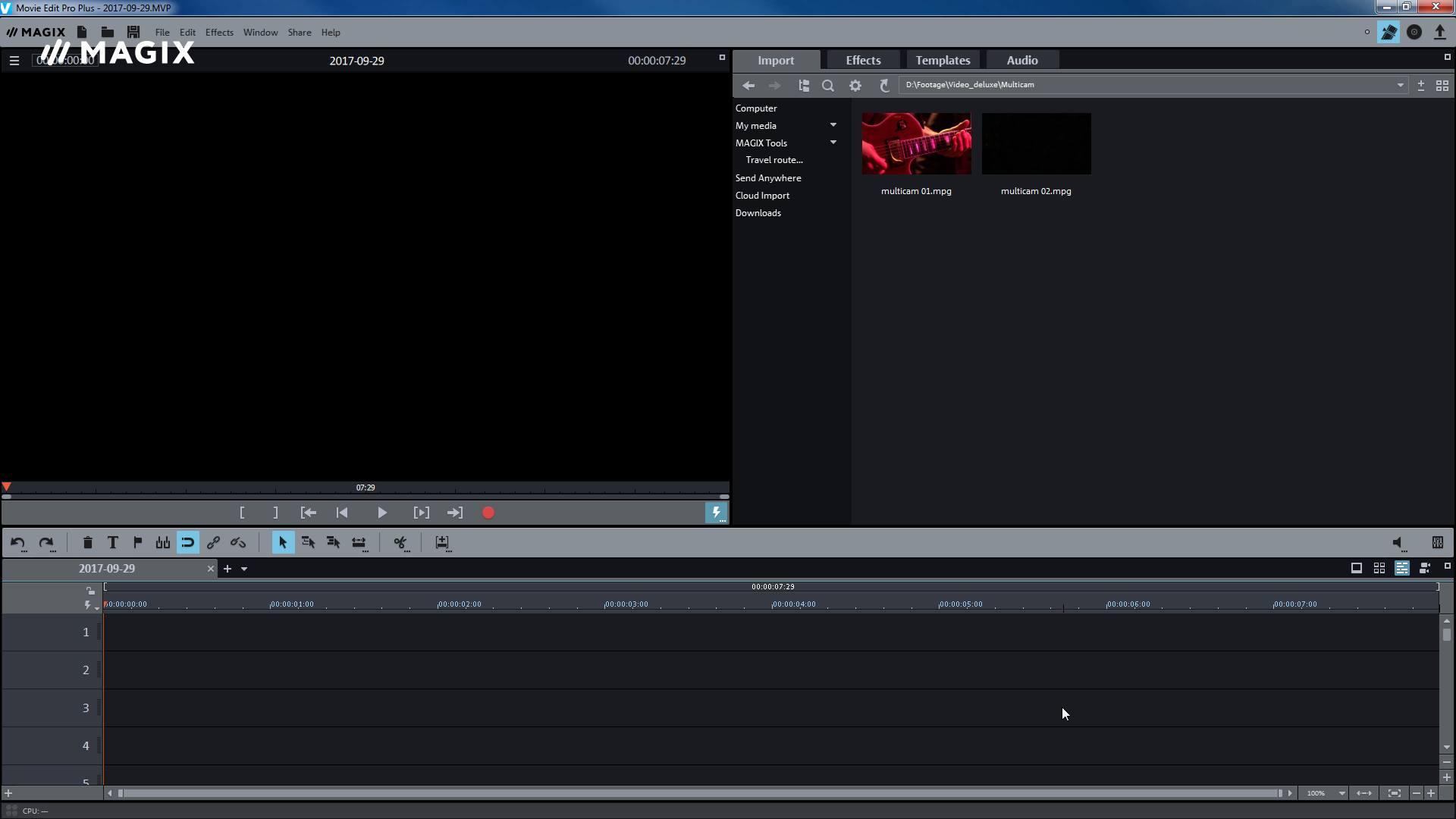
Multicam mode
Sometimes the same scene is recorded by several cameras from different angles.
Multicam mode makes putting these types of videos together much easier. By clicking with the mouse in the preview monitor, you can intuitively edit your video.
Platinum | Suite
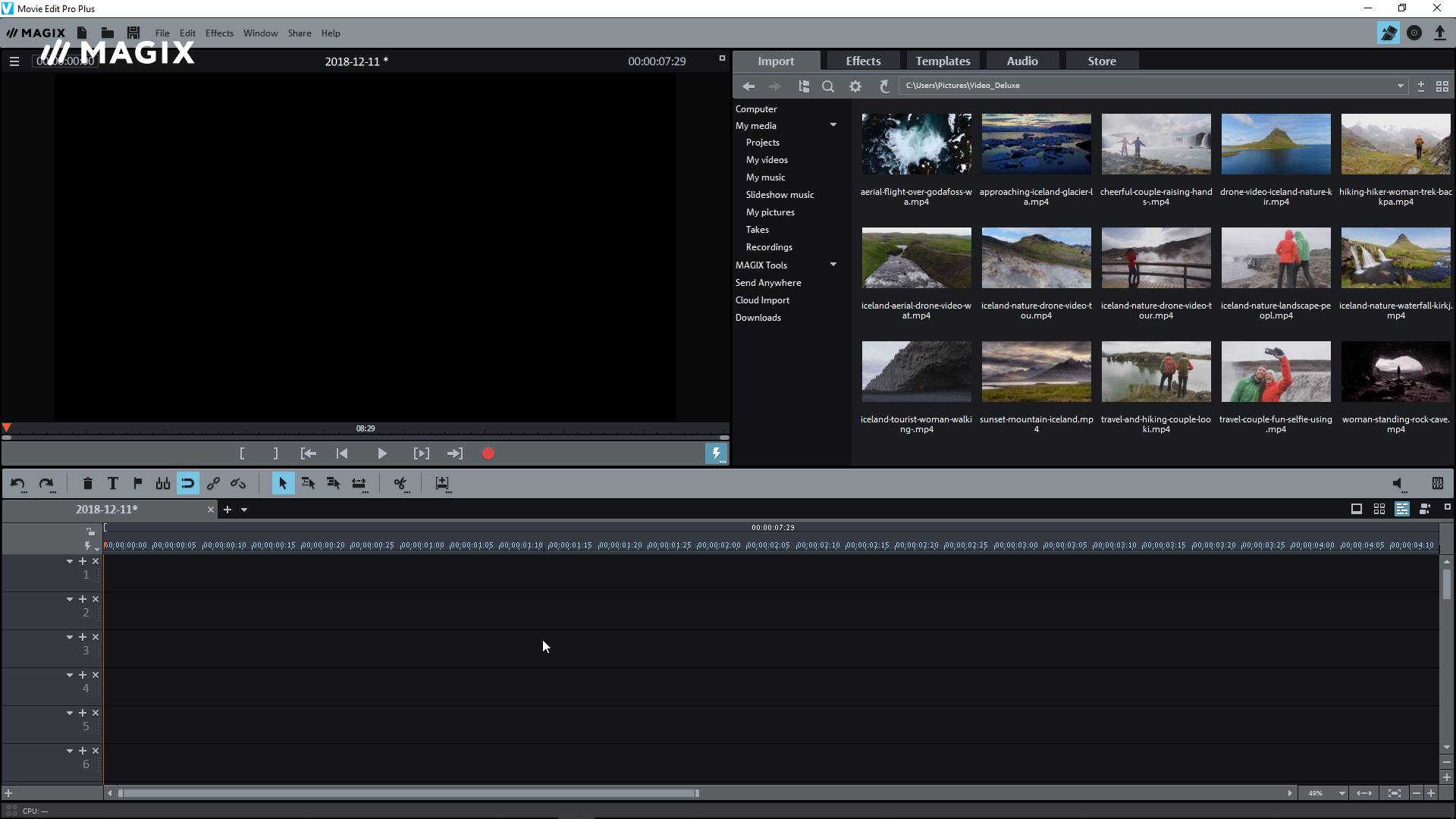
Tracks
This video will show you how to import your videos precisely to the desired tracks, use the track headers properly, as well as organize, name and assign colors to your tracks for more clarity and organization in your projects.

Classic | Platinum | Suite
New Media Pool
The new Media Pool contains all templates, effects and music under Templates and Audio. Everything is organized according to category.
In the Media Pool you can also access the new Movie Studio Store, where there's a wide range of templates.






















