


Photo Manager Deluxe
– more than just a photo organizer

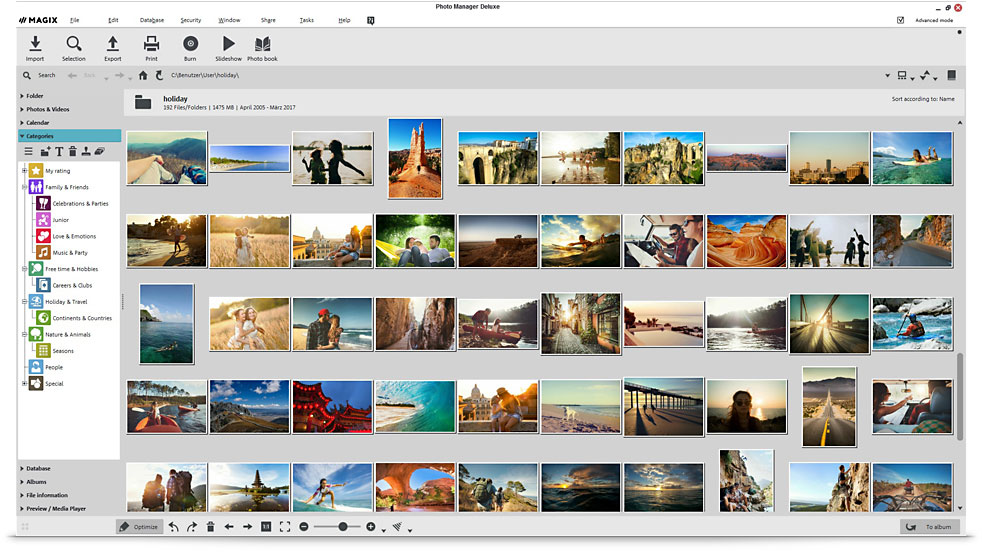
Archive your photos and videos and experience your memories again and again.
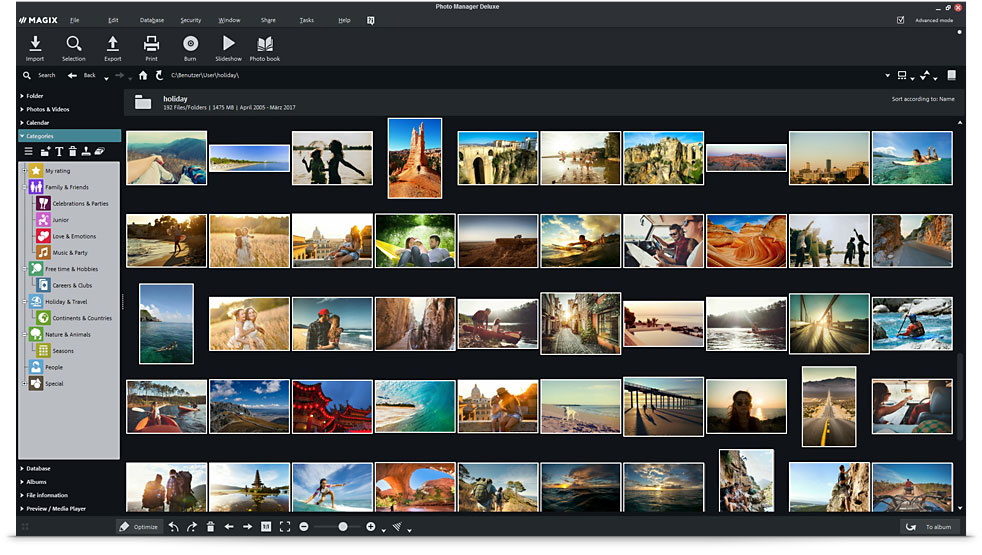
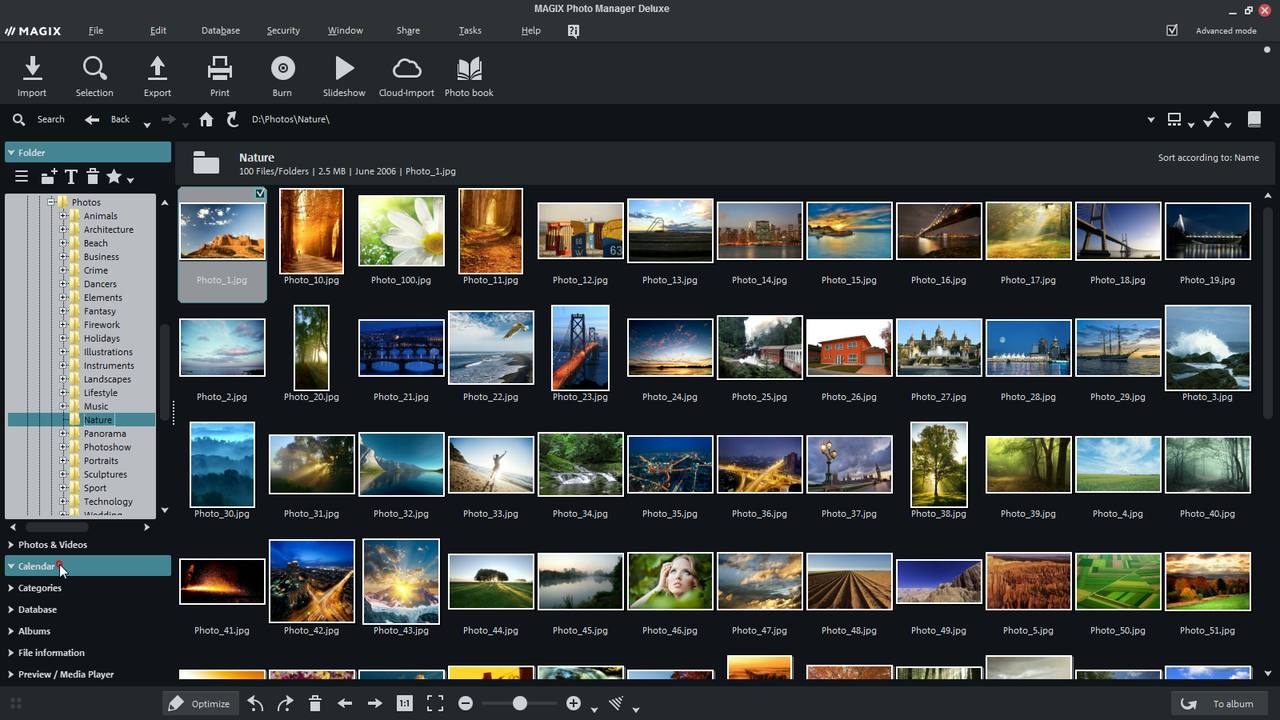
MAGIX Photo Manager helps you maximize your photo and video collection. Edit, sort and organize your photos and videos with ease.
Increase the quality of your panoramic views
with a single click.

Cloud import
Import your images from various cloud services directly into Photo Manager Deluxe. This way you can combine your local photo libraries with your cloud services.
Wide range of formats
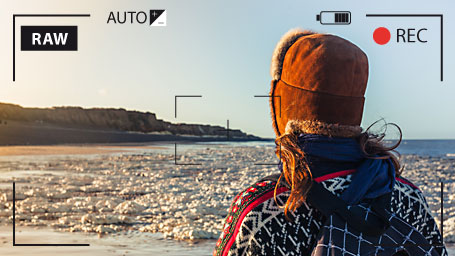
View and organize RAW files or enjoy videos in AVCHD format. Photo Manager Deluxe supports all conventional photo and video formats.
Support of original camera formats (RAW formats) offers more flexibility when image editing.
Intelligent selection
With Photo Manager Deluxe, you can import your media from your scanner or camera directly into the program. The intelligent Selection Wizard uses innovative image analysis to sort out poor shots, duplicates and blurry photos.
Save disk space & time
Virtual albums allow you to assign the same picture to several collections without having to save the image to the hard drive several times. With additional metadata such as names, events or locations, you can search through your photos even faster.
Sometimes, your precious memories
need to be refreshed.

Sharper images
Optimize brightness, contrast, color, and sharpness with just a couple of clicks or conduct red eye correction.

Photo filters & effects
Turn photos into eye catchers! Take full advantage of the filter package with Lomo effect, Color Splash, Drawing and Little Planet.

Perspective correction tool
Correct perspective distortions with just one click and straighten out the leaning tower of Pisa all on your own.

Level horizon
Easily straighten your photos. All you need to do is drag a line along the horizon – and you're done!
Sharper images
Photo filters & effects
Perspective correction tool
Level horizon
Images are meant to be remembered
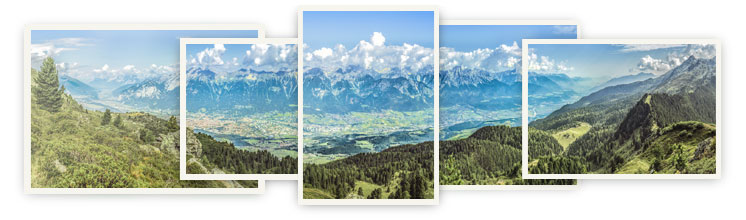
Panorama pictures
Combine up to eight single images to create wonderful panoramas – aligned and cross-faded completely automatically.
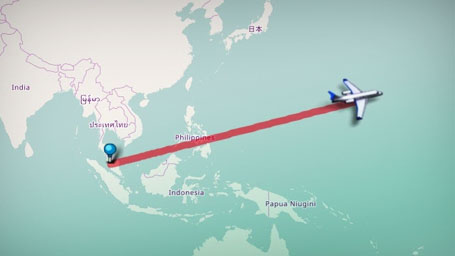
Travel route animation
Take your friends and family along on your travels. Visualize your route with online maps of the world to show the most important highlights of your vacation.
MAGIX Slideshow Maker 2
Create your own slideshows with impressive transition effects, music and spectacular tracking shots.
Share on YouTube or burn straight to CD or DVD.
Additional slideshow templates
You can find photo material with different themes, animations, background music and sound effects in the Catooh Online Media Catalog.
Protecting your privacy.

Password protection
Prevent unwanted access to your images & videos using password protection.
This is highly recommended when exchanging your images over the Internet.

Backup copies
Create backups of your media from within the program and get automatic reminders.
You can then burn photos you haven't already backed up to CD or DVD.

System Restore
Recover accidentally deleted files with a few clicks thanks to auto backups of your image database.
Online tutorial videos
The free tutorial videos from MAGIX provide you with an initial look at various MAGIX programs.
You'll learn quickly and easily how to use the most important features in order to bring your own projects to life.
FAQs
What is MAGIX Photo Manager
Deluxe used for?
Is there a free trial version of
MAGIX Photo Manager Deluxe?
Yes, a free 30-day trial version of MAGIX Photostory Manager Deluxe is available. Just go the free-download section and get started.






















