
Samplitude Music Studio & Pro X:
Watch Video Tutorials
Browse the latest Samplitude Music Studio and Samplitude Pro X video tutorials, hands-on projects, and more. Ranging from beginner to advanced, these tutorials provide basics, new features, plus tips and techniques.
Note: Samplitude Music Studio is a later version of Samplitude® Music Studio 2016. Some videos show the user interface from previous versions of the software. While certain details may have been improved, using the interface of the latest version will not differ from what is show in the videos.
Tutorial videos
Music Studio | Pro | Suite
Introductory video 1
Welcome to Samplitude Music Studio!
This video provides an easy introduction to the world of digital music production and will familiarize you with the start dialog options.
Music Studio | Pro | Suite
Introductory video 2
Learn the ropes of Samplitude Pro X and start taking your productions to the next level. In this tutorial, we'll use a demo song to give you an overview of the program interface, object-based and track-based audio editing and the mixer.
We'll show you how to organize your projects, use VSTi instruments and record with Samplitude.
Basic Functions
Music Studio | Pro | Suite
Recording
In this video, we'll show you everything you need to know about recording an external source.
Music Studio | Pro | Suite
Editing
In this video, we'll show you all of the most important options for editing audio objects in Samplitude Music Studio.
Music Studio | Pro | Suite
Mixing
With the mixer, you have control over all your projects. Volume, panorama and effects offer everything you need to get the best out of your instruments, sounds, and vocals.
Mix your songs just like a professional sound engineer.
Music Studio | Pro | Suite
Mastering
After you've finished mixing your tracks, the next step is mastering. In this introductory video we'll show you the Mastering Suite in Samplitude Music Studio.
Music Studio | Pro | Suite
Export
You can export your finished songs from Samplitude Music Studio in various formats, for instance as a CD or audio file on your computer.
Music Studio | Pro | Suite
Track editor
The track editor gives you access to all the most important track functions: From Audio and AUX settings to plug-ins, mixer settings, comments and equalizer.
Music Studio | Pro | Suite
MIDI compositions
You can correct recordings made with the MIDI keyboard or drum pads, or you can make your own patterns with your mouse.
Music Studio | Pro | Suite
Automation
Automations allow you to give your recordings more dynamic. Volume, panorama progressions and effects are controlled with the help of track curves.
Music Studio | Pro | Suite
Vocal tuning
Put the right mood in your vocals. Or use the harmonizer to create a chorus which is automatically adjusted to fit the selected key.
Music Studio | Pro | Suite
Guitar and bass amp
Vandal SE provides you with a top class virtual guitar and bass amp. Vandal SE virtualizes every aspect of a real amp. From the type of tube to the amplification stage on through to the speaker coil, this virtual amplifier is as good as the real deal and has an unbelievably realistic sound.
Music Studio | Pro | Suite
BeatBox 2 Plus
The BeatBox 2 drum machine is the perfect tool for making grooves and beats. In addition to an amazing sound engine and lots of drum kits, BeatBox 2 offers complete control over engaging sound progressions and an integrated effects sections.
Pro | Suite
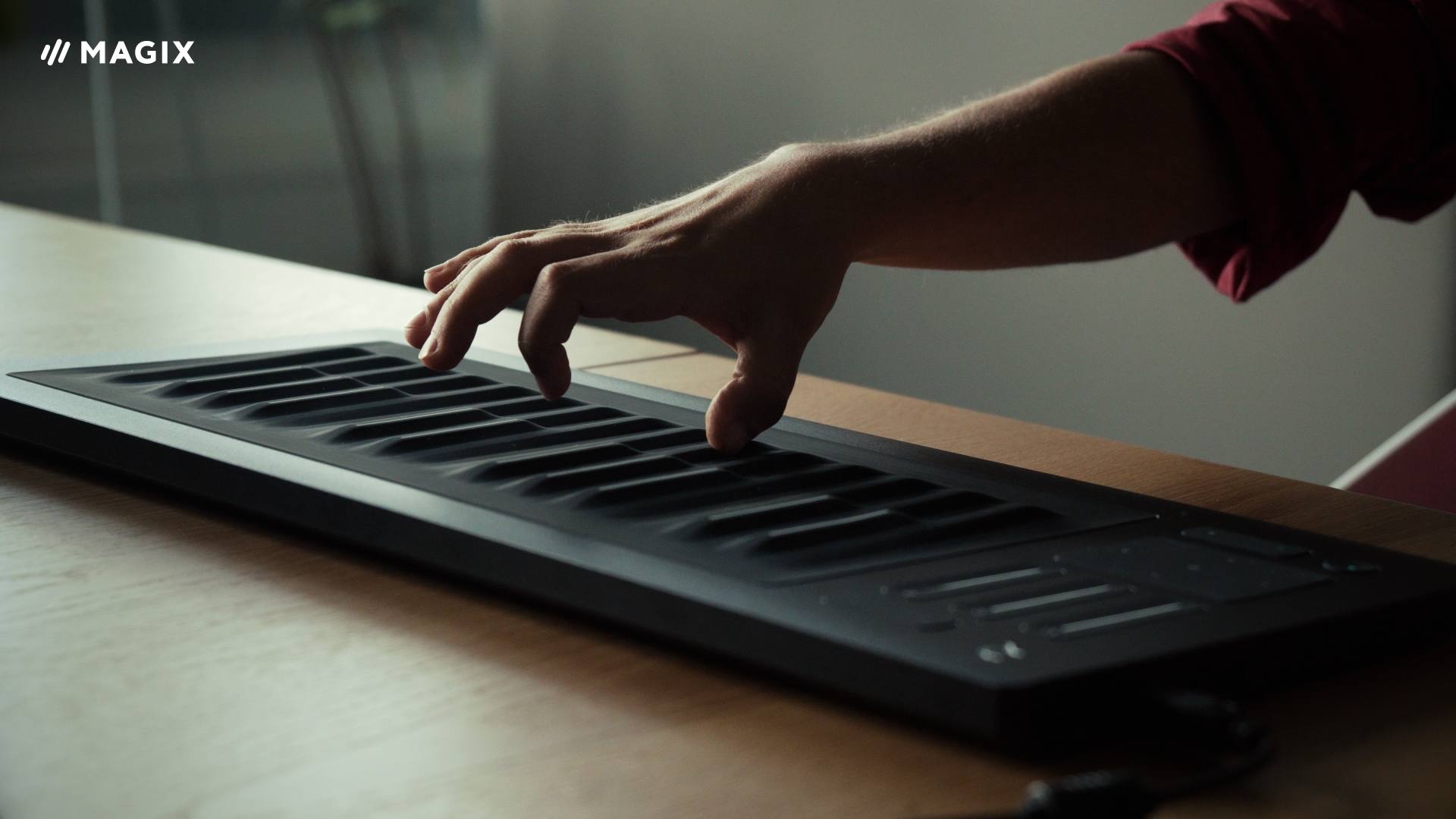
The ROLI Seaboard and Samplitude Pro X
Now with support for MIDI Polyphonic Expression, version 5 of Samplitude Pro X is the ideal partner for the innovative ROLI Seaboard controller.
We'll show you how to connect the Seaboard and use it in Samplitude.