

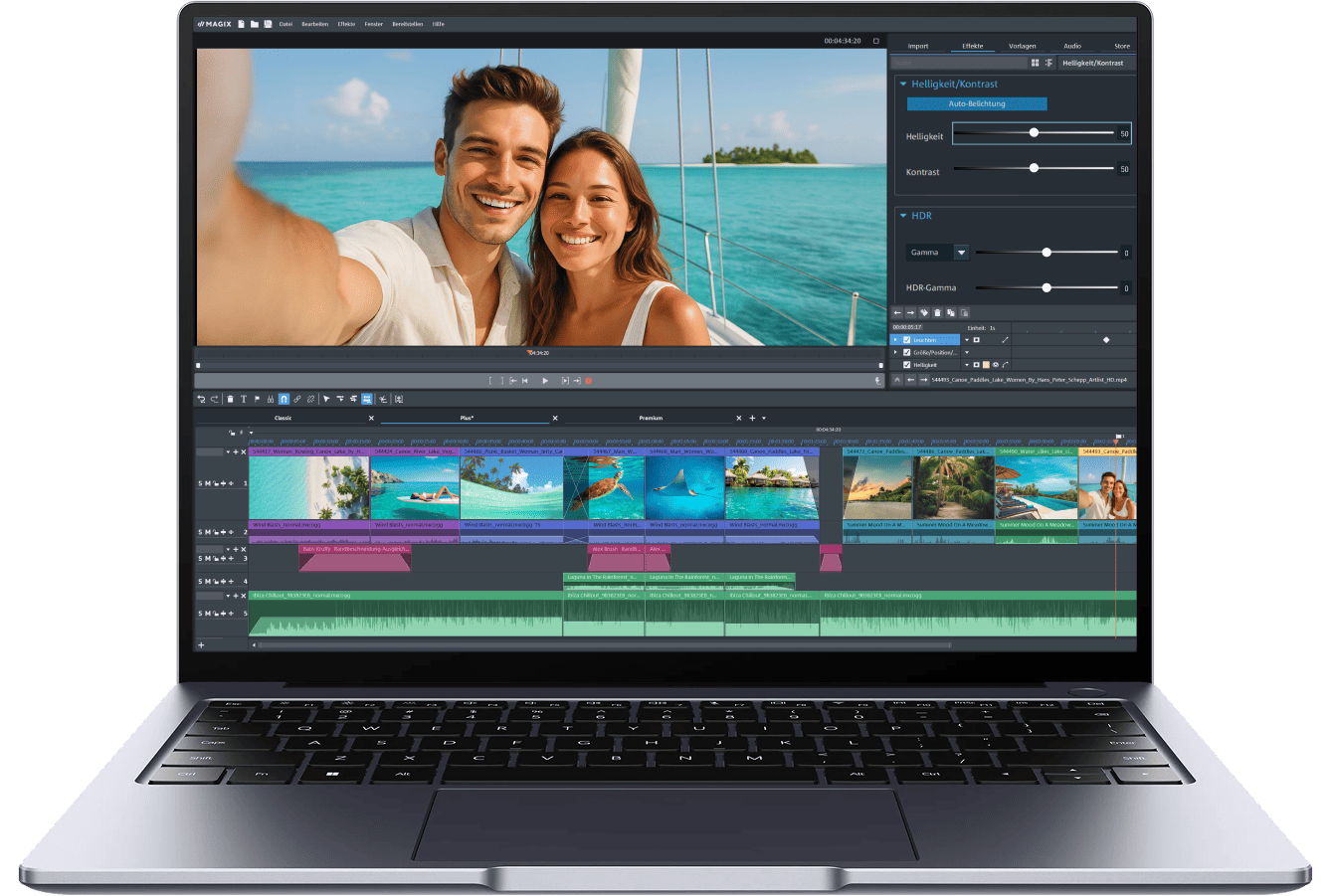
All levels welcome Your video editing journey starts here
With a simple workflow, easy effects and helpful templates, Video deluxe feels less like work and more like play. Whether you're just starting out or leveling up your hobby, it brings you all important tools without the steep learning curve.
A simple workflow Create Videos in 4 easy steps
This video editing software keeps things simple. Your tools are always at hand, your footage is easy to import, and your films automatically fit any screen.

1. Import your footage

2. Cut, trim and arrange your clips

3. Add transitions and effects

4. Export and share your videos
Editing essentials simple tools for great ideas
You don’t need years of experience to make great videos. With smart tools and built-in effects, Video deluxe makes it easy to bring your ideas to life

Edit your way
Start with easy-to-use presets, or build your video from scratch. Whether you're using Storyboard mode for quick edits or Timeline mode for full control, Video deluxe lets you work however you like.

Meet your editing sidekicks
From enhancing images to adding transitions, our AI tools help you with a variety of time-consuming tasks. They take the guesswork out of editing, so you can focus on your creativity.
Advanced features

Chroma Key
Whether you're filming against a green or blue screen, you can replace backgrounds and transport your story anywhere.

MultiCam
Sync footage from multiple cameras and easily switch between shots. Perfect for gaming, streaming and tutorials.

Screen recording
Capture every click and action, add your voice, and guide your audience through gameplay, tutorials, or anything in between.
Smarter, faster, bolder New in Video Deluxe 2026
Get ready for a smoother video editing experience with all-new features designed to save time and support you from start to finish.
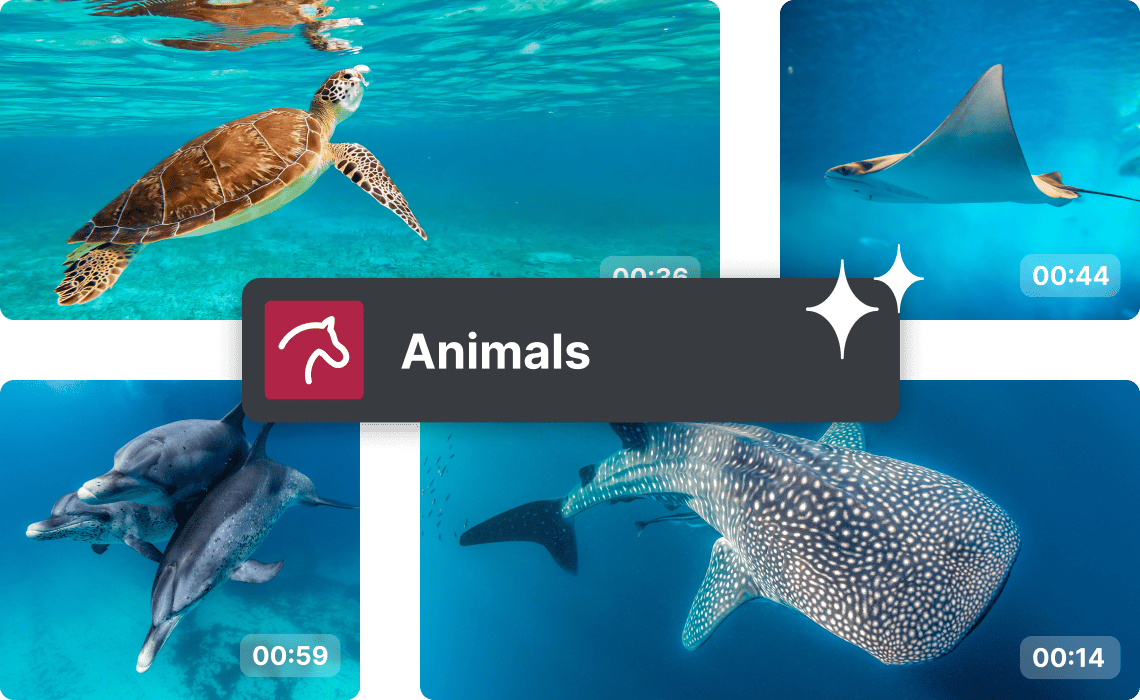
AI Media Management
Let AI organize your assets with automatic media sorting and tagging. Find clips in fewer clicks and streamline your editing process.
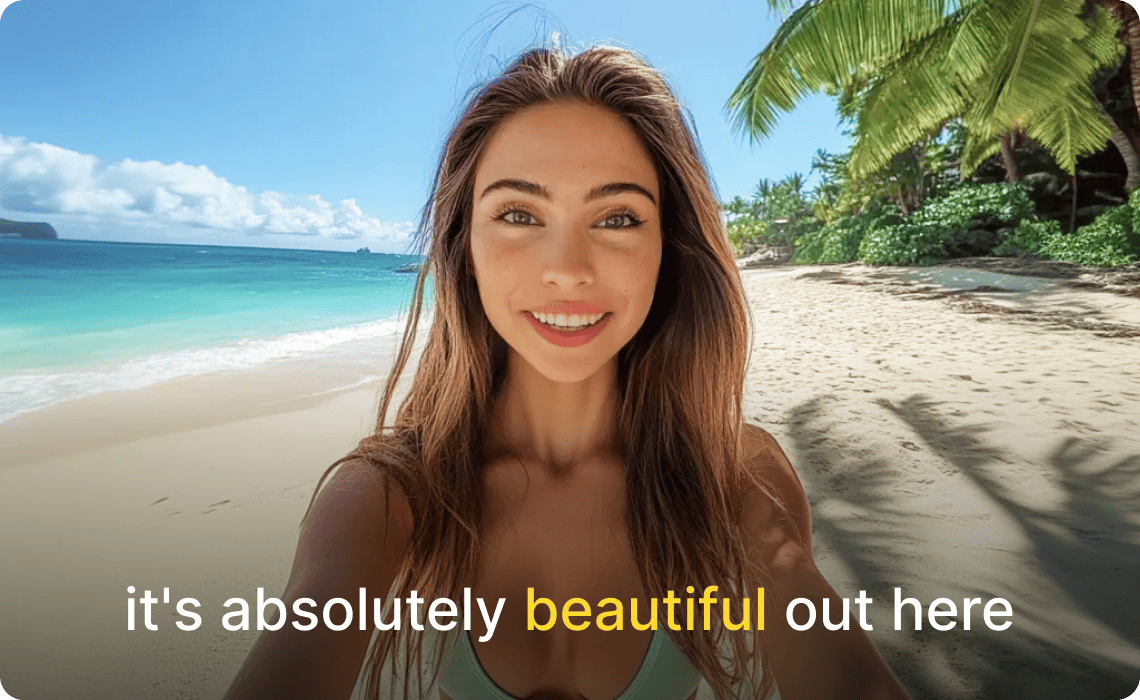
Karaoke-style subtitles
Keep viewers engaged and make your vlogs and tutorials more accesible with subtitles that highlight each word as it’s spoken.
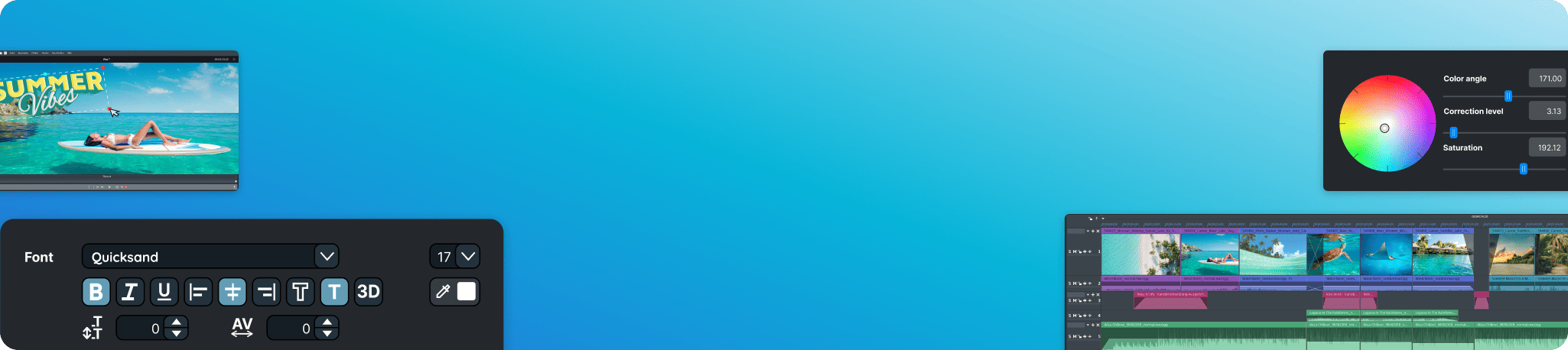
Check out all
new features
AI-powered features Edit smarter, not harder
From automatic subtitles and voiceovers to smart effects, our AI tools make video editing smoother, faster, and more precise.
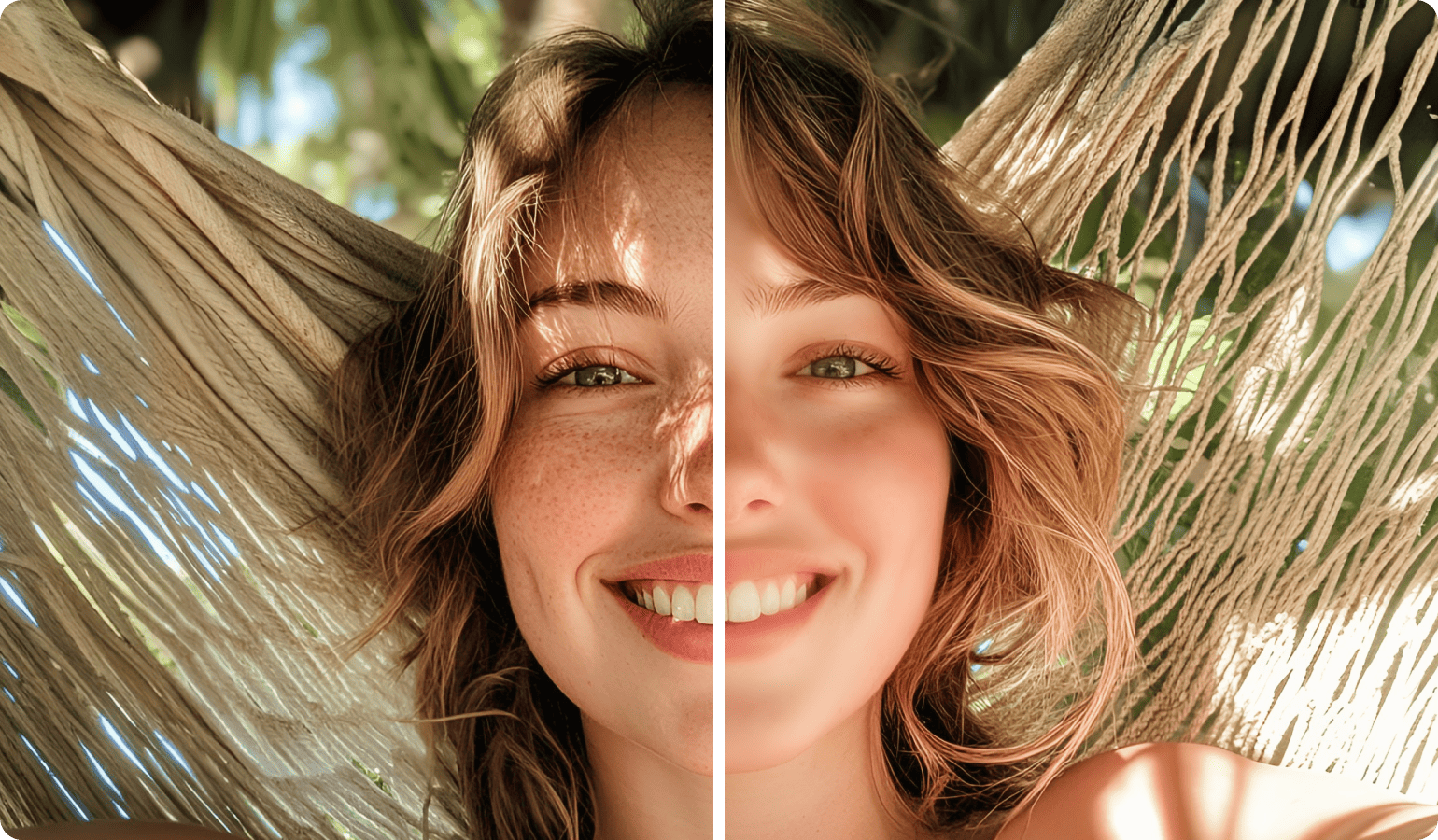
KI Glätten
Poliere deine Bilder
Kaschiere Makel und schwäche grelle Highlights ab. Für einen sauberen, professionellen Look.
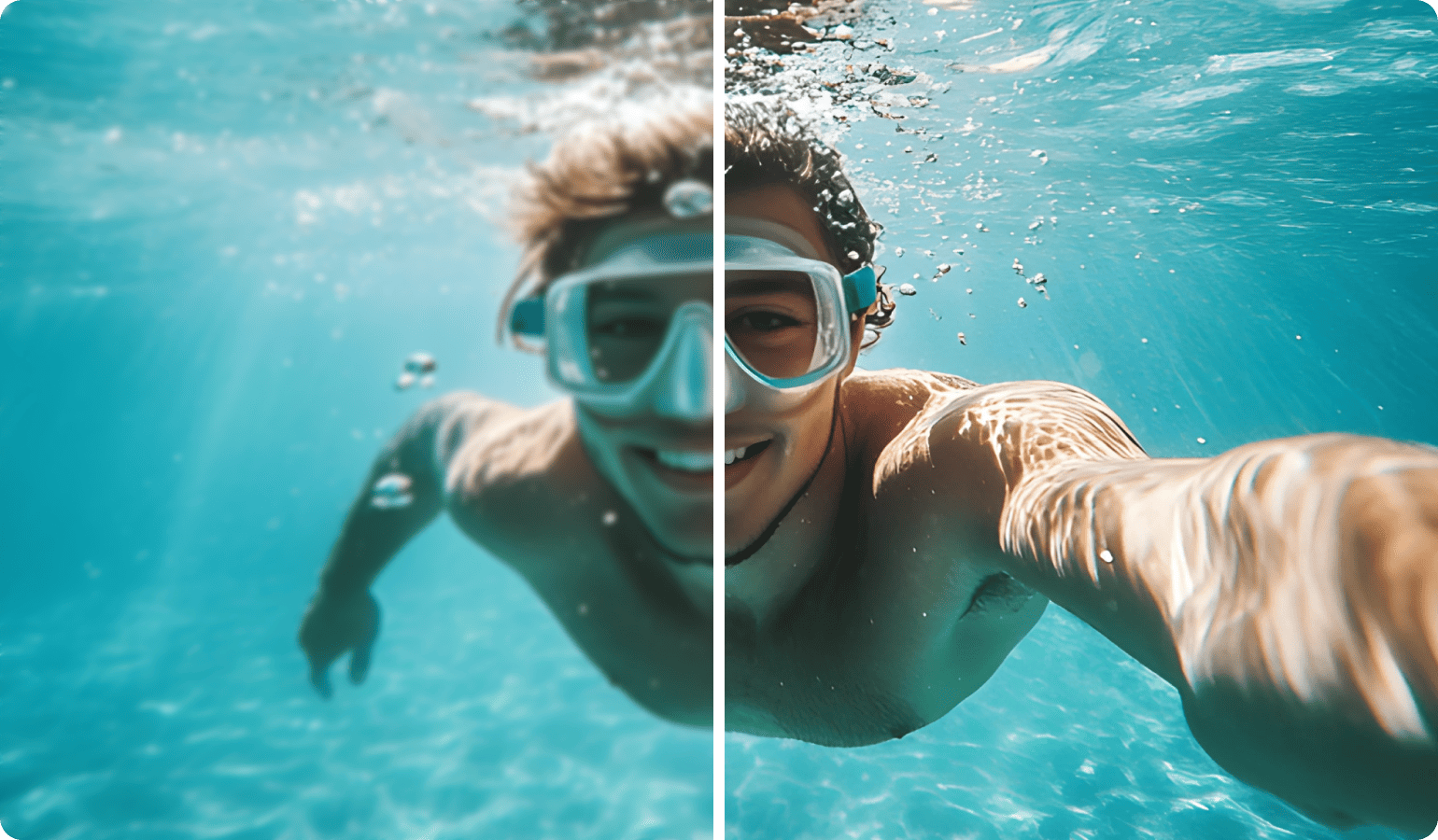
KI Schärfen
Schärfe Aufnahmen
Erhöhe Schärfe und Kontrast deiner Fotos und Videos, für gestochen scharfe Ergebnisse mit nur einem Klick.
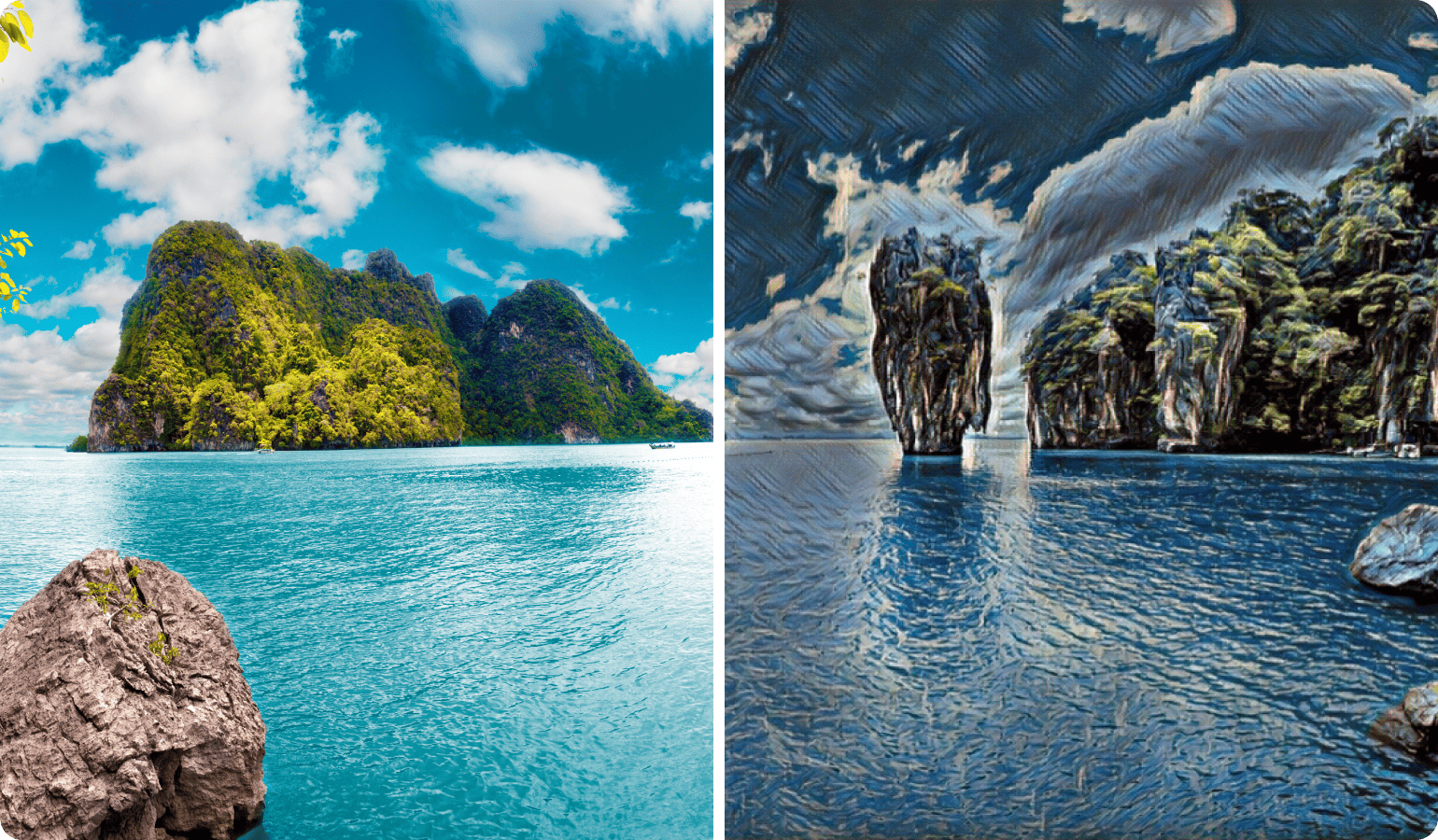
KI Style Transfer
Verwandle Clips in Kunst
Verleihe deinen Videos den Stil klassischer Meisterwerke von Van Gogh oder Picasso, und gib deinen Projekten einen Hauch zeitloser Kunst.
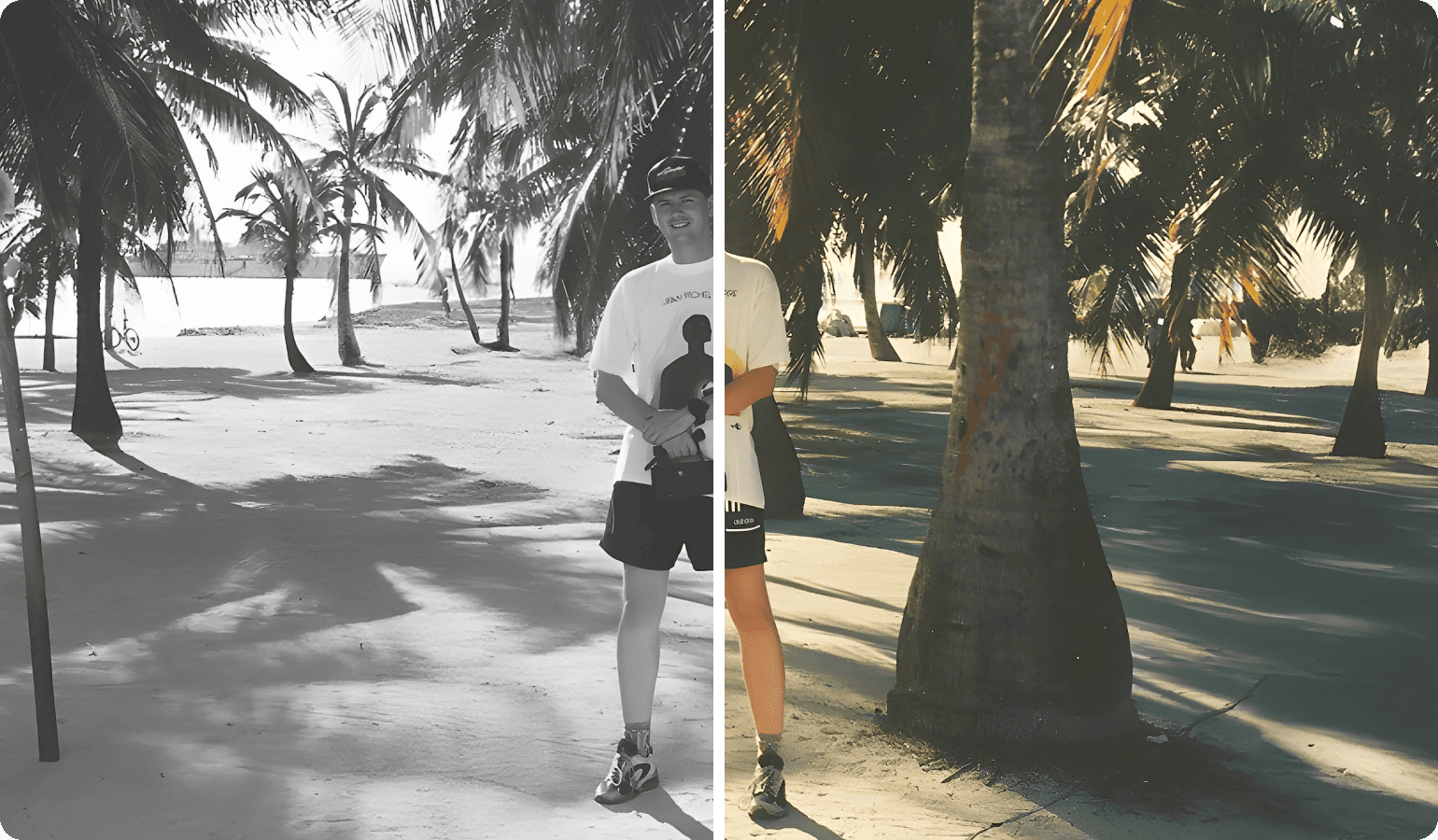
KI Colorize
Belebe altes Material wieder
Verwandle analoges Schwarz-Weiß-Footage in lebendige Farbvideos. So einfach wie ein Standardeffekt und in Sekunden sichtbar.
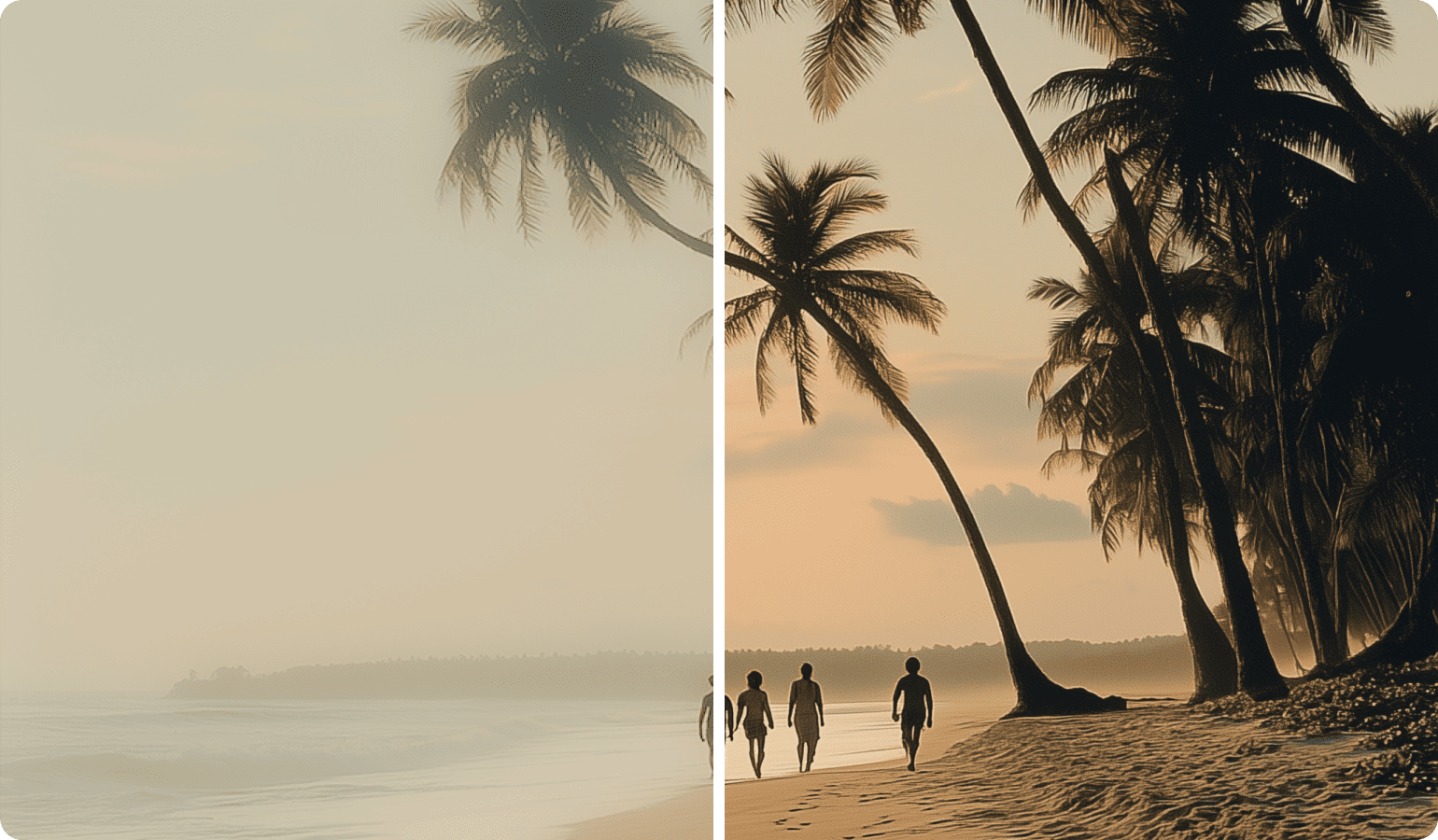
KI Nebel entfernen
Enthülle Details
Reduziere automatisch Dunst, Nebel oder Rauch in deinen Fotos und Videos, und bring verborgene Details zum Vorschein.
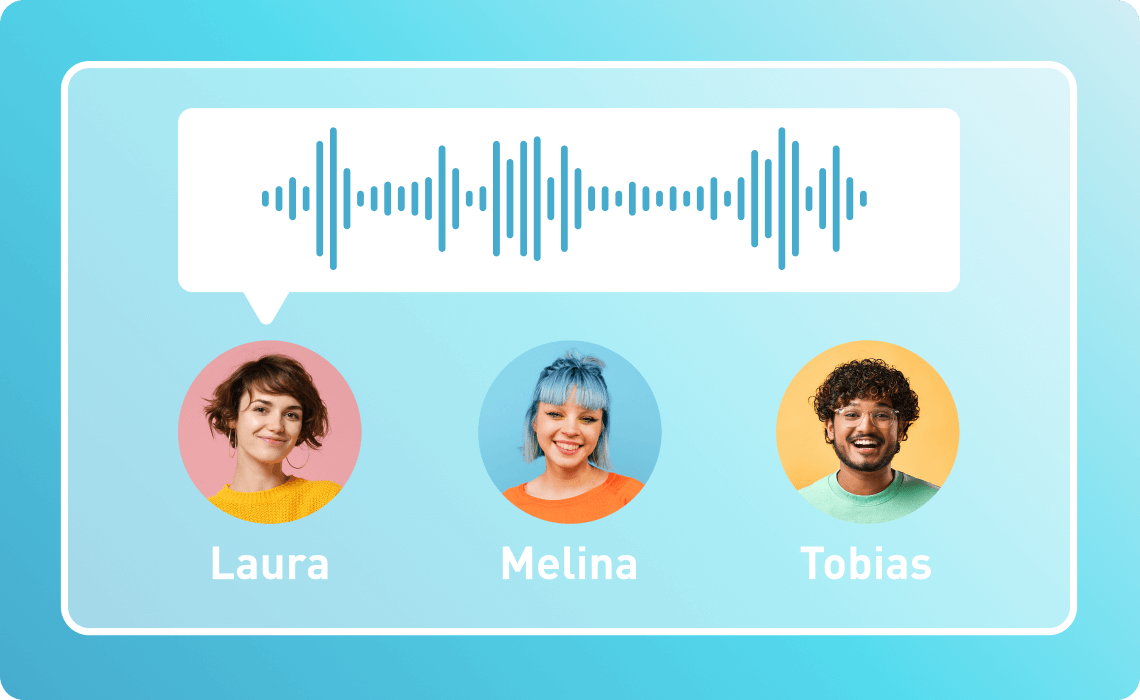
Text-to-Speech Get instant voiceovers
Convert your text input into natural-sounding speech. Available in over 100 different languages and styles.

Speech-to-Text Quick and easy subtitles
Turn speech into accurate, editable text and create captions that make your content easier to follow.

Product comparison choose your version
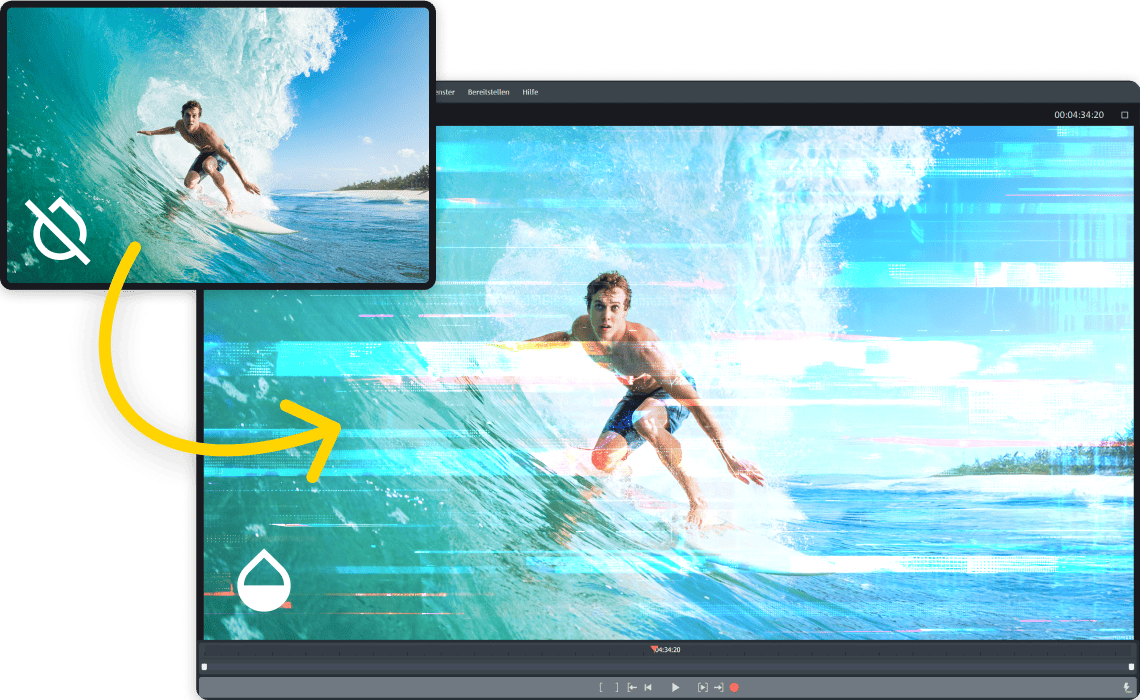
Video deluxe Premium over 1,700 effects on top
Access high-end effects and transitions with proDAD Vitascene V5 Pro, and give your videos a serious upgrade.
Video deluxe Ultimate
all Plus features
+ 13 powerful add-ons
Unlock everything in Plus, and take it further with the ultimate suite of effects, image optimization tools and bonus content.

MAGIX Content Hub all the content you need
Access a library of royalty-free music, sound effects, and video clips right inside Video deluxe. No licensing hassle, just ready-to-use content.
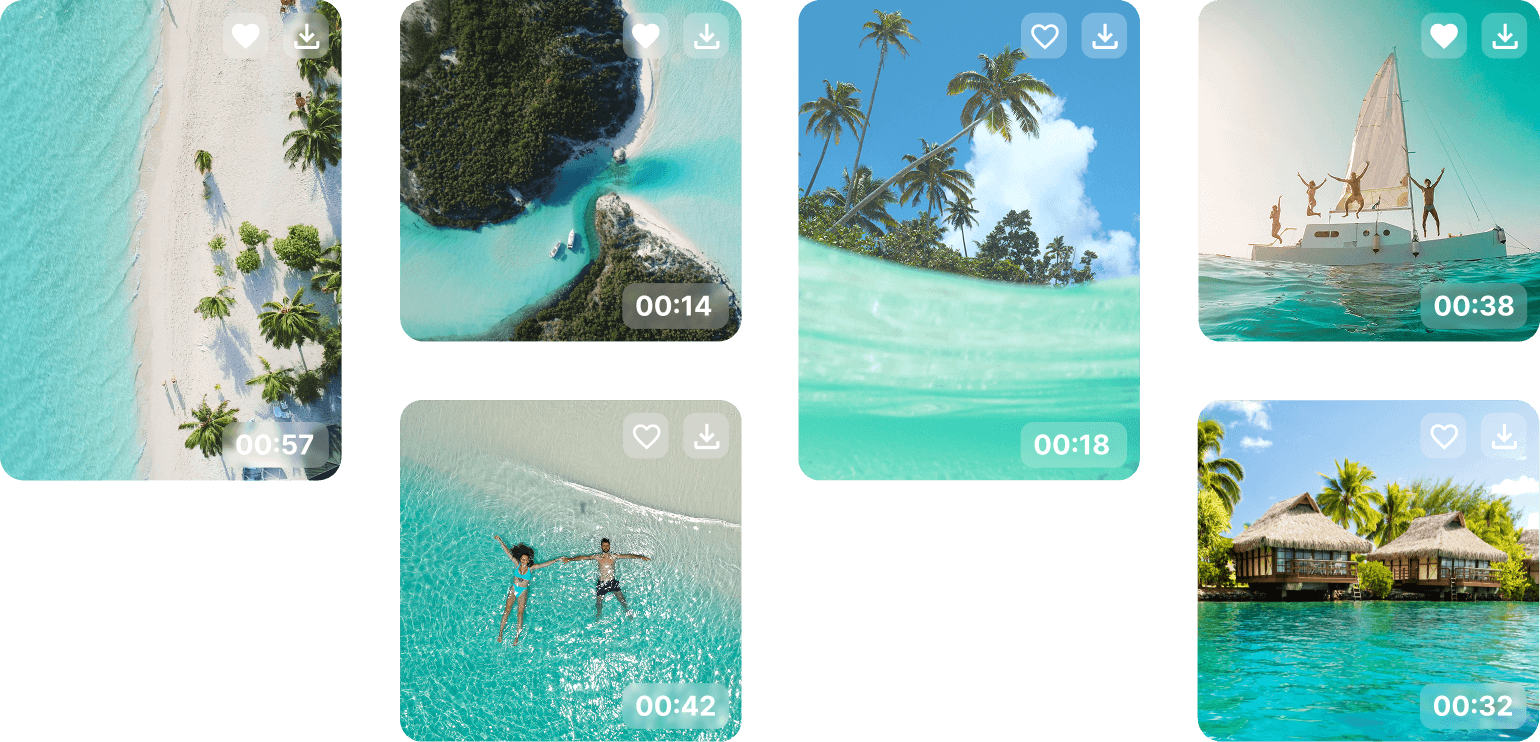
Storyblocks content
Looking for stock material? Video deluxe gives you access to over 1 million high-quality video and audio assets from Storyblocks, directly from your timeline.

Effects, transitions and titles
Video deluxe comes with over 2,000 assets, along with helpful templates and presets to kickstart your project. With all this built in, you’ll never run short on creative options.

In-app store
Looking for even more effects or the perfect music? Browse the in-app store and expand your toolkit anytime.

Over 1 million
satisfied users
Connect and grow Join the editing Community
Creativity loves company. Get in touch with other filmmakers, exchange ideas, and get inspired by a passionate community that helps you grow your skills.

Forum
Got questions or just want to connect with other creators? Share your ideas and inspo here.
Tips and tricks
These hacks will help you get more out of Video deluxe, one step at a time.
Select a version


Video deluxe 2026 Plus
- Smooth and seamless editing with the all-in-one media window
- Accelerated export and smooth project playback with the INFUSION Engine
- AI-powered tools for generating subtitles automatically and creating realistic voiceovers
- AI effects for enhancing image quality and unique visual styles
- Precise color correction, automatic look adjustment filters for impressive film looks
- Templates for projects, editing sequences and export—also for social media
- Over 2,000 effects, fades, templates, titles + integrated image stabilization
- Access over 1 million royalty free video and audio assets
- MultiCam editing with up to 4 cameras
- Additional creative content in the in-app store
Upgrade: Video deluxe 2026 Plus
- Smooth and seamless editing with the all-in-one media window
- Accelerated export and smooth project playback with the INFUSION Engine
- AI-powered tools for generating subtitles automatically and creating realistic voiceovers
- AI effects for enhancing image quality and unique visual styles
- Precise color correction, automatic look adjustment filters for impressive film looks
- Templates for projects, editing sequences and export—also for social media
- Over 2,000 effects, fades, templates, titles + integrated image stabilization
- Access over 1 million royalty free video and audio assets
- MultiCam editing with up to 4 cameras
- Additional creative content in the in-app store


Video deluxe 2026 Premium
- Exclusive: proDAD VitaScene V5 Pro effects suite with over 1,700 powerful effects and filters
- Smooth and seamless editing with the all-in-one media window
- Accelerated export and smooth project playback with the INFUSION Engine
- AI-powered tools for generating subtitles automatically and creating realistic voiceovers
- AI effects for enhancing image quality and unique visual styles
- Precise color correction, automatic look adjustment filters for impressive film looks
- Templates for projects, editing sequences and export—also for social media
- Over 2,000 effects, fades, templates, titles + integrated image stabilization
- Access over 1 million royalty free video and audio assets
- MultiCam editing with up to 4 cameras
- Additional creative content in the in-app store
Upgrade: Video deluxe 2026 Premium
- Exclusive: proDAD VitaScene V5 Pro effects suite with over 1,700 powerful effects and filters
- Smooth and seamless editing with the all-in-one media window
- Accelerated export and smooth project playback with the INFUSION Engine
- AI-powered tools for generating subtitles automatically and creating realistic voiceovers
- AI effects for enhancing image quality and unique visual styles
- Precise color correction, automatic look adjustment filters for impressive film looks
- Templates for projects, editing sequences and export—also for social media
- Over 2,000 effects, fades, templates, titles + integrated image stabilization
- Access over 1 million royalty free video and audio assets
- MultiCam editing with up to 4 cameras
- Additional creative content in the in-app store


Video deluxe 2026 Ultimate
Video deluxe 2026 Premium
proDAD add-ons
+ Hide V2: Remove objects and people
+ ReSpeedr V2: Slow motion and time lapse effects
+ Mercalli V6: Professional image stabilization
+ Disguise V2: Pixelation and defacement
+ Ultimate Video Content Package: Over 100 additional effects and transitions
+ Ultimate Travel Package: maps, vehicles and more for travel slideshows
+ Ultimate Audio Content Package: 5 Soundpool Collections and 3 effect packages
+ Ultimate Mix (Song Collection): Unique songs from different genres
+ Ultimate Christmas Song Collection: Christmas classics and moving melodies
+ Voucher for additional credit
- Text-to-Speech: More voiceovers
- Speech-to-Text: More subtitles
- Stock Content: Additional downloads
Upgrade: Video deluxe 2026 Ultimate
Video deluxe 2026 Premium
proDAD add-ons
+ Hide V2: Remove objects and people
+ ReSpeedr V2: Slow motion and time lapse effects
+ Mercalli V6: Professional image stabilization
+ Disguise V2: Pixelation and defacement
+ Ultimate Video Content Package: Over 100 additional effects and transitions
+ Ultimate Travel Package: maps, vehicles and more for travel slideshows
+ Ultimate Audio Content Package: 5 Soundpool Collections and 3 effect packages
+ Ultimate Mix (Song Collection): Unique songs from different genres
+ Ultimate Christmas Song Collection: Christmas classics and moving melodies
+ Voucher for additional credit
- Text-to-Speech: More voiceovers
- Speech-to-Text: More subtitles
- Stock Content: Additional downloads
Want to know even more?
If you're looking for an easy-to-use video editing solution, MAGIX Video deluxe is the perfect choice. Whether you're a beginner or a pro, this video software offers everything you need for high-quality results. From quick cuts to detailed effects, start your next project with one of the best video editing programs available.





















