
NEW! Completely redesigned user interface
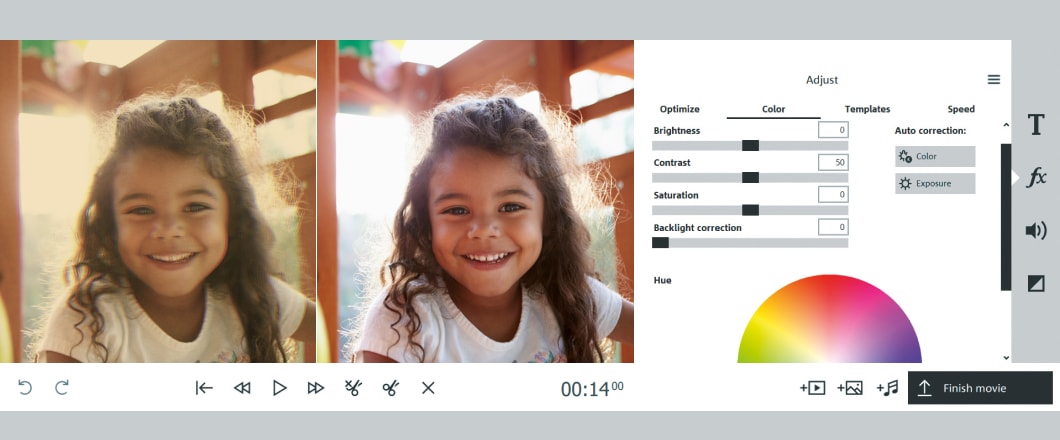
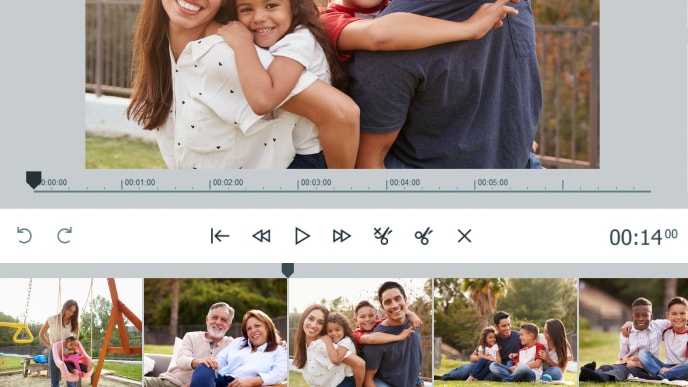
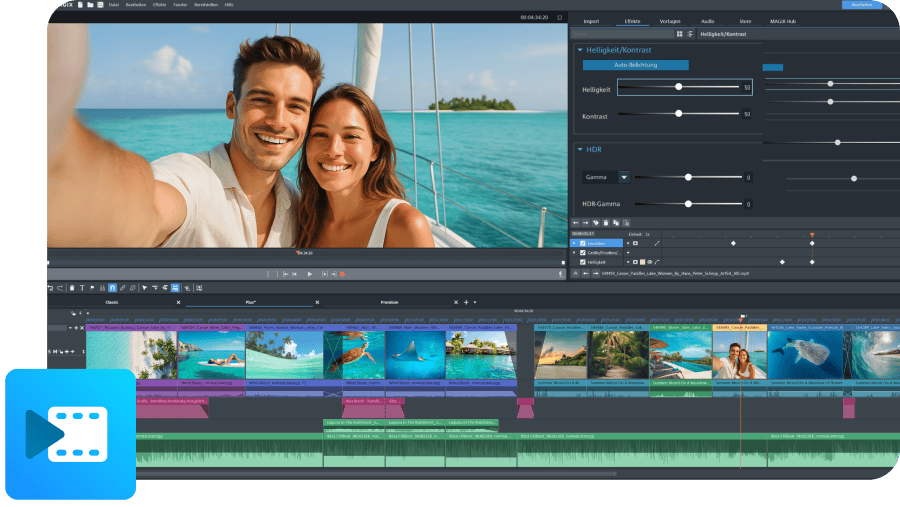
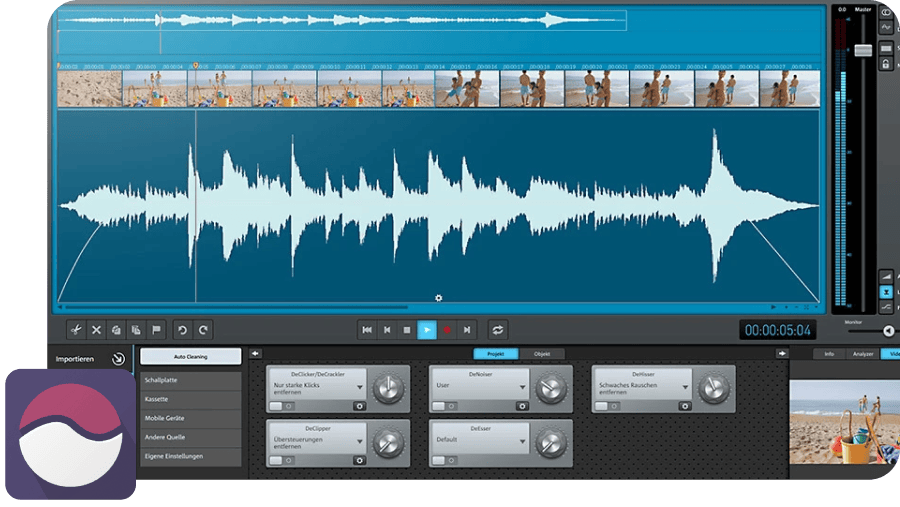
It doesn't just look better: To make video editing with Video easy* even easier and more intuitive, we revised the entire color scheme of the user interface and dialogs, using brighter and friendlier colors. And that's not all: We revised the program's icons, enlarged the buttons, added more fields (for example, to delete clips) and optimized the layout even more.
* MAGIX Rescue your Videotapes! Edition
NEW! Even faster: improved performance

Our developers were hard at work to make the new version even faster and more efficient. They were successful! MAGIX Video easy* is now even faster than its previous version. Enjoy Video easy's improved performance in many steps of the video editing process, for example, when previewing effects in real time or when loading large video projects. This way, you'll have more time to enjoy your finished videos.
Includes USB lead and SCART cable
Life expectancy of VHS recordings

Do you still own recordings on VHS cassettes? Precious memories that you can't afford to lose? Then do something about it – fast! Tape recordings are anything but safe: The average life expectancy for VHS cassettes amounts to around 15 years, and that's in optimum storage (protected from light, low moisture levels, and constant temperature). The magnetic layer slowly deteriorates until the tape is useless. And all this can happen at a faster pace if tapes haven't been stored in the best possible conditions!
Quality loss through use
Tape salad & magnets

Everyone is familiar with this one: >ERROR<! appears on your recorder's display. When you try to get the tape back out of the machine, the tape remains stuck inside, the classic tape salad scenario! Not much fun if you were just about to watch your honeymoon again – it's been destroyed! Even a simple magnet, e.g. speaker boxes, can irreparably damage your videos. The magnetic tape is influenced by the magnetism just like a credit card, and the data contained is made unreadable.
Obsolete technology

DVD players are more or less in every household these days. DVDs have become the best-selling video recording medium. Compared to VHS recorders, analog video cameras, and the corresponding magnetic tape are hardly produced anymore. In case items become damaged, it's not worth it anymore to repair items. Soon, the VHS medium will be a thing of the past.
To the rescue!
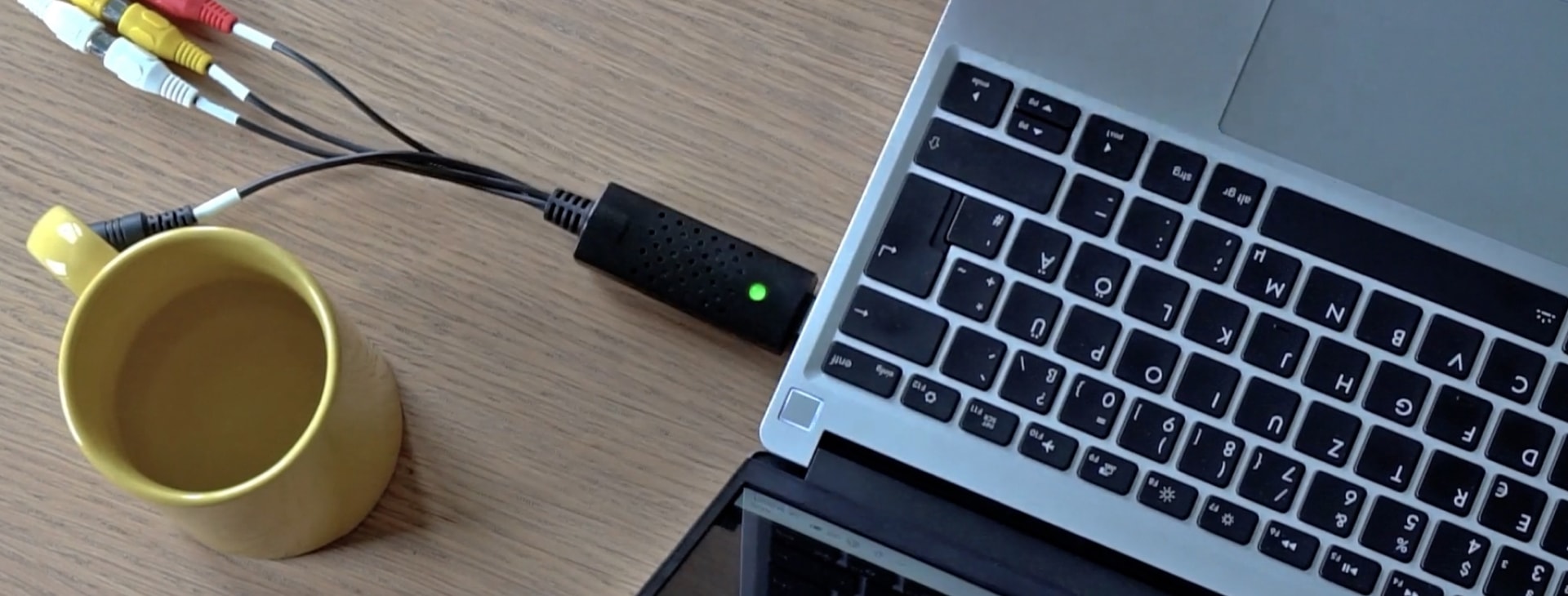
Don't worry! With this video rescuing package, consisting of MAGIX Video easy and a practical USB video converter, you can back up your precious VHS recordings and other tape formats to PC or DVD in just a few clicks – including animated menus!Just connect the USB adaptor to the PC and video recorder, start MAGIX Video easy, and get started!
Once is enough to enjoy your cinematic treasures forever in top digital quality, comfortably and on any DVD player. Rescue your valuable memories by bringing them into the digital age!
Advantages of DVDs & Blu-ray discs
NEW! 20 menu templates
MAGIX Video easy* has been improved with a wide range of animated menu templates for DVDs and Blu-ray Discs. There's something for every taste, even for you!
The new abstract menu templates give your videos a professional look and offer numerous themes and motifs for appropriate backgrounds.
Lots of the theme-based templates will impress you and your viewers. Ideal e.g. for birthdays, marriages or demanding holiday videos. The finished menus are hard to tell from store-bought movie DVDs or Blu-ray Discs.
Burn to Blu-ray Disc™
High-quality transition effects
Creative video effects
NEW! Record your own audio commentary
Like on TV: record commentary for your videos, just like a voice actor for documentaries on TV. Start the audio recording with a click and add descriptions, interesting background information, important notes or funny comments to any scene you want. Use the built-in microphone in your computer or a separate microphone that you can connect to your PC (e.g. a headset). The devices are, of course, automatically recognized by Video easy 3 HD. Now all you need to do is just leave a comment.
Advanced audio dubbing
Find just the right background music for your videos: Thanks to advanced audio editing, you can use any number of music tracks for your project. Once you've selected multiple music tracks, the program automatically fades the individual songs into each other, creating smooth transitions. Then, you can order the individual audio samples and adjust their play length.
Present movies online

Present movies online
Present your video with a DVD menu on your own free video website now – the menu feature is great for splitting longer movies into chapters and making them easier to experience again and again. In mixed-mode albums you can present your videos and photos together – pure multimedia!

Load videos directly onto YouTube®
Share the movies you've saved with friends and the whole world! With MAGIX Video Easy you can upload your movies directly to the largest video portal, YouTube™. Video enthusiasts from all around the world will be able to experience your work and even comment it. Just give it a try!
NEW! Upload videos directly to Facebook®

Facebook®, the world's largest social network, has over 500 million members worldwide. Are you on it? You can upload videos to Facebook® directly from the program and share them with friends around the world. This saves you from detours via other video portals, which means your movies will be online faster.
Online extras

Download new templates & effects
Catooh – the Online Content Library is your online media archive. Whatever it is that you are looking for – video material on a specific theme, menu templates, fades, background music or sound effects –
MAGIX Rescue your Videotapes! 4 provides a direct connection to this giant library for support with all of your movie ideas with the right extra material.
Sell your media on Catooh:
Simply register, upload media, and earn money!
magix.info - the Multimedia Community
The direct connection to the magix.info Multimedia Community makes it possible for you to easily download the right solutions for your individual needs. Simply write your question within the program and upload it directly!
So you want to know which format is the most suitable for your movie? At magix.info, you'll get clear, understandable help – quickly and directly from other users, either in the form of answers or complete workshops.
Using your free online account you can upload your work directly to magix.info and discuss production tips &and tricks.
But that's not all. If you want to learn more about new features that may be available for your video software, or even if you want to make suggestions about new features yourself, then just visit our discussion groups, MAGIX takes an active role in listening.