
Quick Photo Optimization with MAGIX
The most common problems to come across in digital photography may be fixed with quick optimization functions in image editing programs.
Those of us who do not wish to immerse themselves deep into photo editing with graphic software, can quickly fix over- and under-exposed as well as unfocussed pictures, contrast problems and red eyes using photo software – which naturally comes in very different application and price classes: from elementary optimization offers, which may be downloaded for free from the Internet, to pro solutions, costing several hundred euros.

This often results in users paying a lot of money for a package, from which heor she can understand or use only a small portion. MAGIX includes the most important optimization functions, such as red eye removal or brightness, contrast and color correction, in all its photo products. Especially when creating a slideshow, it is important to make sure not to present unedited pictures to friends and family. Users, who haven't yet familiarized themselves with MAGIX photo software, should take a look at MAGIX Photo Designer, which may be downloaded for free from the MAGIX homepage.
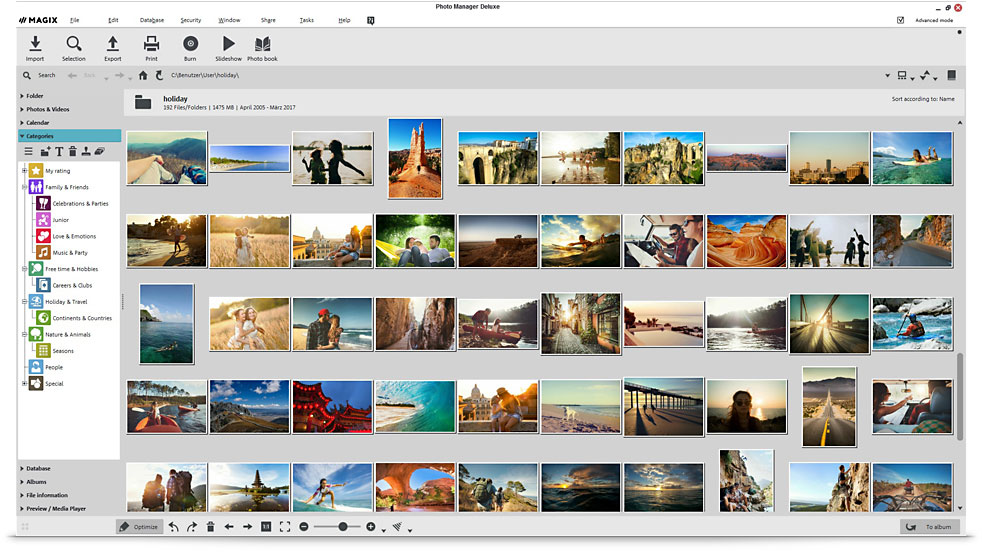
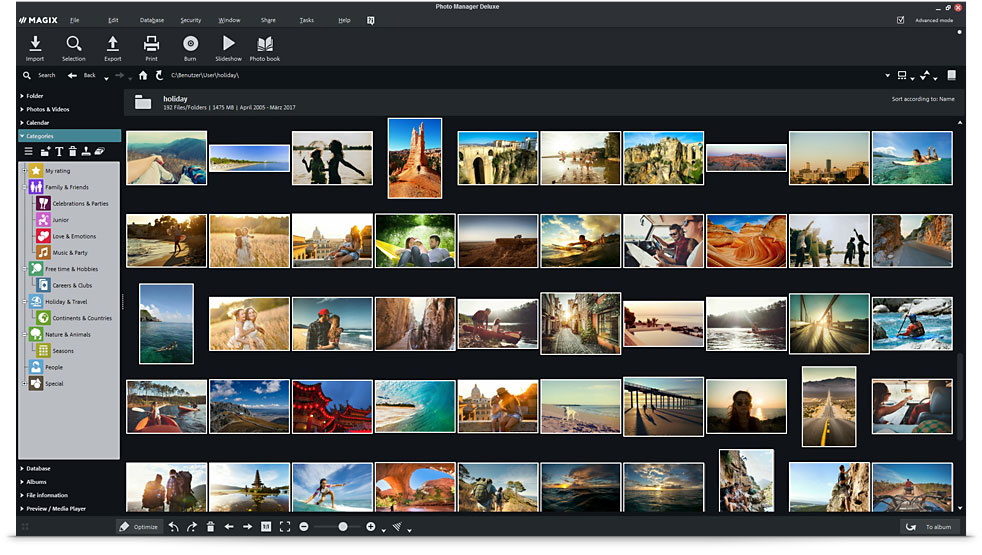
Fast optimization in all MAGIX programs
Using the program MAGIX Photo Manager Deluxe for optimization of own images will make it clear just how easily and quickly any user can correct small or big mistakes, and what photos gain in quality thanks to quick optimization.











