Mastering – The Last Step in Making a Hit
Audio mastering is the last step in music production, which makes it the most frequent process before a music CD is published.
Mastering involves one last check to make sure all of the musical data is perfectly matched and that sound quality is adjusted for different playback devices. Today, specialized mastering studios, which employ a mastering engineer, provide the final polish for audio productions. A less expensive alternative is to work with a virtual studio on a PC at home.

Audio mastering takes place after the mixdown of the different audio tracks. Originally, mastering was limited to mixing music data to stereo and Surround sound and adjustment of the volume of the individual tracks. The digital age offers more options that make this process even faster: Digital mastering covers the complete editing of the audio materials with the aid of computer technologies (audio software). Programs like Samplitude Music Studio or Music Maker from MAGIX include mastering solutions for home use, which the user may use to achieve a powerful, clear sound. MAGIX Mastering Suite, which is integrated in both products, offers ample editing options and several studio templates.This enables the user to quickly add the final polish by simply pressing a button – a fantastic solution, especially if things have to move quickly. Digital mastering uses different filters, equalizers, and compressors to affect the music data.
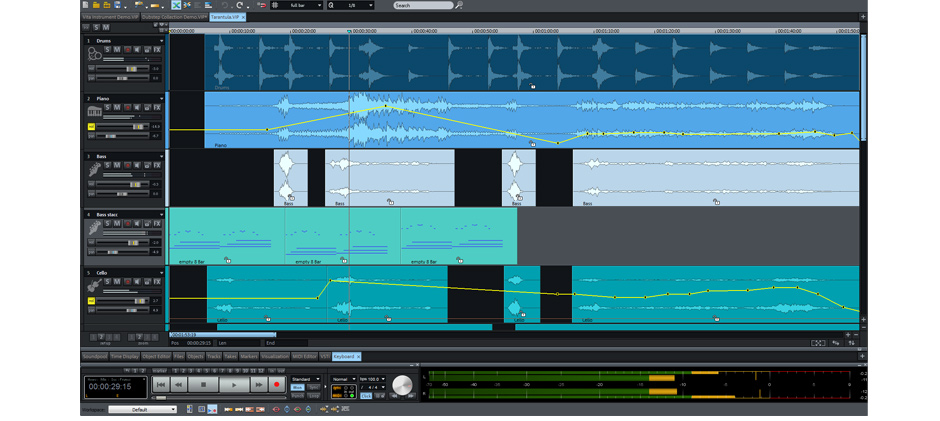
The Final Step in Music Editing: Mastering
Creativity is embedded in how to make music and should be less of a component of the final music editing. On the other hand, harmonizing pauses and transitions between individual tracks is a major feature. Fades may be used to ensure that possible pauses or breaks transition into each other fluidly. After the mastering is finished, optimized music data may be transferred to a storage device like a CD.
