
MP3 deluxe:
Music manager for organizing your music collection
Enjoy your music in an entirely new way thanks to a brand new design. Organize your digital music collections, convert audio files, create playlists, discover new artists, songs and entire genres from listening to web radio: MP3 deluxe 19 is a first-class entertainer with many talents.
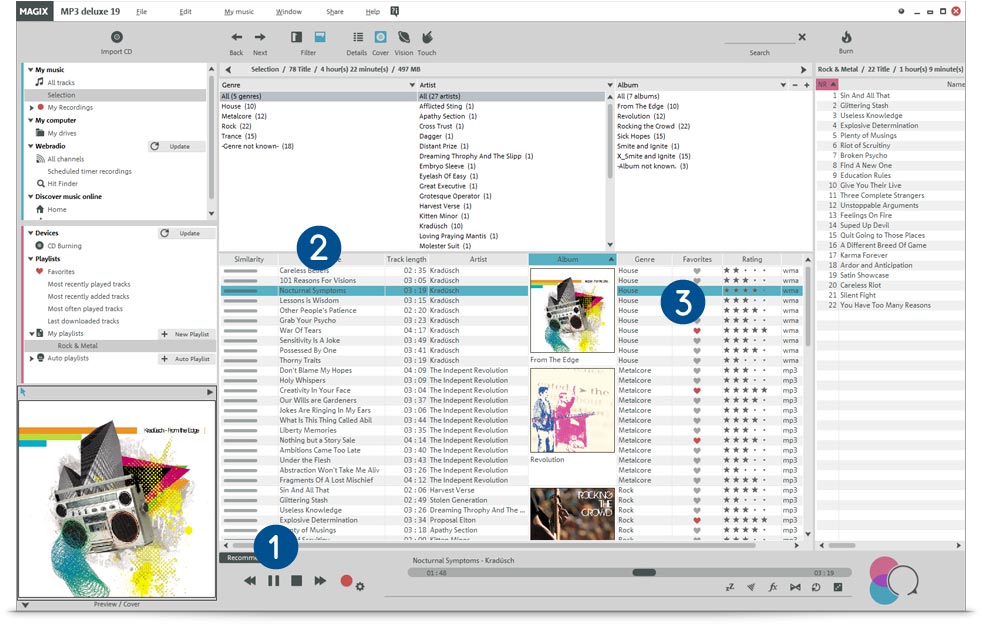
Play music
Press Play and take a break from the world. Listen to your favourite songs and artists over your stereo system or computer speakers.
Audio converter
Just the right file format: With MP3 deluxe you can convert your audio material to high-quality formats, for instance from WAV to MP3 or AAC.
Highlight your favorites
Select the songs most near and dear to you. These will automatically be turned into a playlist of your favorite songs.

The most important features:
- Organize your music easily
- Transfer playlists to smartphones and tablets (Windows & Android)
- Over 6,000 current internet radio stations
- Import and export audio files
- Rip CDs: Automatic retrieval of covers & title information
- MP3 converter: Quick & effective
- Find & delete duplicate tracks
- Design CD covers – with quick print feature
New in this version:
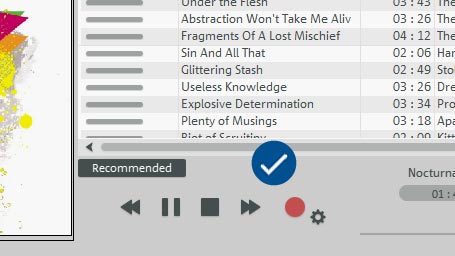
6,000 internet radio stations
A multitude of amazing sounds: More than a thousand web radio stations in all sorts of genres are just waiting to be discovered.

Like a dream: The new sleep timer
The music stops playing as you're beginning to dream. The sleep timer shuts down your music and your PC too at a fixed time.
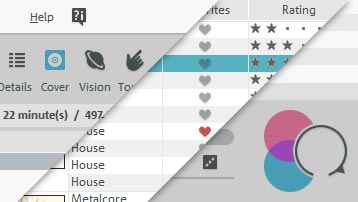
Impressive appearance
An advanced design with well thought-out control elements: The new interface makes listening pleasure the priority.
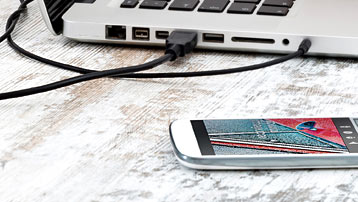
Android & Windows specialist
Your music, everywhere: With MP3 deluxe 19 you can transfer songs, albums or entire playlists quickly and easily to Android and Windows smartphones or tablets.

New Print Studio
Use CD covers from the Internet, or design your very own. The new Print Studio creates booklets and title lists automatically from your playlist.
Simplified audio editing
Optimized speed: With the integrated Audio Editor it's easy to edit and cut audio files and remove noise interference.
New burning routines
Burn to range of disc formats: The new routines optimize CD, DVD & Blu-ray disc burning – without influencing the quality of results.
AAC support
In MP3 deluxe 19, the format and support for AAC files* has been considerably improved. This allows for unlimited enjoyment of your music.
*See technical data
Other highlights:
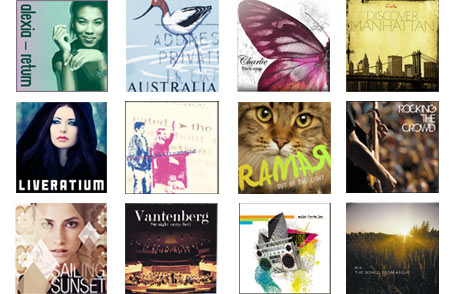
Music from A to Z
Got music for every letter in the alphabet? MP3 deluxe 19 has the solution: Sort your collection alphabetically according to genre, artist or album with just one click. Songs can also be ordered according to track length.

Create playlists
From sporty to romantic: Create playlists for different artists, genres, and moods. It's easy to transfer media to smartphones, so you can even listen to your playlists while out running.
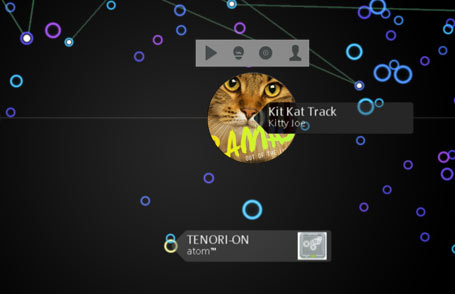
A world of inspiration
Infinite options: Get inspiration from the 3D music universe for a whole new way of sorting your songs, albums and artists!

Professional audio effects
Edit your audio material with high-quality studio effects. Enjoy your catalog in brilliant sound quality thanks to the compressor, an equalizer and special settings for headphones.
Online tutorial videos
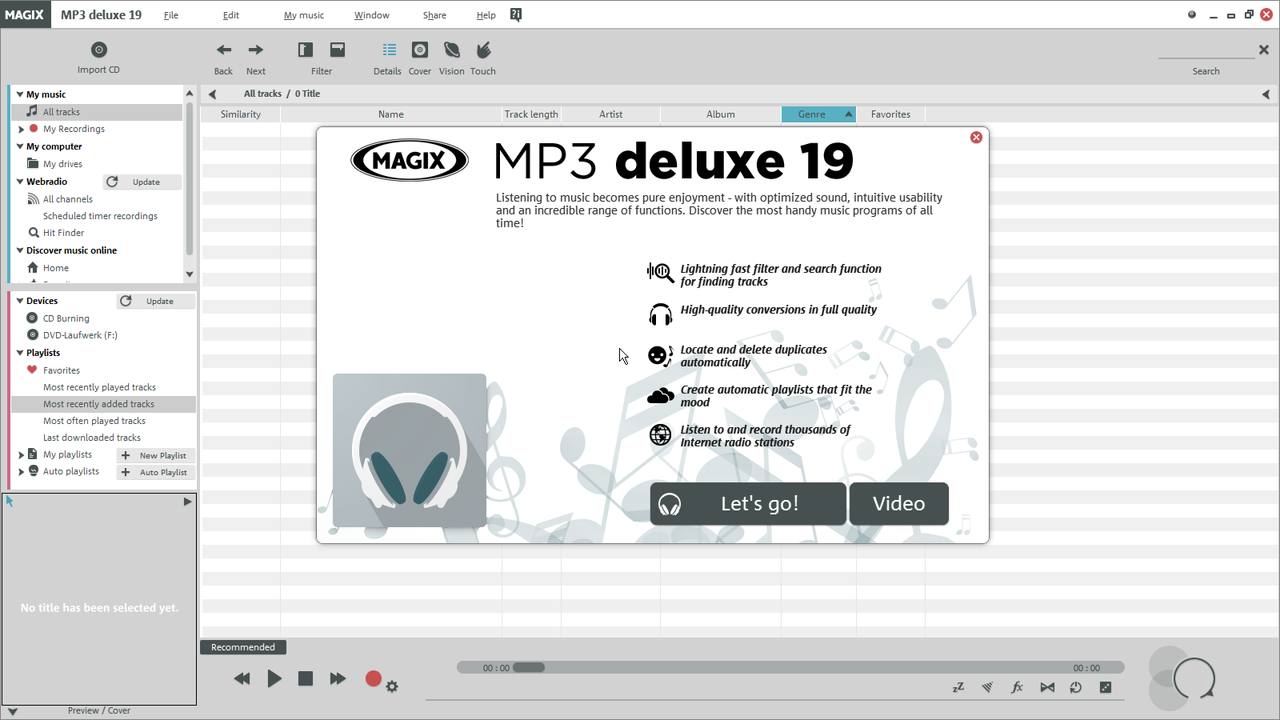
The free tutorial videos from MAGIX provide you with an initial look at various MAGIX programs.
You'll learn quickly and easily how to use the most important features in order to bring your own projects to life.
Specifications



All MAGIX programs are developed with user-friendliness in mind so that all the basic features run smoothly and can be fully controlled, even on low-performance computers. The technical data for your computer can be found in the control panel of your operating system.
Minimum system requirements:
1 GHz
2 GB
Onboard, minimum resolution 1024 x 768
Onboard
500 MB for program installation
DVD drive (only for installation of the box version)
Internet connection: Required for activating and validating the program, as well as for some program functions. Software can also be used offline.
Optional: Burn CDs/DVDs with a CD/DVD±R(W) burner
Audio
| Import | Export | |
|---|---|---|
| WAV | ||
| MP3¹ | ||
| AAC² | ||
| WMA | ||
| Surround Sound/5.1 | ||
| OGG Vorbis | ||
| AIFF | ||
| M3U | ||
| CUE |
Other
| Import | Export | |
|---|---|---|
| Audio CD | ||
| Audio DVD | ||
| Data CD/DVD |
¹ Requires Microsoft Media Player ² Fee-based activation
MX stands for Media-X-change – the fast exchange of media with other MAGIX programs, online services and mobile devices.
You can easily exchange audio material with the following programs and services form MAGIX:
With MAGIX Music Maker you can make your own songs in a flash without the need for any previous music production know-how. You can organize your songs afterwards in MP3 deluxe.
- Make music using drag & drop
- Professional sounds & loops
- Virtual Instruments
Transfer all your audio files to Audio & Music Lab Premium and optimize sound the professional way.
The advantages:
- Automatic sound optimization for music
- Edit noise with presets
- Record in studio quality
With just a click you can use your audio files in your videos with MAGIX Movie Edit Pro, MAGIX Video Pro X, MAGIX Photostory or MAGIX Fastcut.
- Use music for videos
- Create soundtracks
- Apply sound effects

Audio editor, MP3 converter & digital jukebox all in one: MAGIX MP3 deluxe 19 guarantees first class musical entertainment. Enjoy your music library on your PC, tablet or smartphone.






















