What’s new in
Video deluxe 2026
Video deluxe 2026
All new features and updates at a glance.
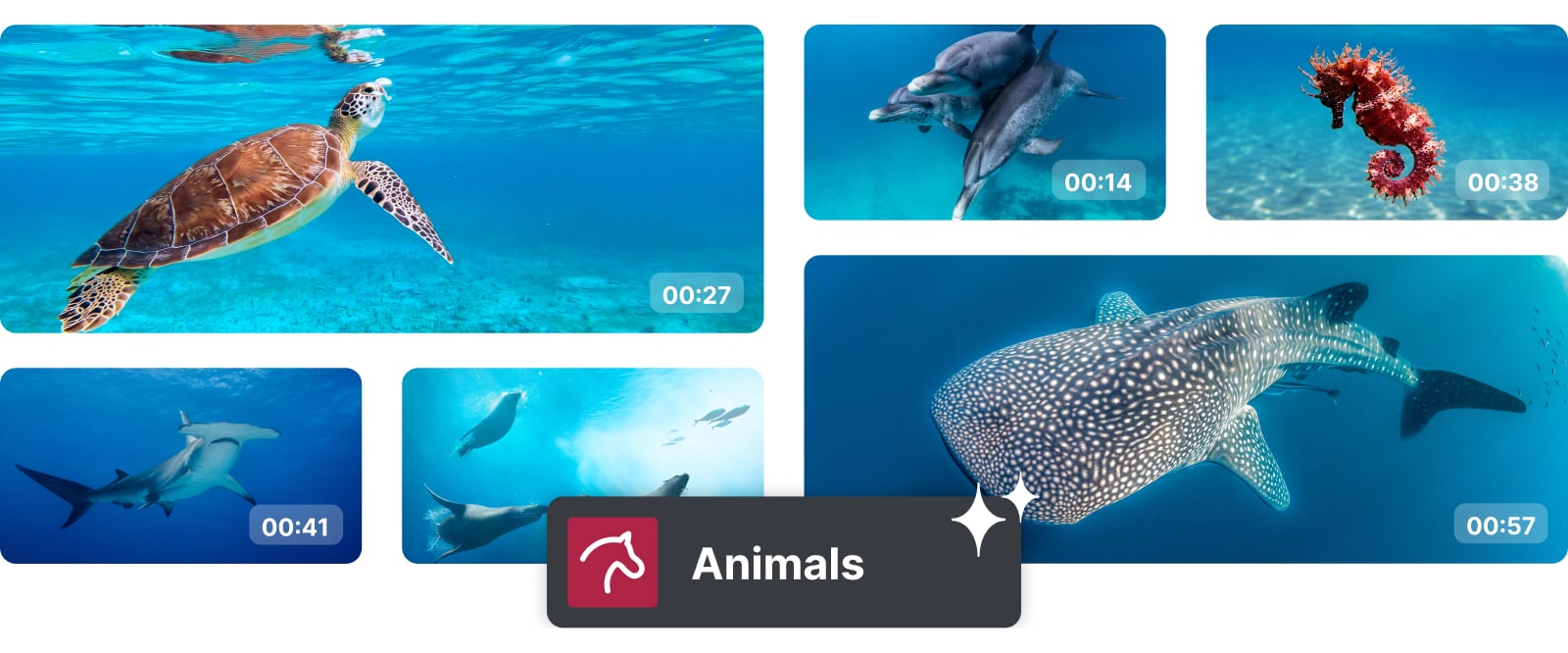
×
AI Media Management
Find your clips faster
Video deluxe gets smarter, so you can get more creative. Sort your material into intuitive categories with the help of AI and access your footage quicker than ever.
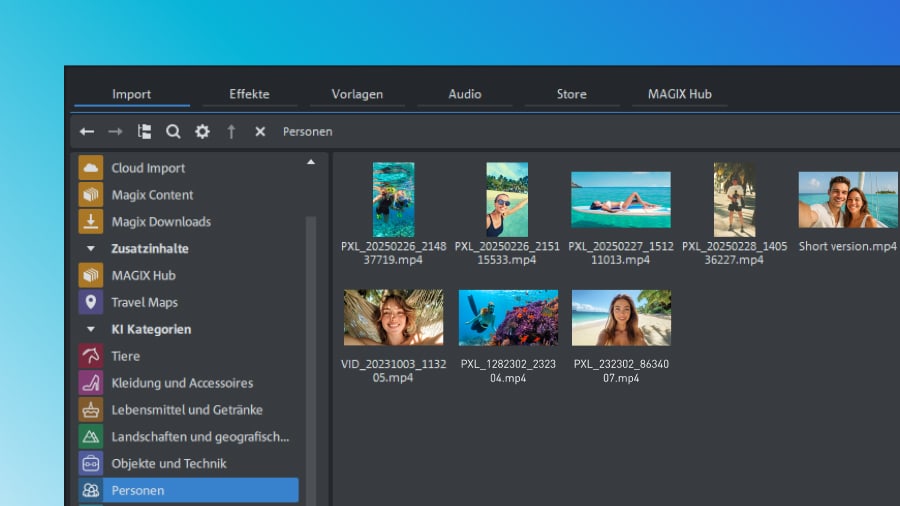
Cut and categorize with ease
No more digging through random files. AI automatically sorts your media into categories, so it's easy to find and drop the right clips into the timeline, giving your project structure and flow from the start.
Speech-to-Text improvements
Create bigger, better captions
Creating eye-catching subtitles and accurate transcripts is easier than ever. Make sure your message hits home with these tools.

×
Subtitles highlighting
Make your subtitles easier to follow by highlighting each word in sync with the audio, so your audience can read along. Delivers maximum clarity, accessibility and impact.
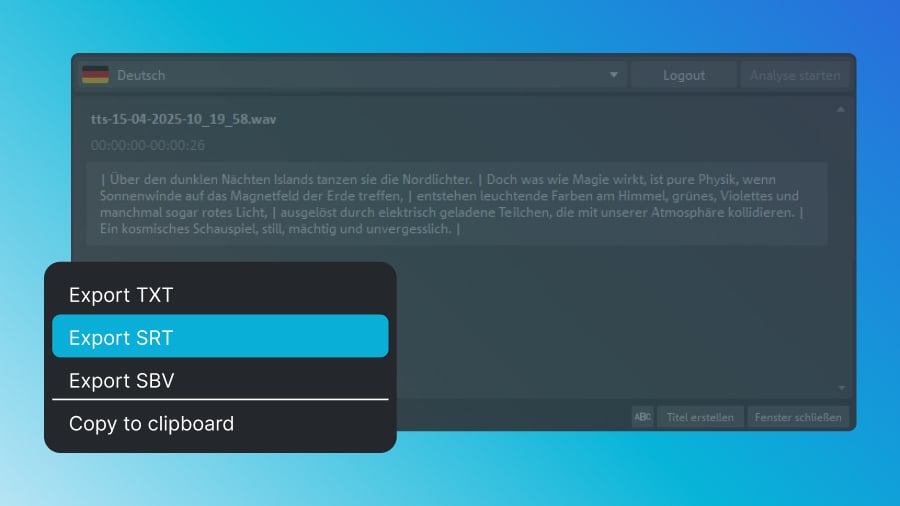
Export and share
Perfect for platforms like YouTube, this feature ensures your subtitles are easy to upload and makes your content accessible to a wider audience.
Only in Premium
Unlock cinematic effects
With proDAD VitaScene V5 Pro you get an exclusive effects plug-in to elevate your videos.
Best of Video deluxe
Most popular features
These standout tools from the previous version make your editing process more dynamic and open up new creative possibilities.

×
Subtitles and voiceovers
Generate natural-sounding narration or subtitles automatically in 100+ languages and styles.

×
Stock content
Enjoy access to high-quality royalty-free content and pick fitting videos and sounds to create the perfect atmosphere.

Media Share
Store projects online, generate QR codes for instant access, and invite collaborators to contribute with direct upload links.




Offer ends in
Pricing
Get Video deluxe now
Find the Video deluxe version that fits your needs.


Plus
Video deluxe 2026Easy video editing with AI tools, templates and creative effects.
- Easy and seamless editing experience
- AI-powered tools
- Smooth playback and fast rendering
- Access to royalty-free stock content
- Over 2,000 effects, fades, and templates
BEST VALUE


Premium
Video deluxe 2026Extended toolkit with 1,700 additional effects for more creative freedom.
- Video deluxe Plus, plus:
- 1,700 pro-level effects from proDAD
- More quota for Hub services
- Eye-catching animated subtitles
- AI-powered image optimization
- AI-powered media organization


Ultimate
Video deluxe 2026Complete editing suite with advanced tools and content for polished videos
- Video deluxe Premium, plus:
- 4 additional add-ons for more creativity
- 5 exclusive content packages
- Voucher for more Hub services quota
Frequently Asked Questions
1. What can I do with MAGIX Video deluxe?
MAGIX Video deluxe is an intuitive video editing software for both beginners and experienced users. You can edit your footage and audio, and apply effects, transitions, and titles with ease.
2. How can I upgrade to MAGIX Video deluxe?
You can upgrade directly through the MAGIX website. Just choose your preferred version from the orderbox and follow the guided steps.
3. Is MAGIX Video deluxe an easy video editing program?
Yes, MAGIX Video deluxe is one of the most user-friendly video editing programs available. It's perfect for beginners thanks to its intuitive interface, drag-and-drop functionality, and ready-to-use templates.
4. Which video formats does MAGIX Video deluxe support?
MAGIX Video deluxe supports all common formats, including MP4, AVI, MOV, and more. Find more info under specifications.
5. How much does MAGIX Video deluxe cost?
For information on pricing, simply check the orderbox above.
Select your language





















