
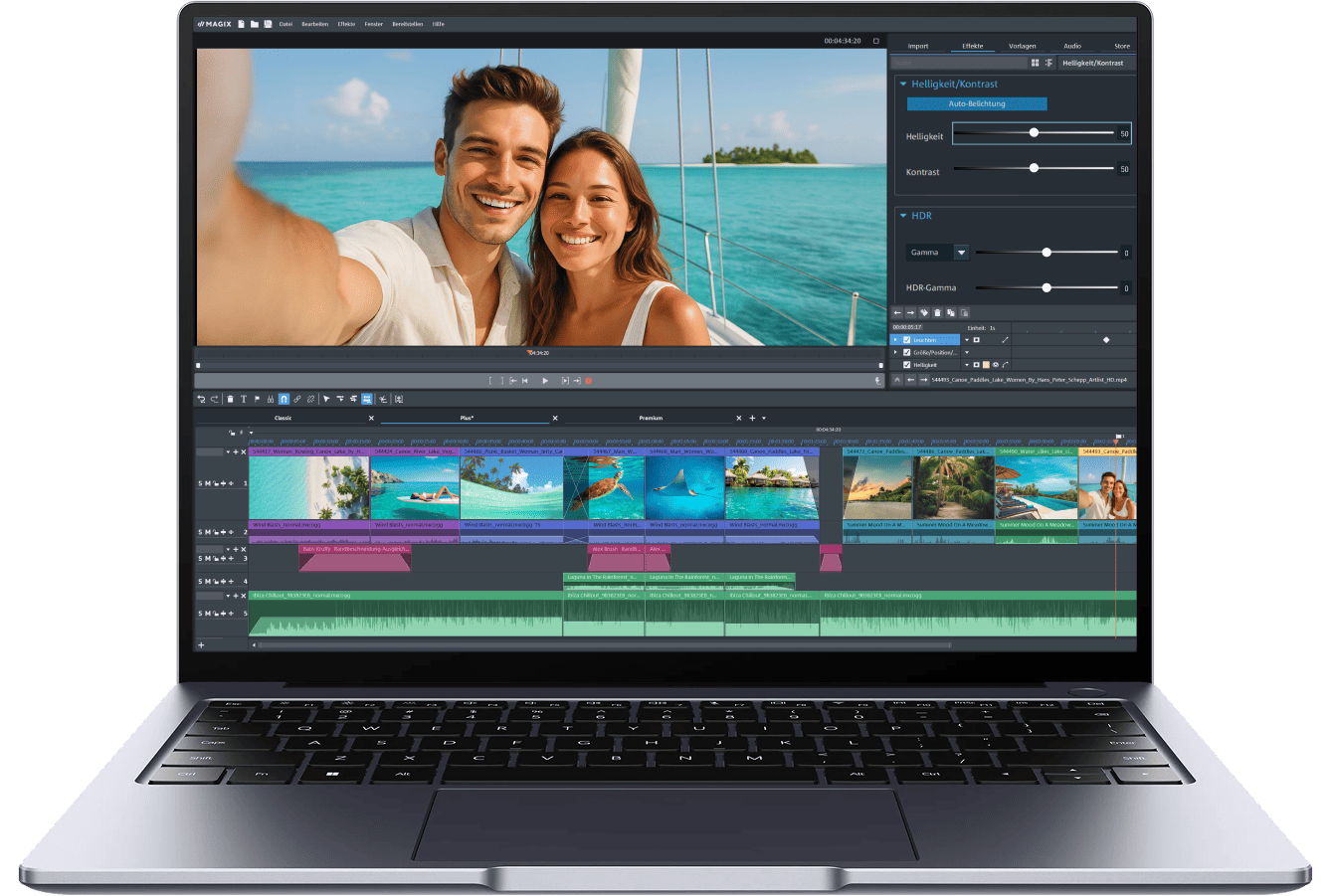
För alla nivåer Din start i videoredigering
Med det enkla arbetsflödet, kreativa effekterna och hjälpsamma mallarna blir Video deluxe riktigt roligt. Oavsett om du precis har börjat eller vill ta nästa steg – du får alla viktiga verktyg utan brant inlärningskurva.
Lätt att använda Skapa videor i 4 steg
Det här videoredigeringsprogrammet gör det enkelt för dig. Dina verktyg är alltid nära till hands, ditt material är lätt att importera, och dina filmer anpassar sig automatiskt till varje skärm.

1. Importera filmmaterial

2. Klippa, trimma och ordna

3. Lägga till övergångar och effekter

4. Exportera och dela
Ditt startpaket Enkla verktyg för stora idéer
Du behöver inte års erfarenhet för att skapa fantastiska videor. Med smarta verktyg och integrerade effekter kan du enkelt förverkliga dina idéer.

Klipp precis som du vill
Arbeta precis som det passar dig – vare sig i storyboard-läget för snabba klipp eller i tidslinjeläget för full kontroll. Börja med mallar eller skapa din video från grunden.

Smarta assistenter
Från undertexter och voiceovers till bildoptimering och övergångar – våra verktyg tar hand om många tidskrävande uppgifter så att du får mer tid för det kreativa.
Avancerade funktioner

Chroma Key
Oavsett om det är green screen eller blue screen – byt enkelt ut bakgrunder och flytta din berättelse till vilken plats som helst.

MultiCam
Sammanfoga enkelt klipp från olika personer och växla mellan perspektiven.

Skärminspelning
Spela in varje klick och åtgärd och lägg till din röst. Perfekt för gaming, streaming och tutorials.
Smartare, snabbare och kraftfullare Nyheter i Video deluxe 2026
De nya funktionerna sparar tid och stödjer dig från början till slut.
Gör dig redo för en smidigare redigeringsupplevelse.
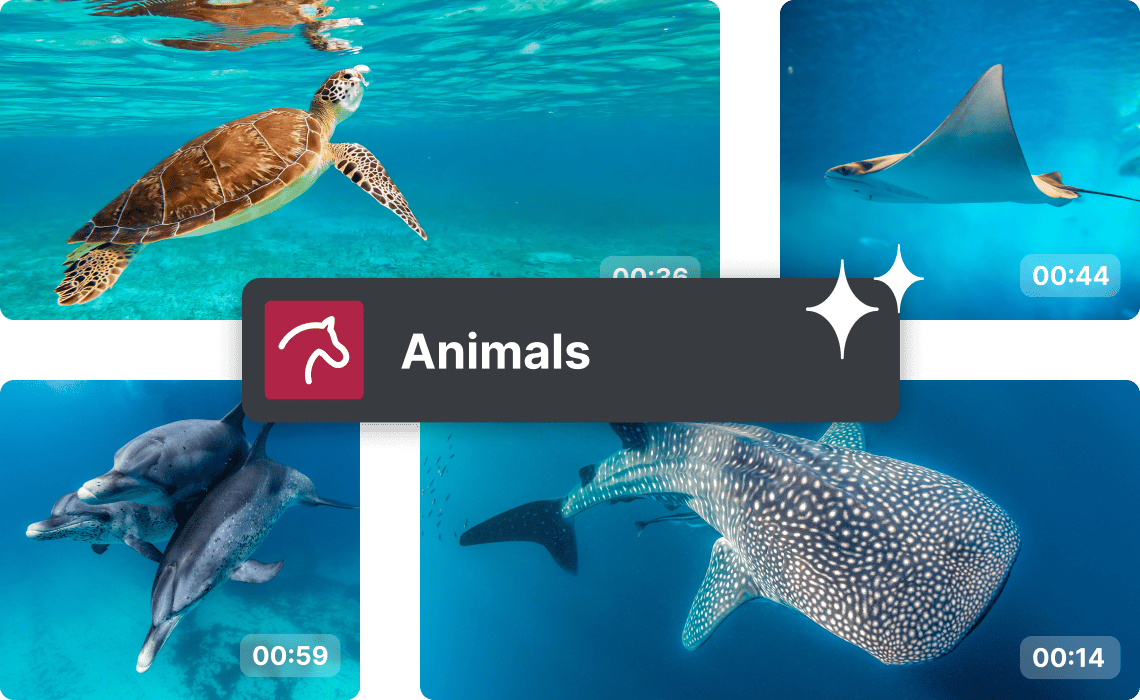
Smartare mediehantering
AI analyserar ditt material och kategoriserar det automatiskt. Så hittar du snabbare precis de klipp du behöver.
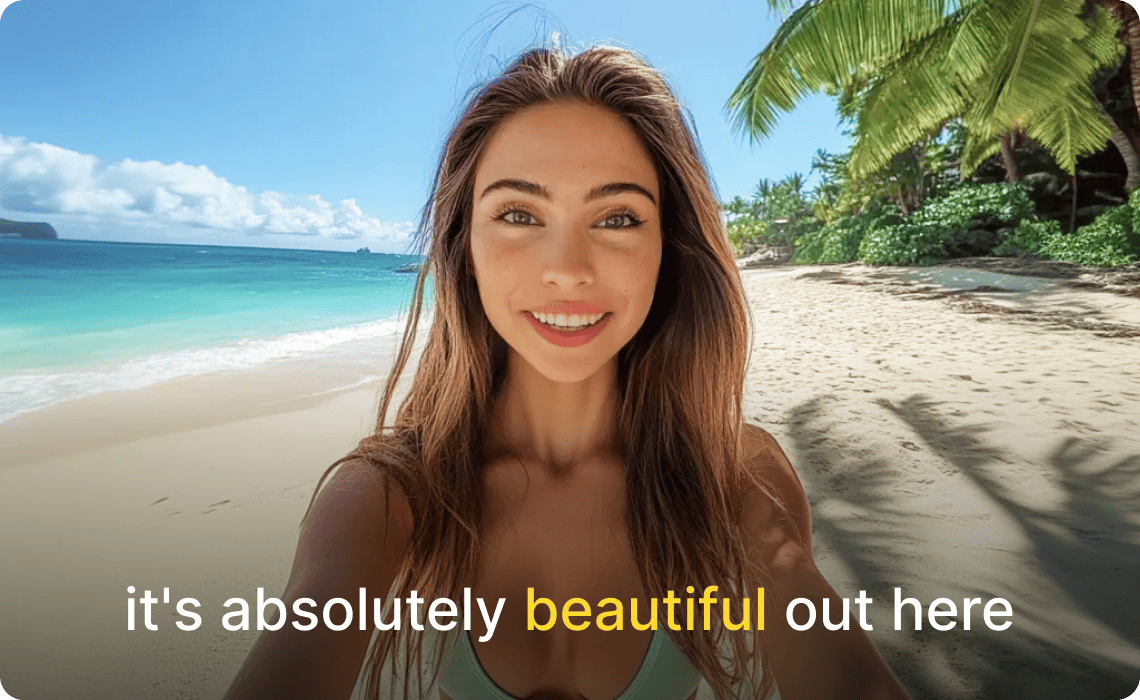
Undertexter i karaoke-stil
Engagera dina tittare och gör vlogs och tutorials mer tillgängliga med undertexter som markerar varje ord synkroniserat med ljudet.
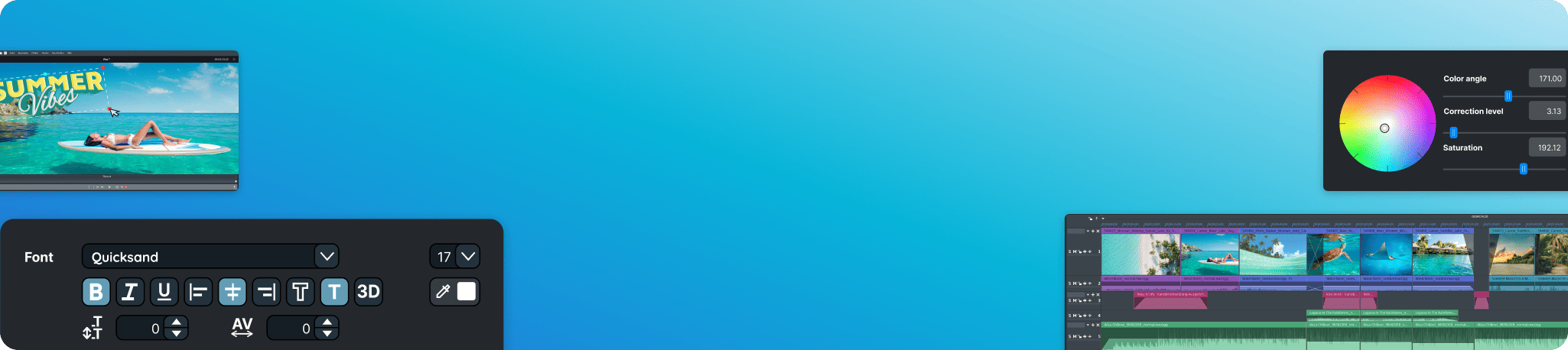
Upptäck helt
nya funktioner
AI-baserade funktioner Mindre arbete, mer nöje
Från automatiska undertexter och voiceovers till smarta effekter.
Våra AI-verktyg gör videoredigering snabbare, smidigare och mer exakt.
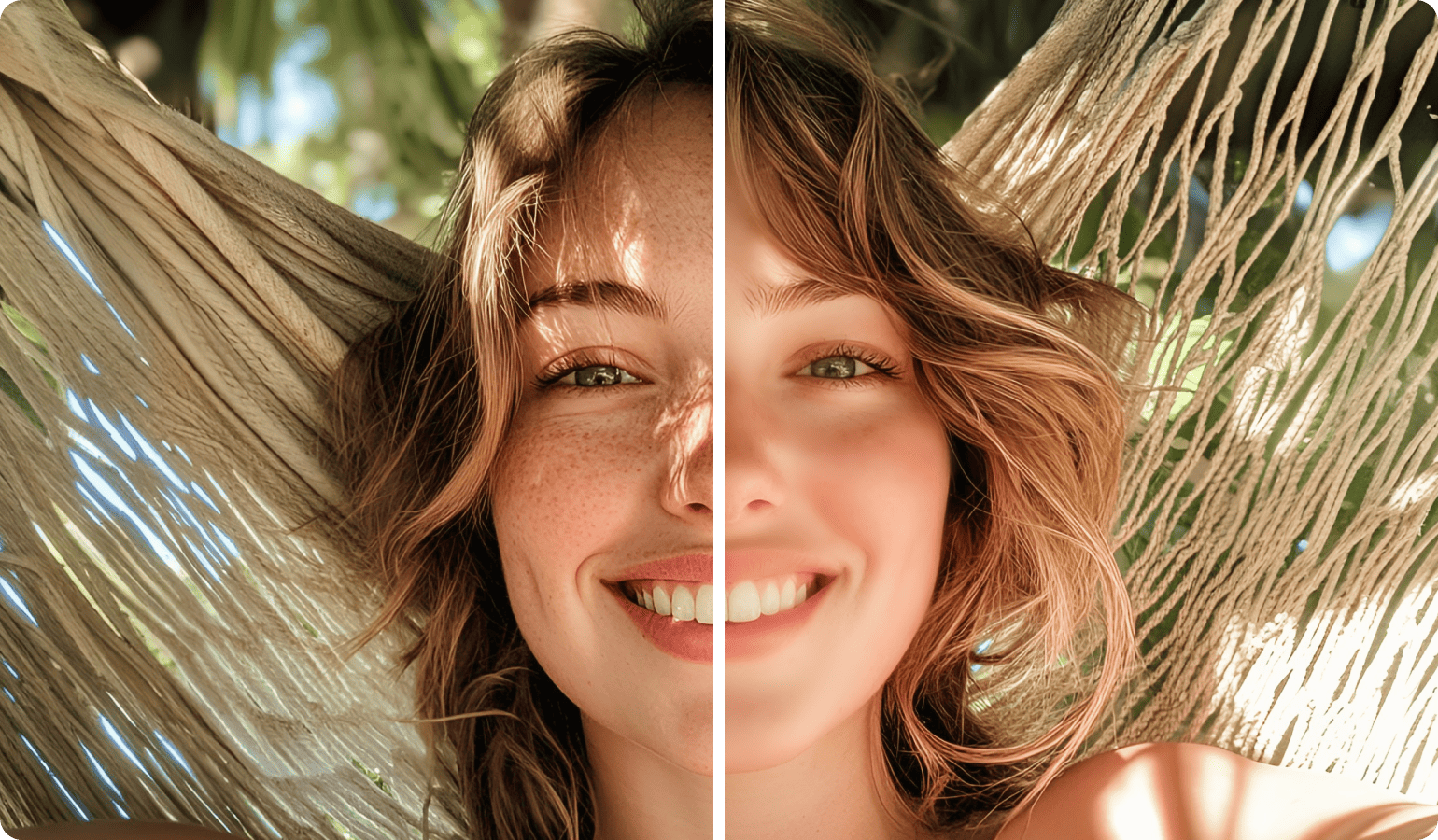
AI-utjämning
Putsa dina bilder
Dölj skavanker och tona ner skarpa högdagrar. För en ren, professionell look.
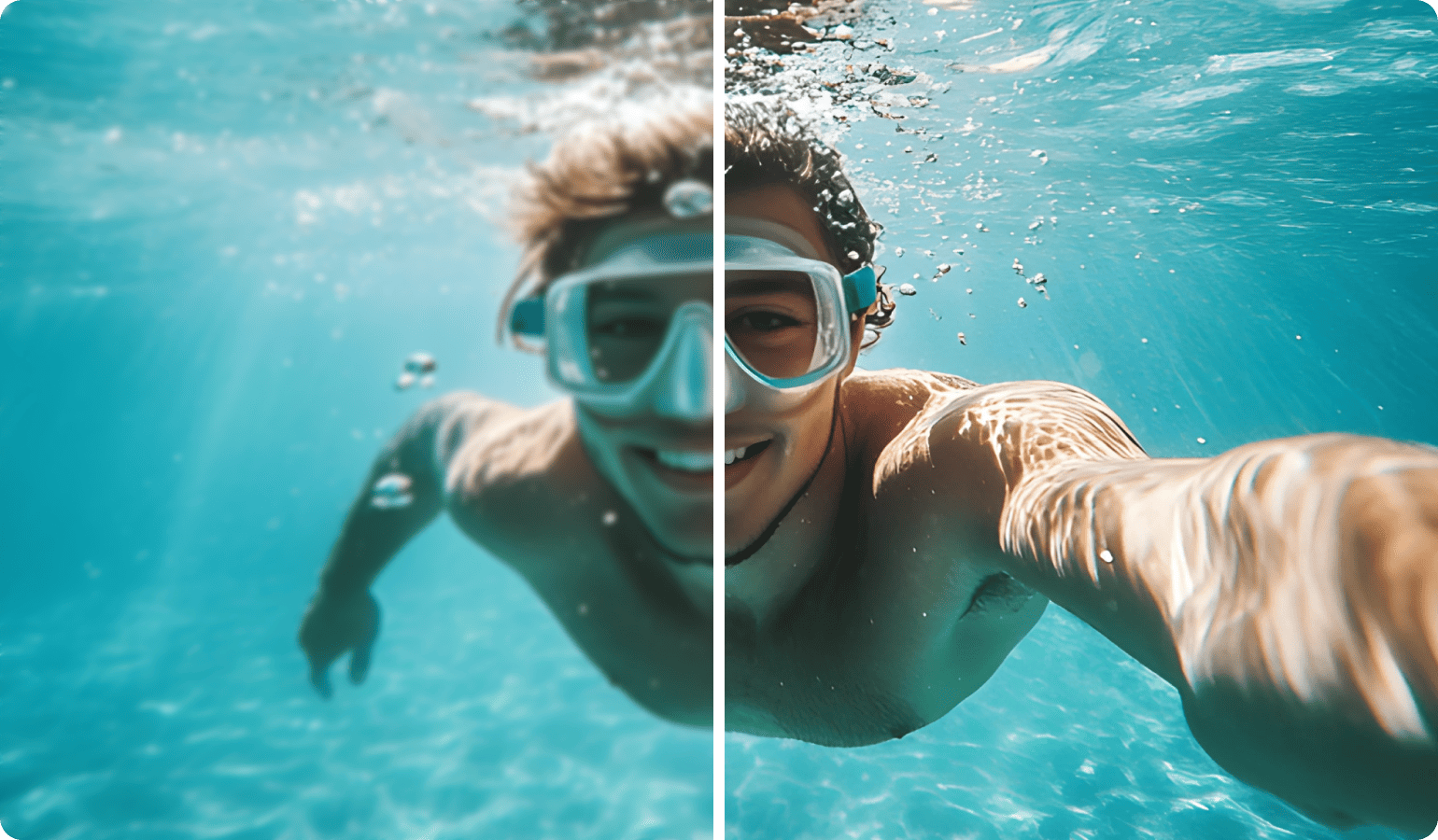
AI-skärpning
Skärp inspelningar
Öka skärpan och kontrasten i dina foton och videor med en knapptryckning för knivskarpa resultat.
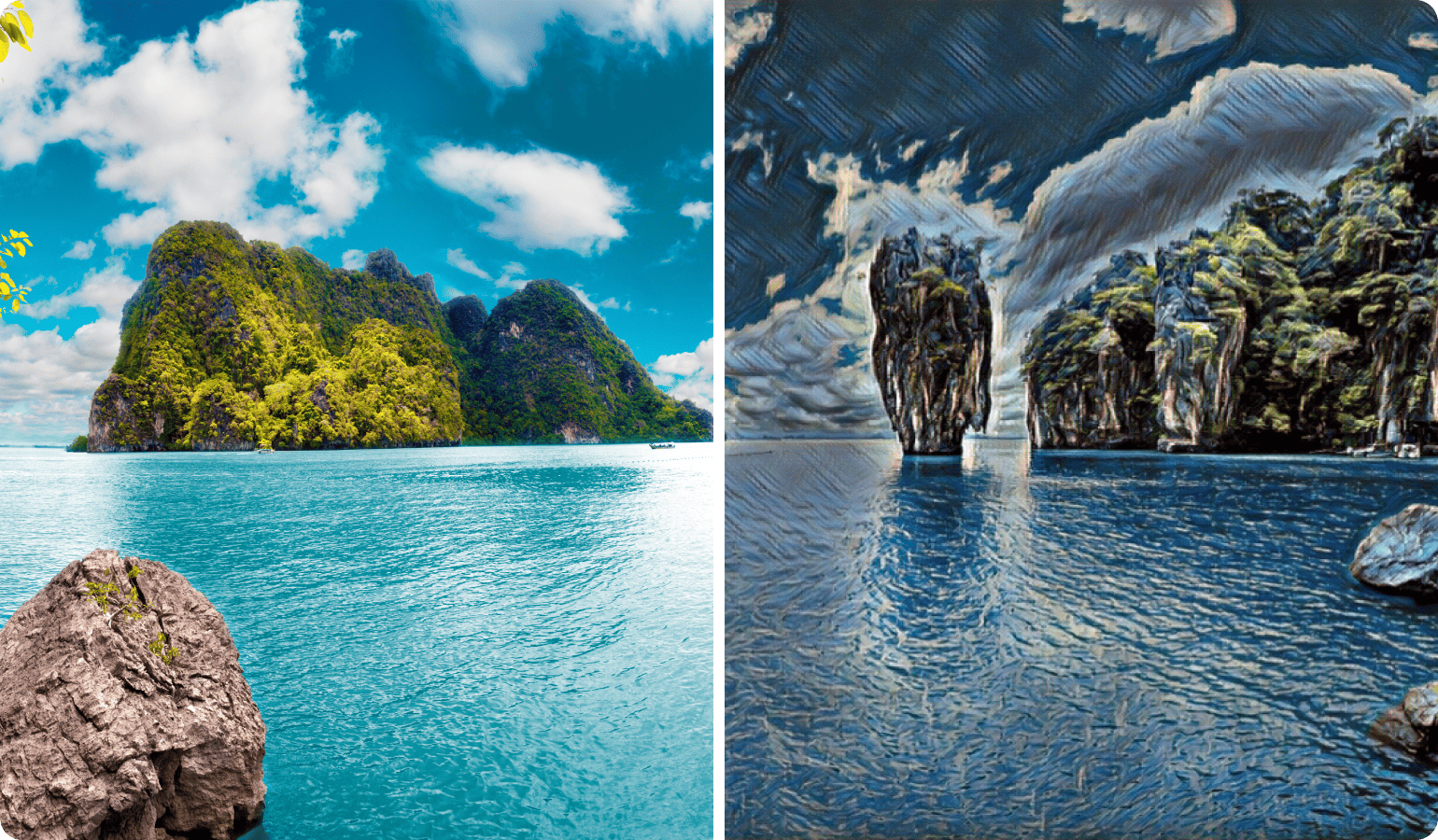
AI Style Transfer
Förvandla klipp till konst
Ge dina videor stilen från klassiska mästerverk av Van Gogh eller Picasso och ge dina projekt en touch av tidlös konst.
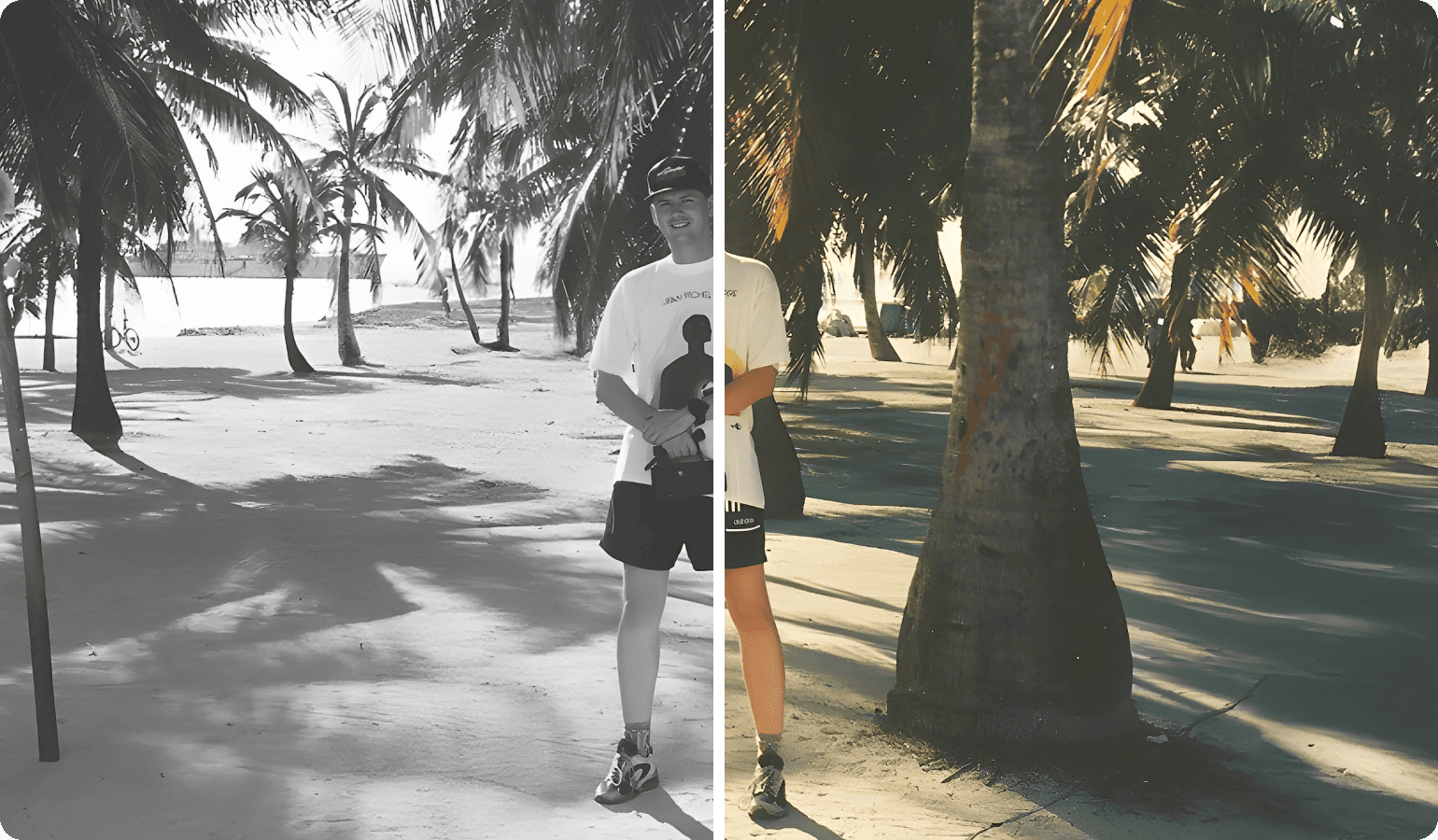
AI Färgläggning
Ge nytt liv åt gammalt material
Förvandla analogt svartvitt material till levande färgvideor. Så enkelt som en standardeffekt och synligt på några sekunder.
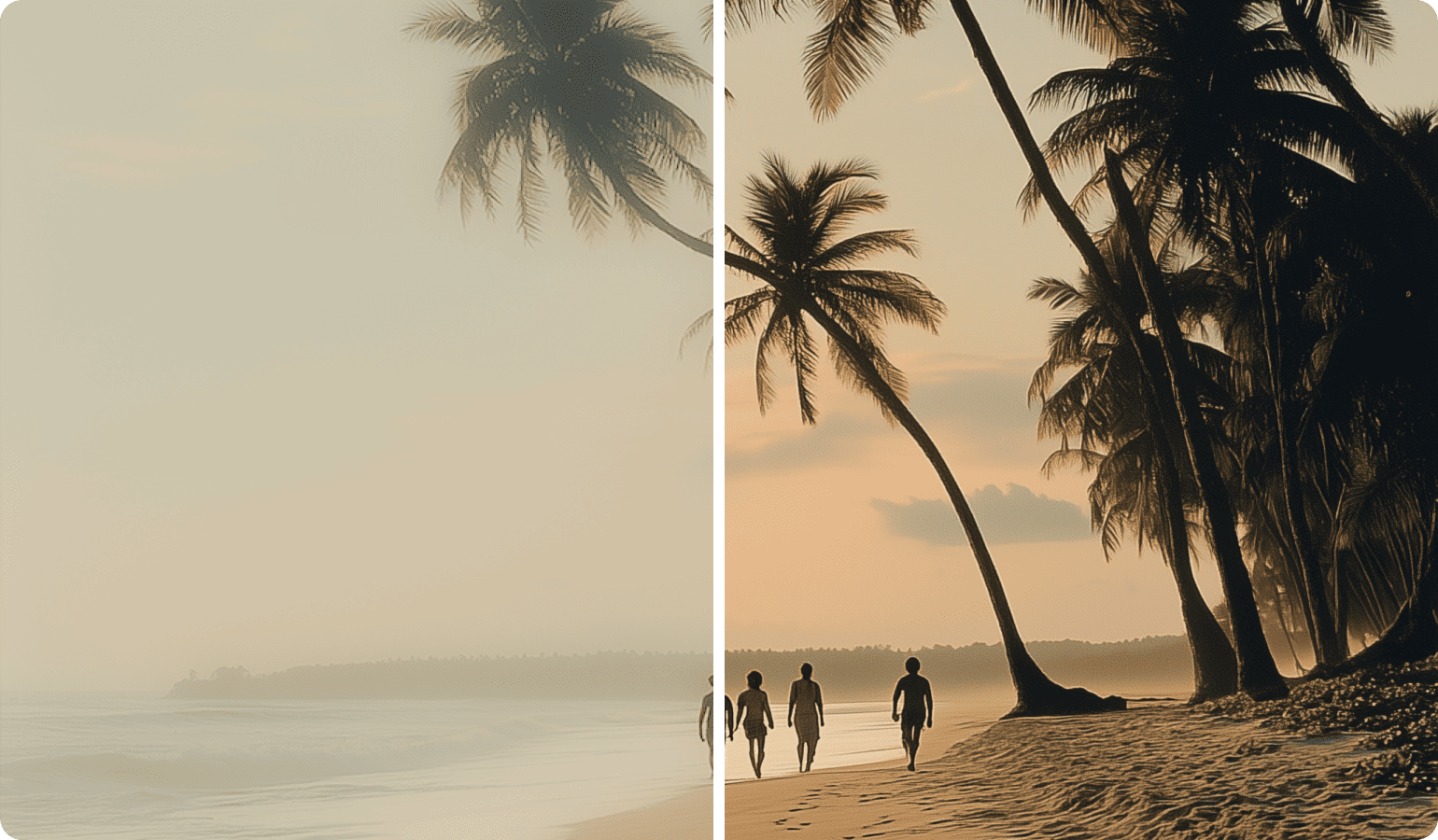
AI ta bort dimma
Avslöja detaljer
Ta automatiskt bort dis, dimma och rök i dina foton och videor – och låt dolda detaljer komma fram.
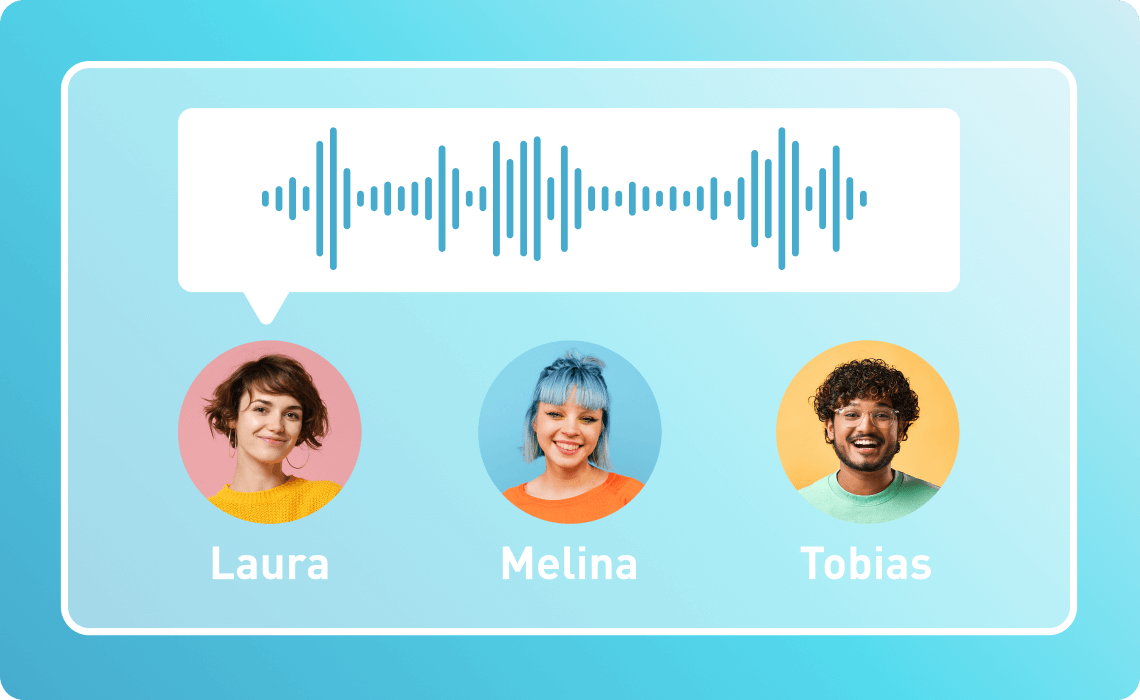
Text-to-Speech Voiceovers med ett knapptryck
Omvandla din textinmatning till naturligt klingande tal. Tillgängligt på över 100 språk och stilar.

Speech-to-Text Undertexter på nolltid
Omvandla tal exakt till redigerbar text och skapa undertexter som gör dina videor lättare att förstå.

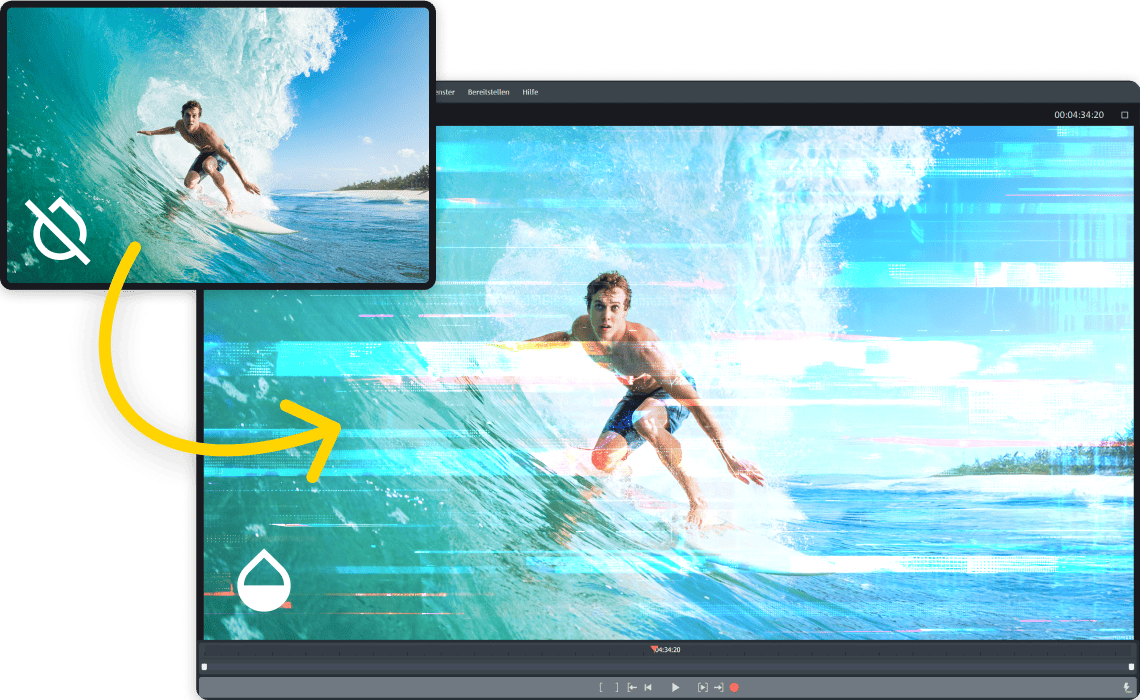
MAGIX Content Hub Innehåll för alla tillfällen
Få direkt tillgång till ett stort urval av licensfri musik, ljudeffekter och videoklipp i Video deluxe.
Välj enkelt och sätt igång.
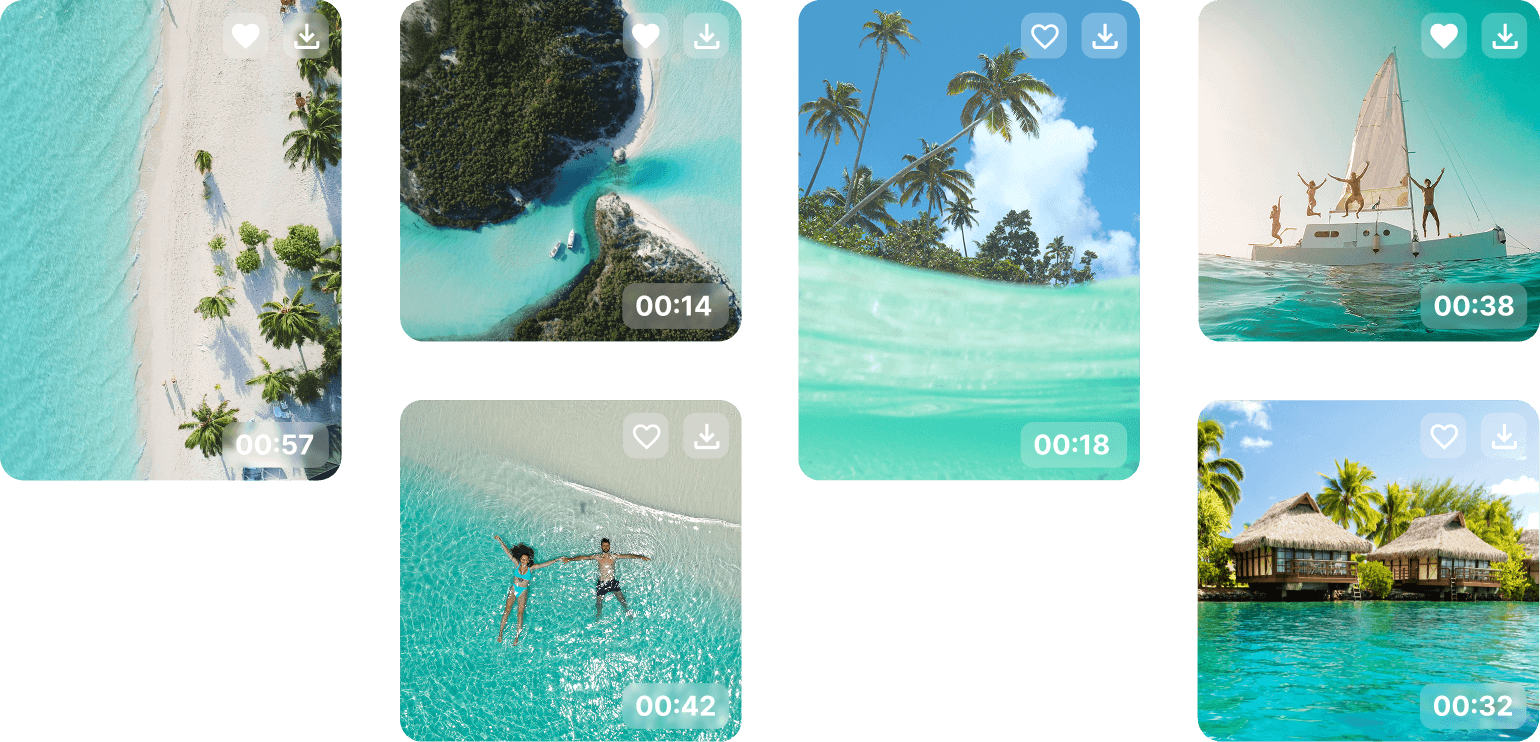
Storyblocks-innehåll
Letar du efter stockmaterial? I Video deluxe har du direkt tillgång till över 1 miljon högkvalitativa video- och ljudfiler från Storyblocks.

Effekter, övergångar och titlar
Med Video deluxe är du kreativt välutrustad från början. Upptäck över 2 000
resurser, plus praktiska mallar och förinställningar som gör det enkelt att komma igång.

In App Store
Letar du efter fler effekter eller det perfekta ljudet? Bläddra då i den integrerade butiken och utöka din verktygslåda när som helst.

Över 1 miljon
nöjda användare
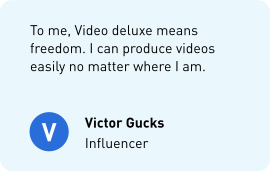
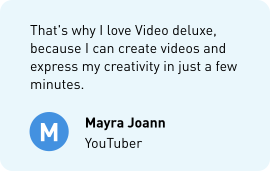
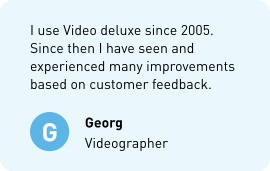
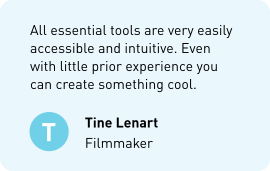
Växa tillsammans Bli en del av videogemenskapen
Träffa andra filmskapare, utbyt erfarenheter och låt dig inspireras och stödjas av en engagerad
community.

Välj din version


Video deluxe 2026 Plus
- Sömlöst och smidigt arbete i det tydligt organiserade allt-i-ett-mediefönstret
- Snabb export och smidig uppspelning tack vare INFUSION Engine
- AI-stödda verktyg för automatisk undertextning och realistiska voiceovers
- AI-effekter för bättre bildkvalitet och skräddarsydda visuella stilar
- Exakt färgkorrigering och automatiska filter för en imponerande filmlook
- Mallar för projekt, redigeringssekvenser och export – även för sociala medier
- Över 2 000 effekter, övergångar, mallar, titlar samt integrerad bildstabilisering
- Tillgång till över 1 miljon licensfria video- och ljudinnehåll
- MultiCam-redigering för upp till 4 kameror
- Ytterligare kreativt innehåll i den integrerade in-app-butiken
Upgrade: Video deluxe 2026 Plus
- Sömlöst och smidigt arbete i det tydligt organiserade allt-i-ett-mediefönstret
- Snabb export och smidig uppspelning tack vare INFUSION Engine
- AI-stödda verktyg för automatisk undertextning och realistiska voiceovers
- AI-effekter för bättre bildkvalitet och skräddarsydda visuella stilar
- Exakt färgkorrigering och automatiska filter för en imponerande filmlook
- Mallar för projekt, redigeringssekvenser och export – även för sociala medier
- Över 2 000 effekter, övergångar, mallar, titlar samt integrerad bildstabilisering
- Tillgång till över 1 miljon licensfria video- och ljudinnehåll
- MultiCam-redigering för upp till 4 kameror
- Ytterligare kreativt innehåll i den integrerade in-app-butiken


Video deluxe 2026 Premium
- Exklusivt: Effektpaket proDAD VitaScene V5 Pro med över 1 700 kraftfulla effekter och filter
- Sömlöst och smidigt arbete i det tydligt organiserade allt-i-ett-mediefönstret
- Snabb export och smidig uppspelning tack vare INFUSION Engine
- AI-stödda verktyg för automatisk undertextning och realistiska voiceovers
- AI-effekter för bättre bildkvalitet och skräddarsydda visuella stilar
- Exakt färgkorrigering och automatiska filter för en imponerande filmlook
- Mallar för projekt, redigeringssekvenser och export – även för sociala medier
- Över 2 000 effekter, övergångar, mallar, titlar samt integrerad bildstabilisering
- Tillgång till över 1 miljon licensfria video- och ljudinnehåll
- MultiCam-redigering för upp till 4 kameror
- Ytterligare kreativt innehåll i den integrerade in-app-butiken
Upgrade: Video deluxe 2026 Premium
- Exklusivt: Effektpaket proDAD VitaScene V5 Pro med över 1 700 kraftfulla effekter och filter
- Sömlöst och smidigt arbete i det tydligt organiserade allt-i-ett-mediefönstret
- Snabb export och smidig uppspelning tack vare INFUSION Engine
- AI-stödda verktyg för automatisk undertextning och realistiska voiceovers
- AI-effekter för bättre bildkvalitet och skräddarsydda visuella stilar
- Exakt färgkorrigering och automatiska filter för en imponerande filmlook
- Mallar för projekt, redigeringssekvenser och export – även för sociala medier
- Över 2 000 effekter, övergångar, mallar, titlar samt integrerad bildstabilisering
- Tillgång till över 1 miljon licensfria video- och ljudinnehåll
- MultiCam-redigering för upp till 4 kameror
- Ytterligare kreativt innehåll i den integrerade in-app-butiken
Behöver du mer information?
Om ett lättanvänt videoredigeringsprogram eftersöks är MAGIX Video deluxe det självklara valet. Oavsett om det gäller nybörjare eller proffs erbjuder denna programvara allt som behövs för högkvalitativa videor. Från snabba klipp till detaljerade effekter – starta nästa projekt med detta intuitiva videoredigeringsprogram.





















