🎉 New version! See what’s new →
Video deluxe
Turn your clips into

Turn your clips into
brilliant videos
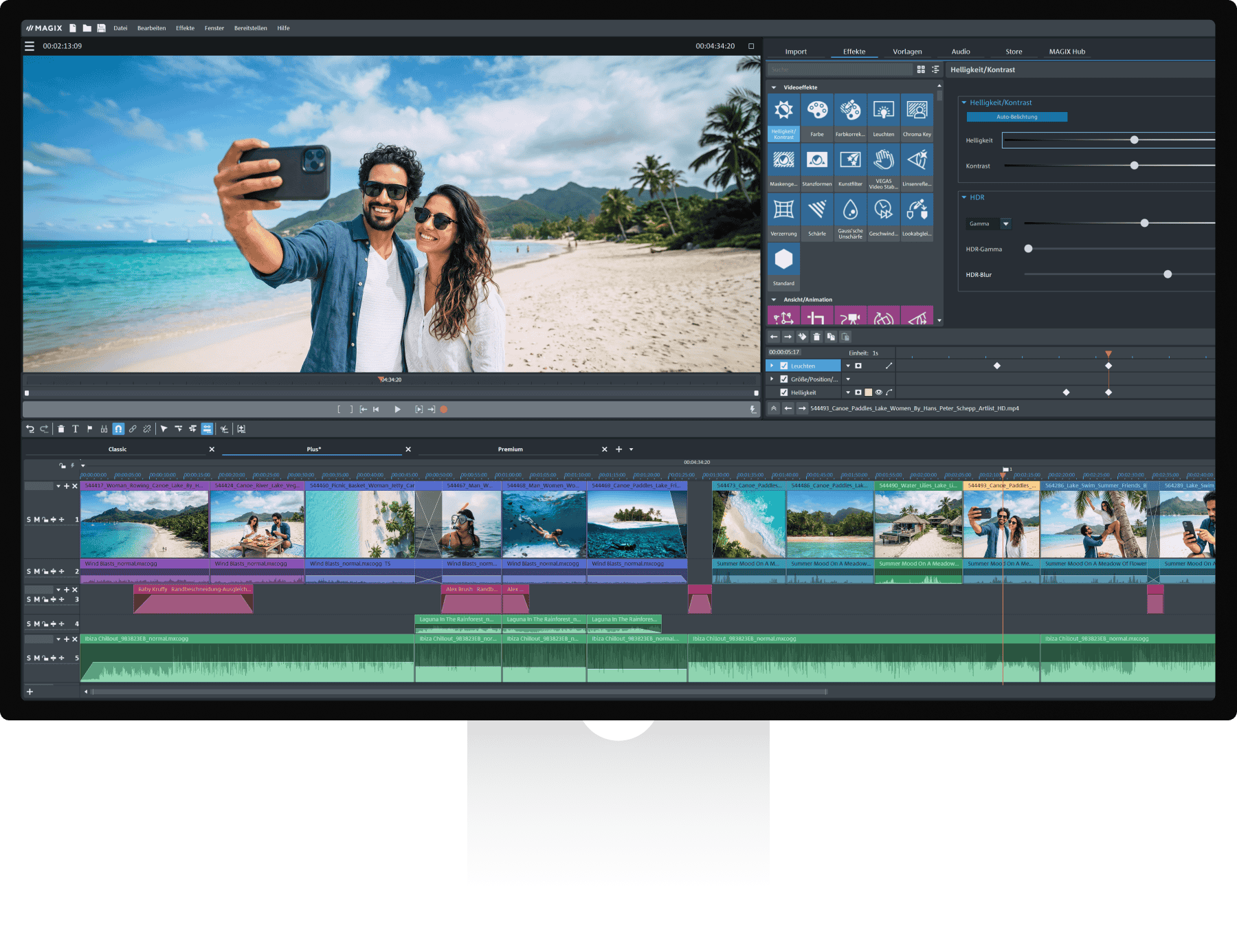
Intuitive video editing software with easy tools and a flexible workflow.
Available for:
Windows 11 or 10
Effortless editing
Create videos in 4 easy steps
With Video deluxe you can create impressive videos in no time, no experience needed.
-
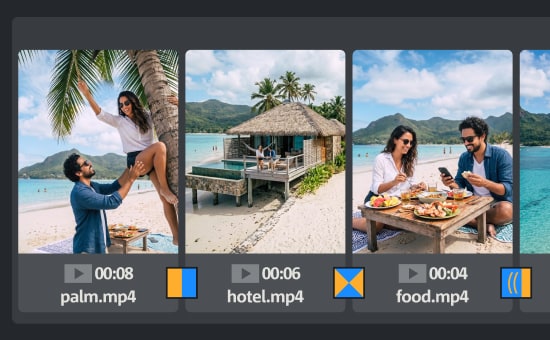 1Import
 -
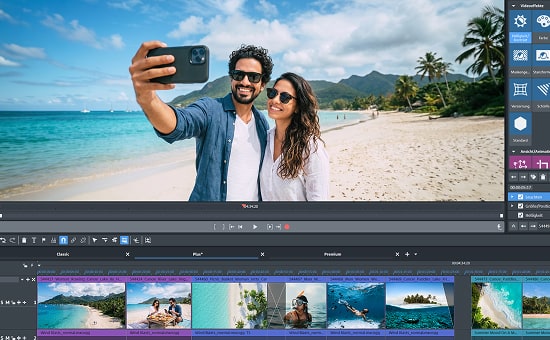 2Edit
2Edit -
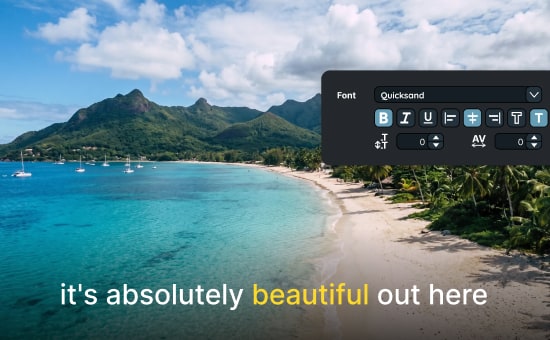 3Design
 -
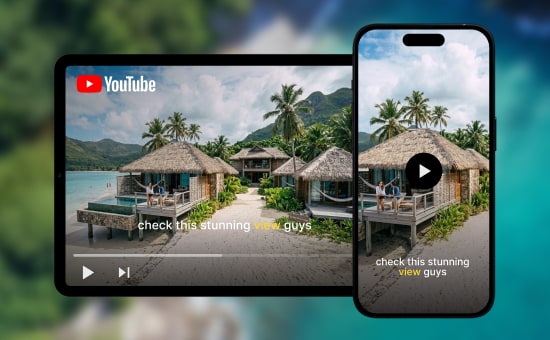 4Export
NEW IN 2027
New features of
New features of
Video deluxe 2027
Create videos faster with a smarter media library and new AI capabilities.
NEW
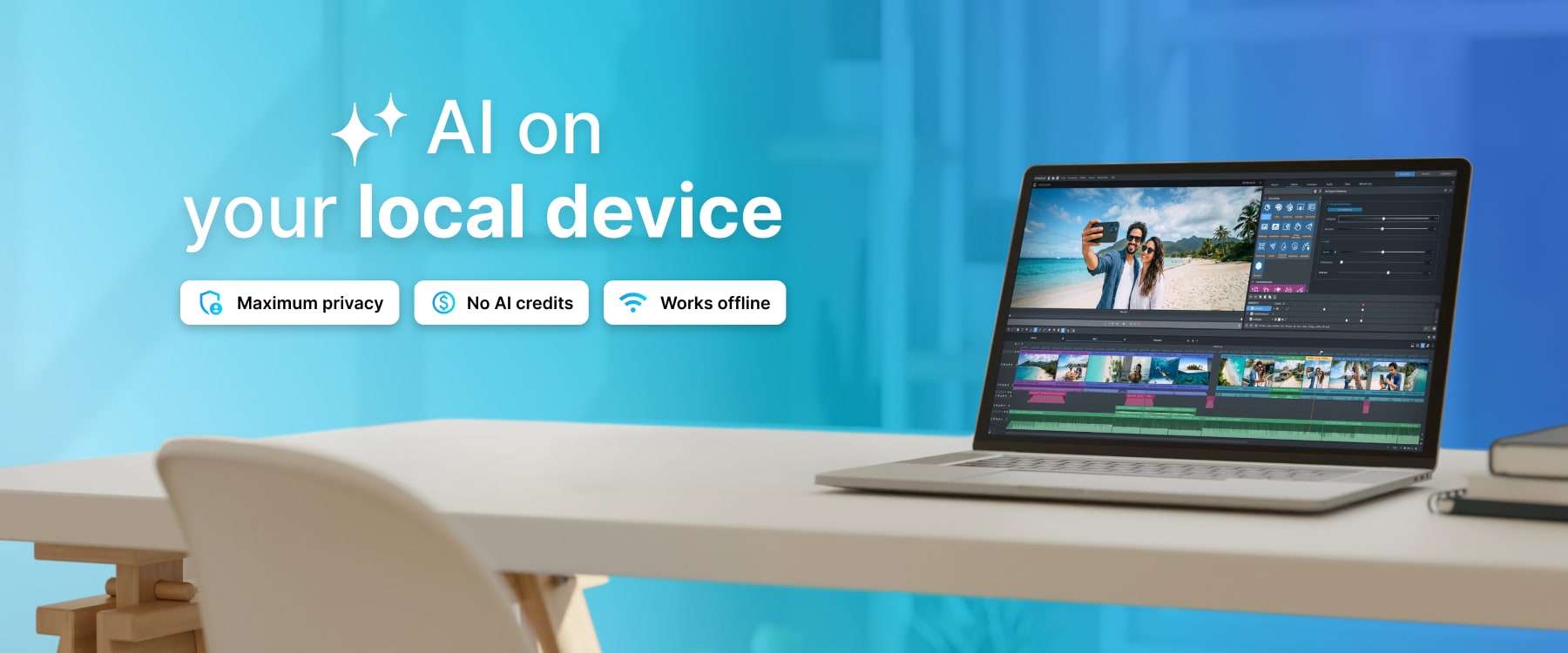
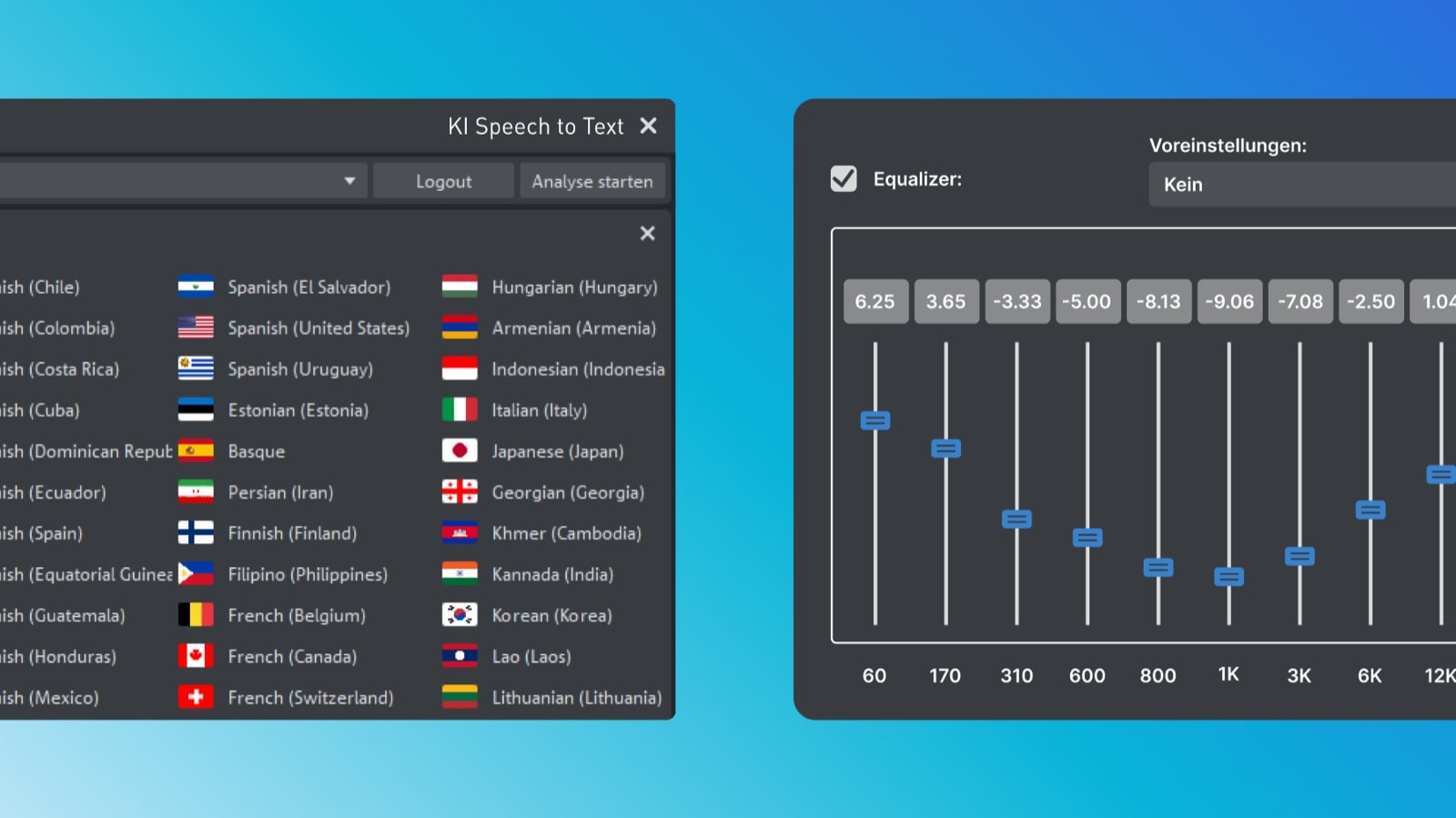
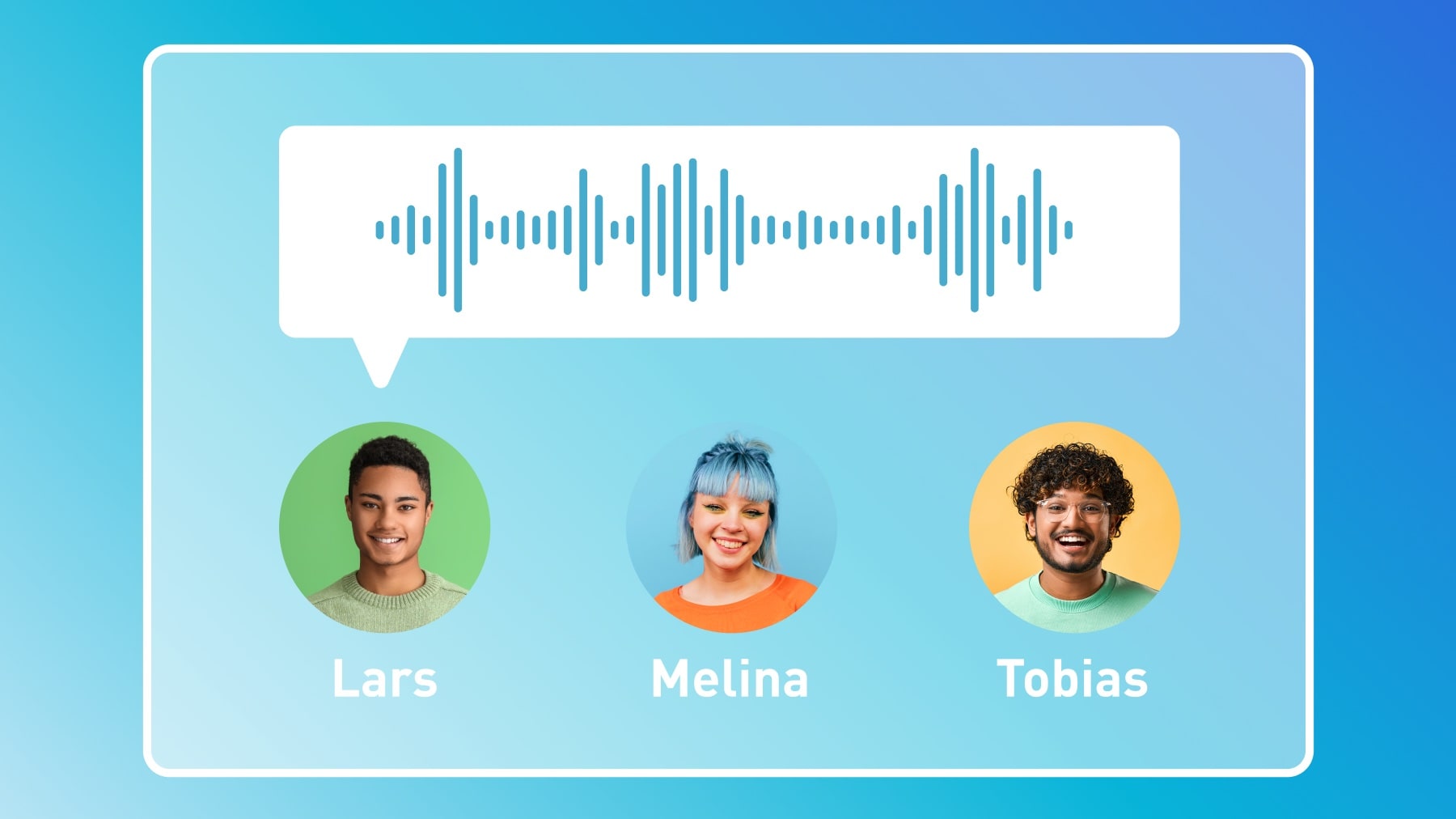
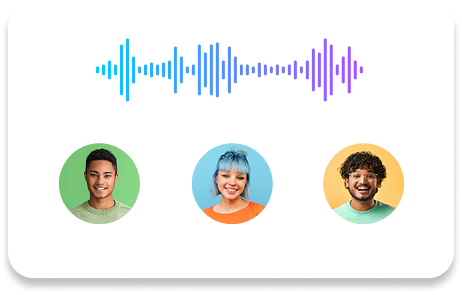
Offline AI voiceovers & subtitles
Create voiceovers and subtitles on your local PC with no internet connection required. Keep your projects private, and choose from a wide range of voices and languages without using AI credits.
NEW
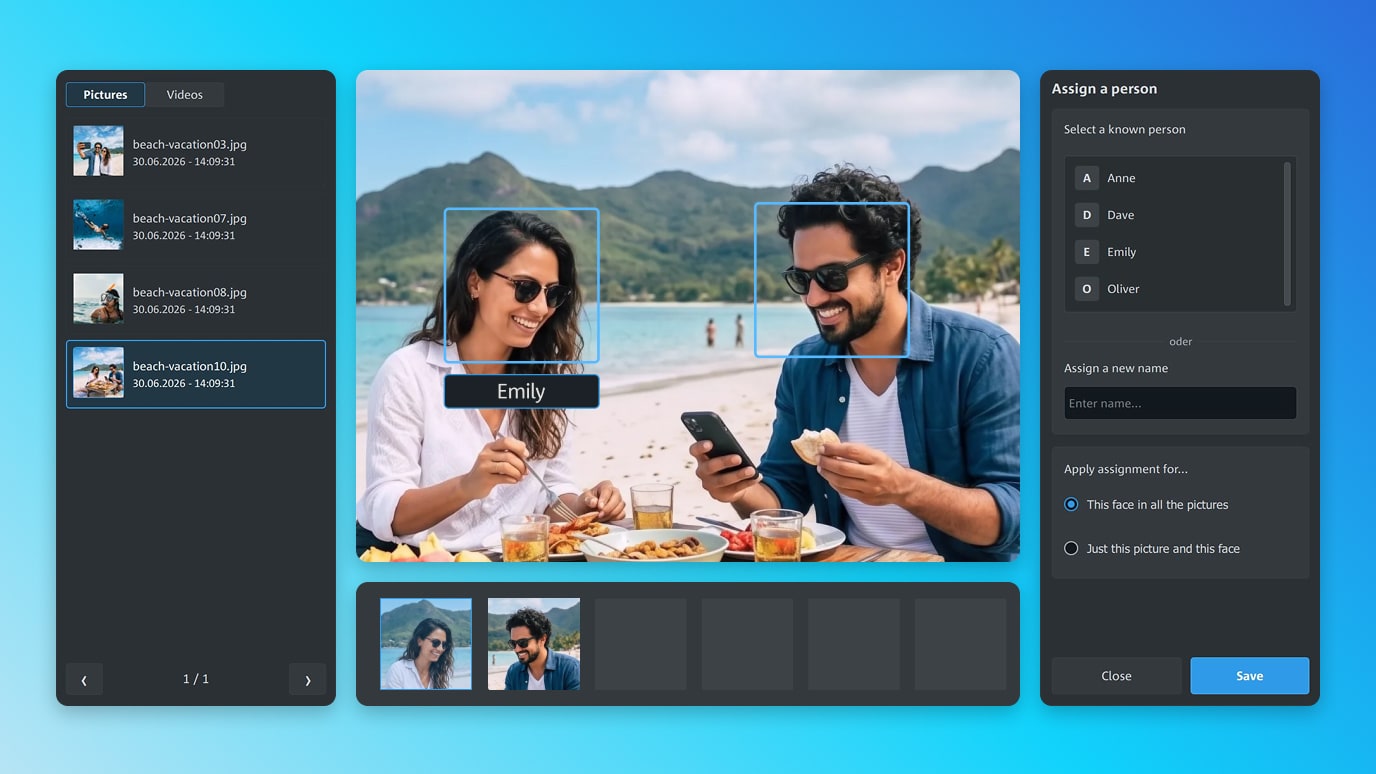
AI Face Recognition
Quickly find the people and shots you're looking for. AI Face Recognition automatically identifies and groups matching faces across your media library, making it easier to browse your photos and videos.
NEW
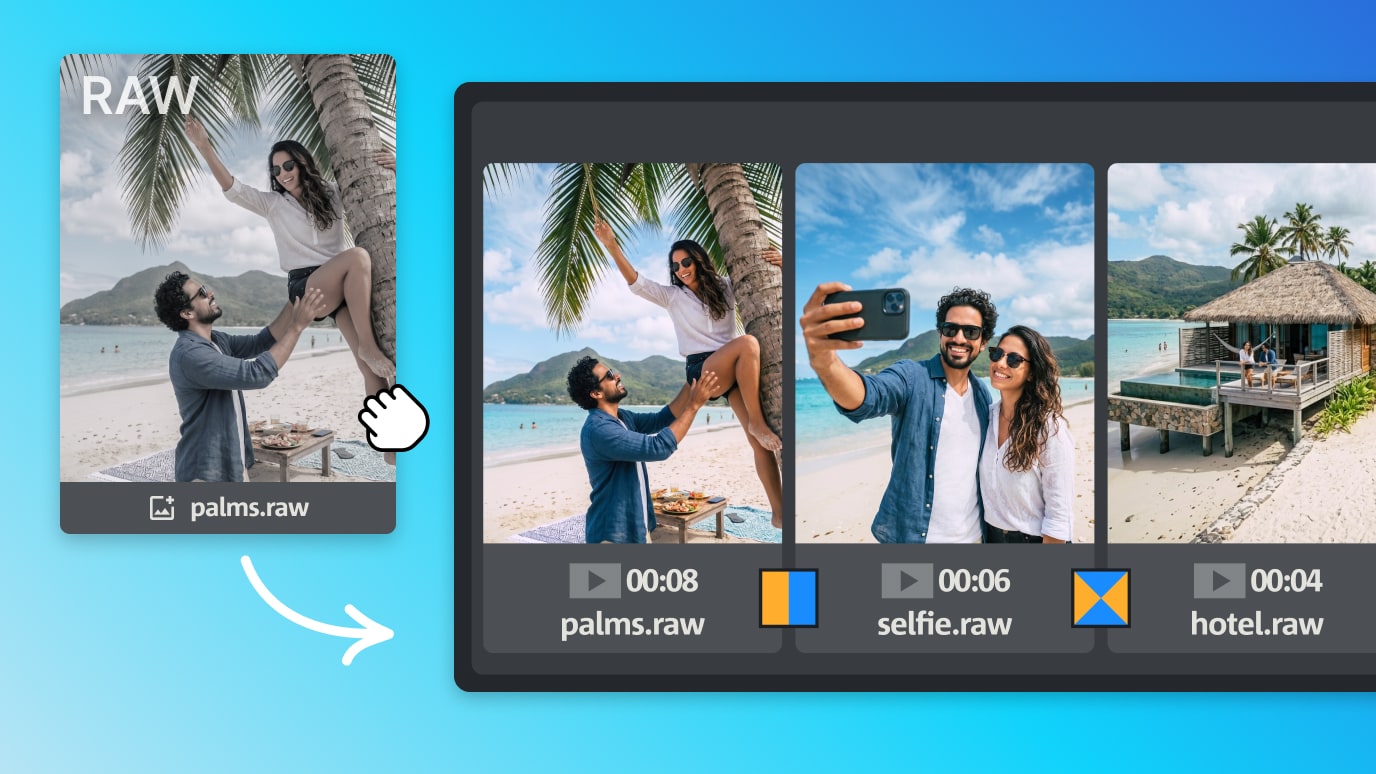
RAW image support
Integrate high-quality RAW images into your editing workflow. Enjoy enhanced support for newer formats, faster loading times, and intelligent image caching.
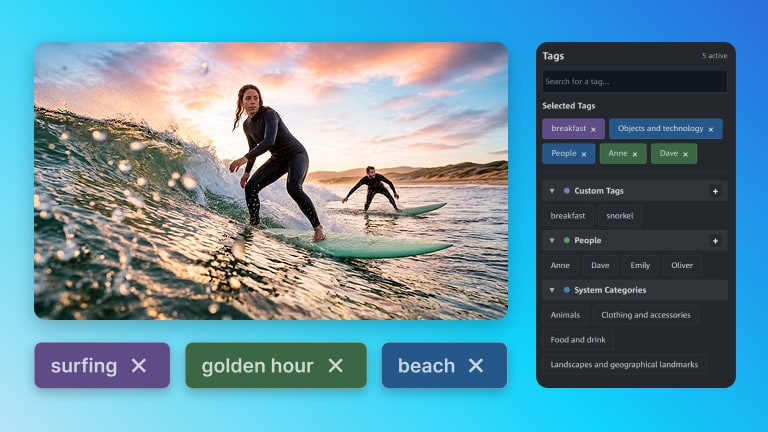
NEW
Custom tags
Organize your media library your way. Create custom tags for categories or people and use them to group related content.
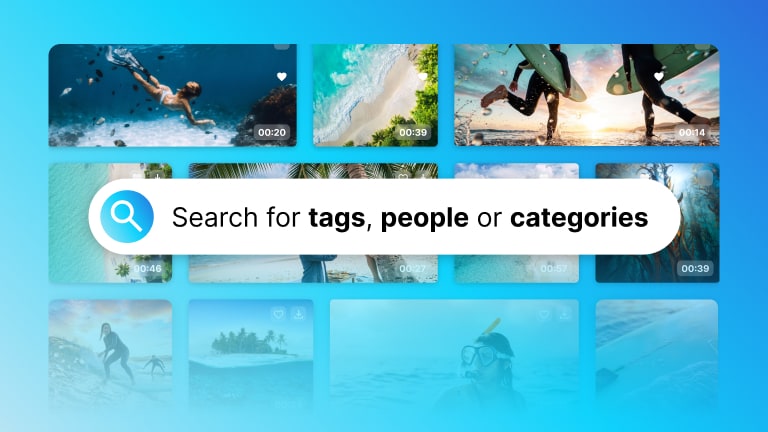
NEW
Smart search
Find the media you need in seconds. Search your library using keywords for tags, people, places or categories to quickly locate files.
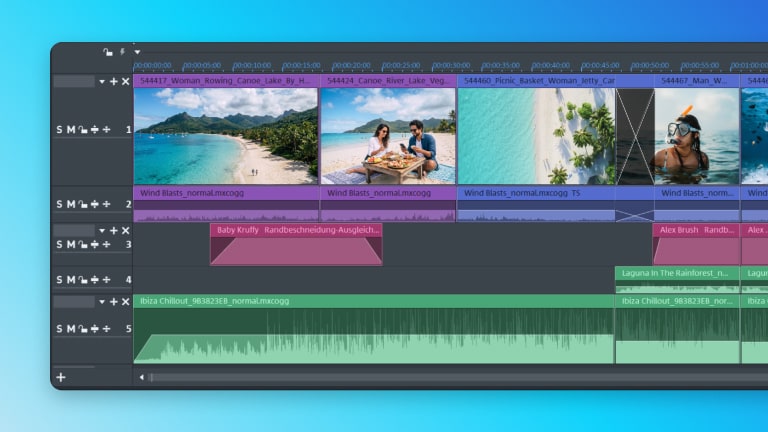
NEW
Refined workflows
Benefit from numerous workflow refinements, bug fixes, and stability improvements inspired by customer feedback.
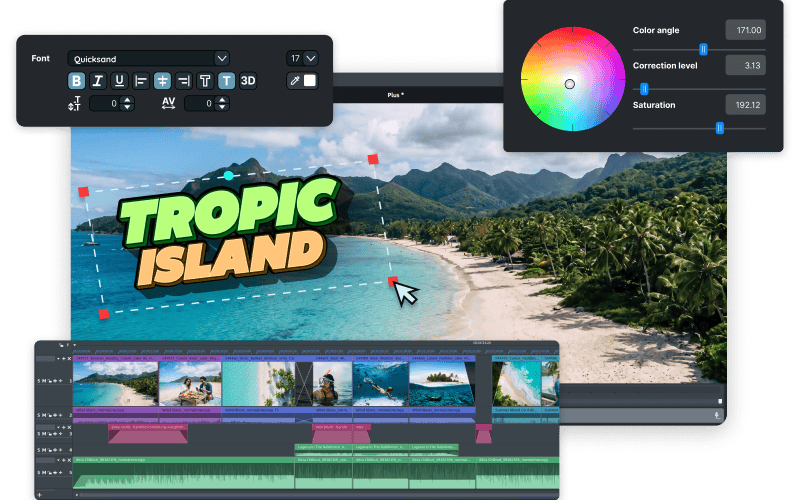
Discover all features
Explore the full power of Video deluxe 2027 and find new ways to let your creativity shine.
Editing essentials
Simple tools for great ideas
You don’t need years of experience to make great videos. Video deluxe makes it easy with smart editing tools.
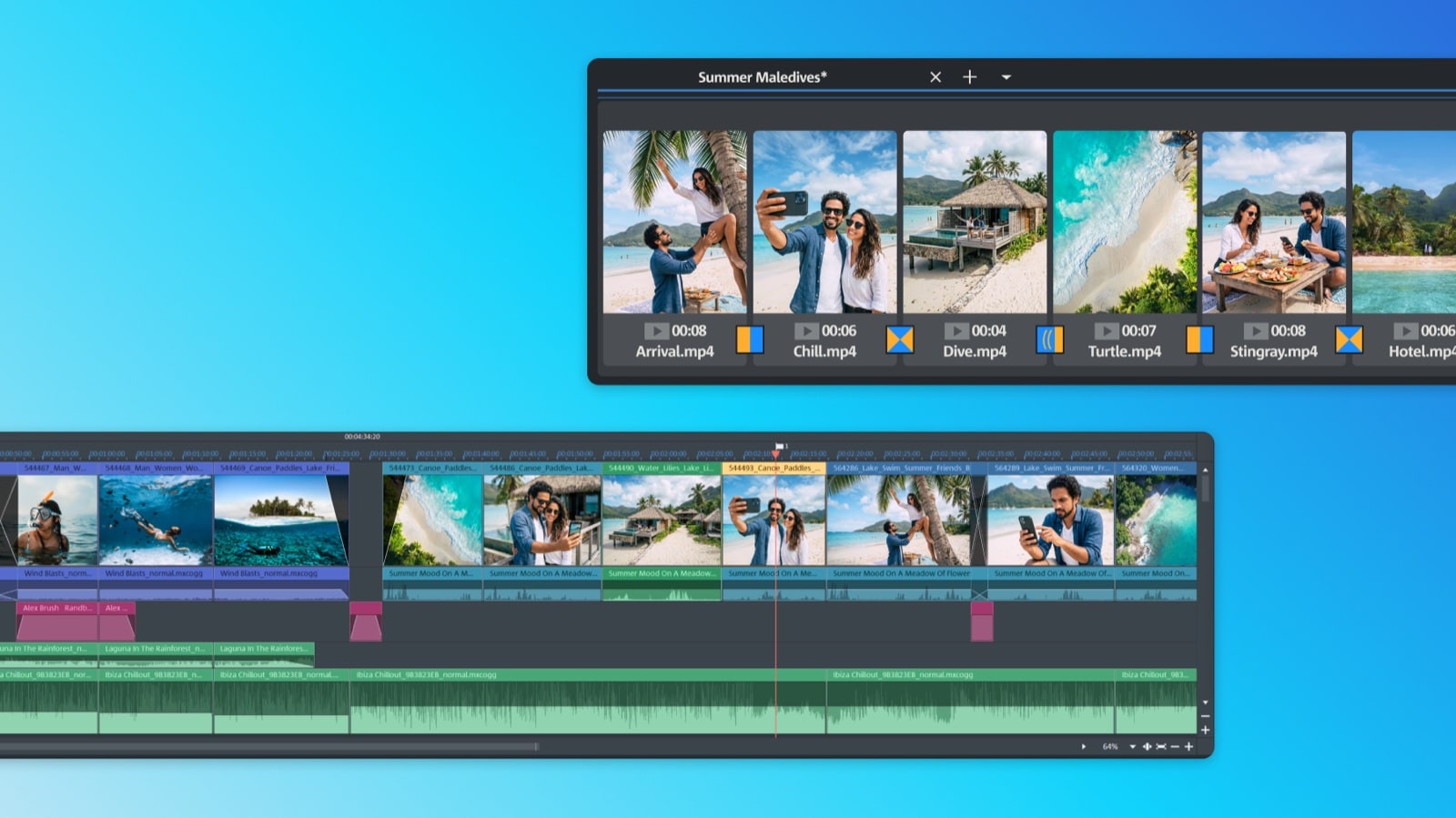
Edit your way
Start with easy-to-use presets, or build your video from scratch. Whether you're using Storyboard mode for quick edits or Timeline mode for full control, Video deluxe lets you work however you like.
AI-powered
Your editing sidekicks
From enhancing images to adding transitions, our AI tools help you with a variety of time-consuming tasks. They take the guesswork out of editing, so you can focus on your creativity.

×
Chroma Key
Whether you're filming against a green or blue screen, you can replace backgrounds and transport your story anywhere.
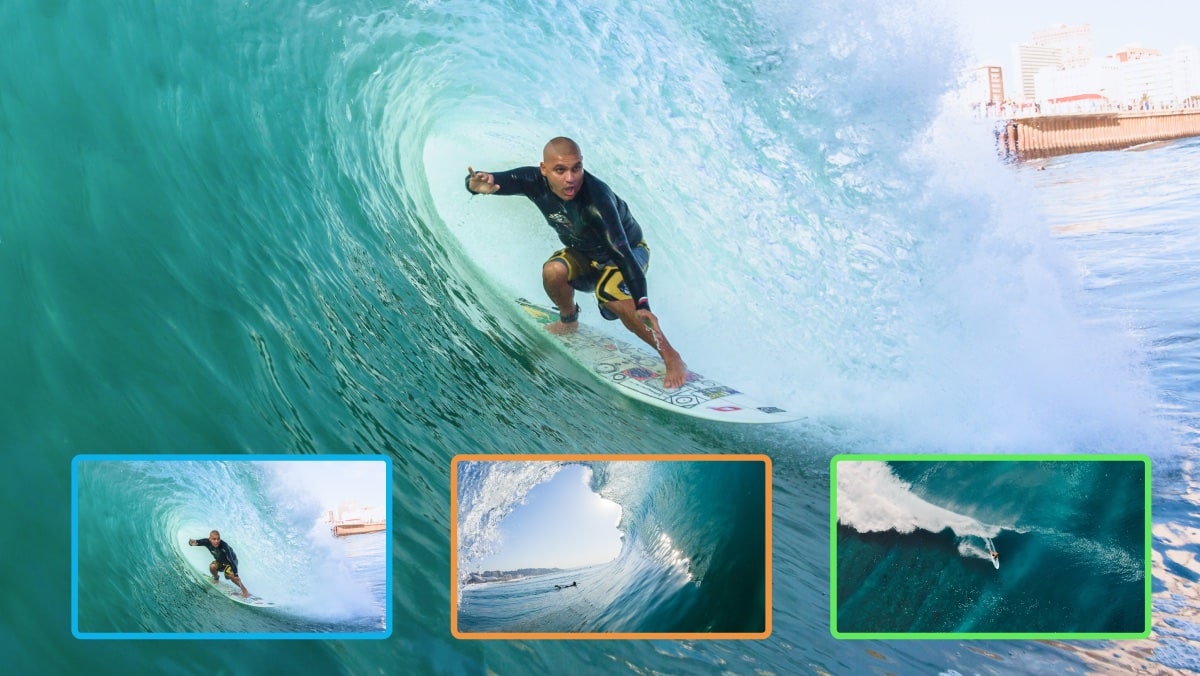
MultiCam
Sync footage from up to 4 cameras, switch between angles, and bring different perspectives together in one seamless edit.
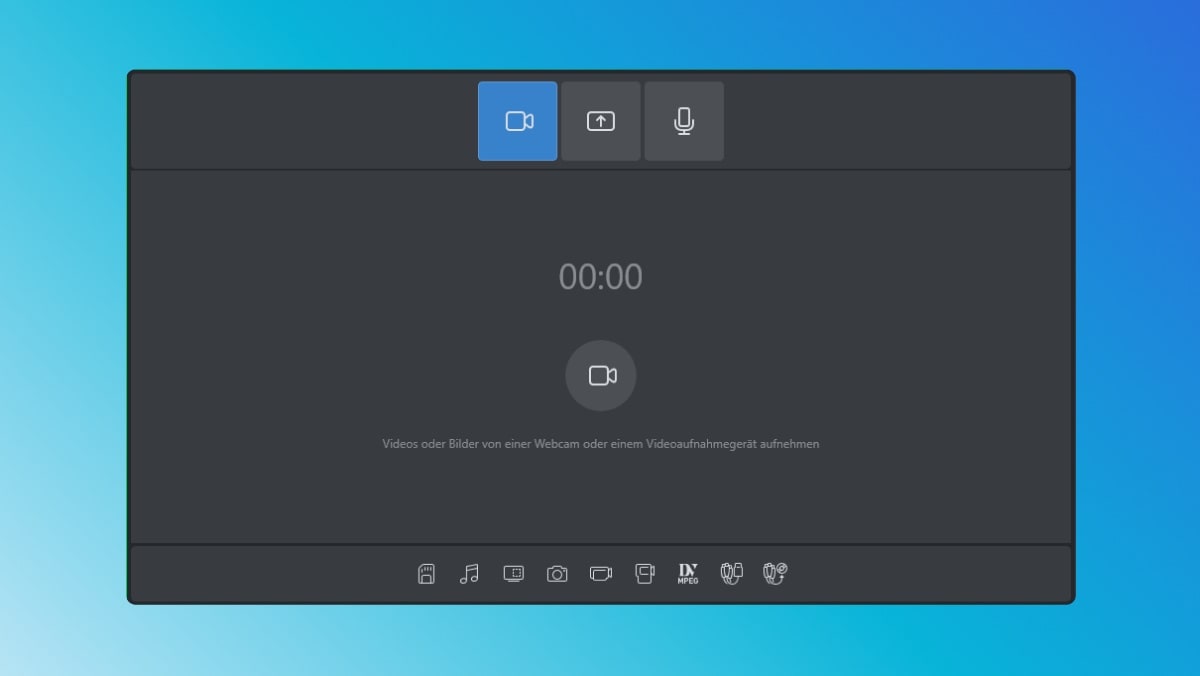
Screen recording
Capture every click and action, add your voice, and guide your audience through gameplay, tutorials, or anything in between.
AI-powered features
Edit smarter with AI
From automatic subtitles and voiceovers to smart effects, our AI tools make video editing smoother, faster, and more precise.
-
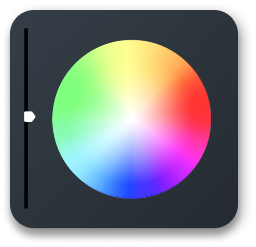
 Polish your imagesMask imperfections and smooth out unwanted highlights for a polished look.
 -
 Revive old footageTransform black-and-white footage into lifelike color with just a few clicks.
 -
 Apply artistic effectsGive your footage the look of iconic works by Van Gogh, Picasso and more.
 -
 Sharpen your clipsBring blurry footage into focus with enhanced detail and clarity.
 -
 Unveil the detailsReduce haze, fog and smoke to reveal hidden details in your clips.
×
AI-powered
Automatic voiceovers
Convert your text input into natural-sounding speech. Available in over 100 languages and styles.

×
AI-powered
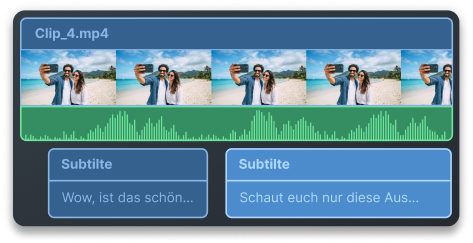
Quick & easy subtitles
Turn speech into accurate, editable text and create captions that make your content easier to follow.



×
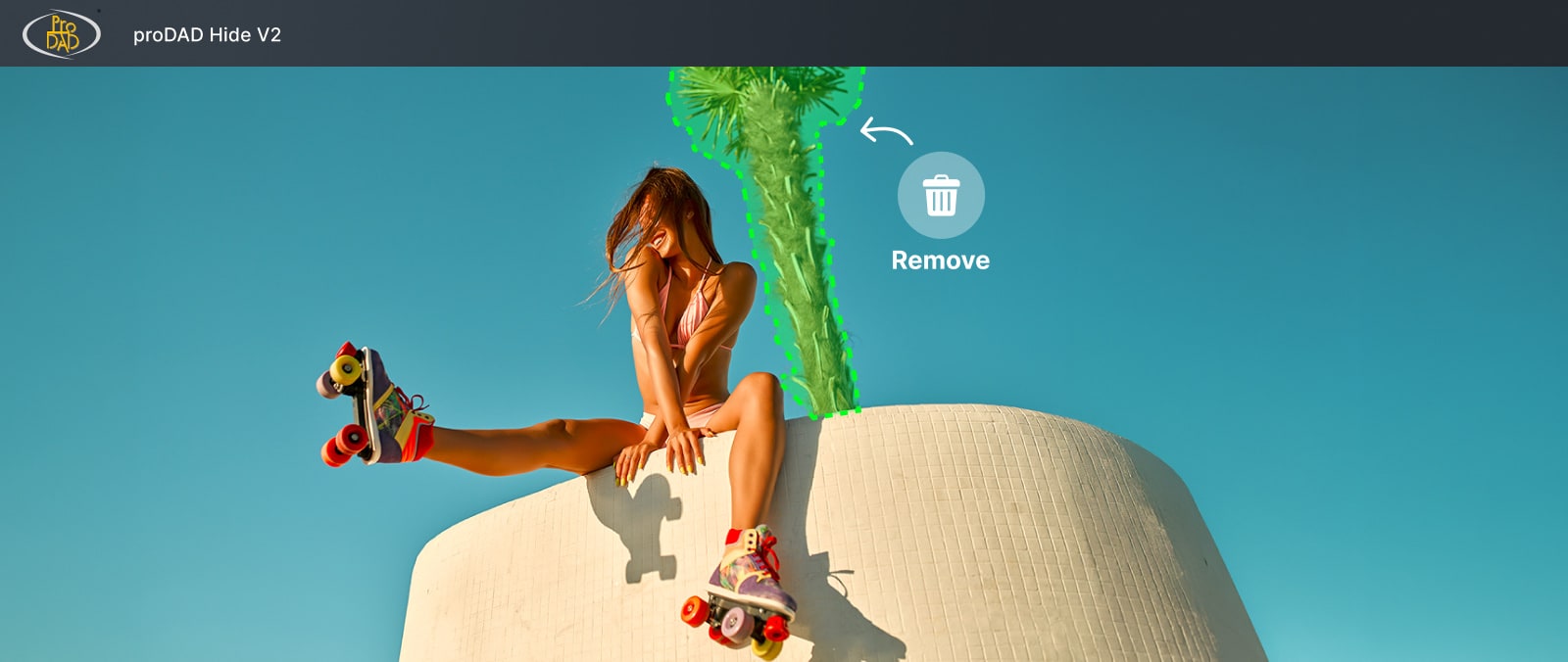
Object removal with proDAD Hide V2
Remove unwanted people and objects from your footage with the included proDAD Hide V2. Surrounding image areas are automatically reconstructed for clean, natural-looking results.
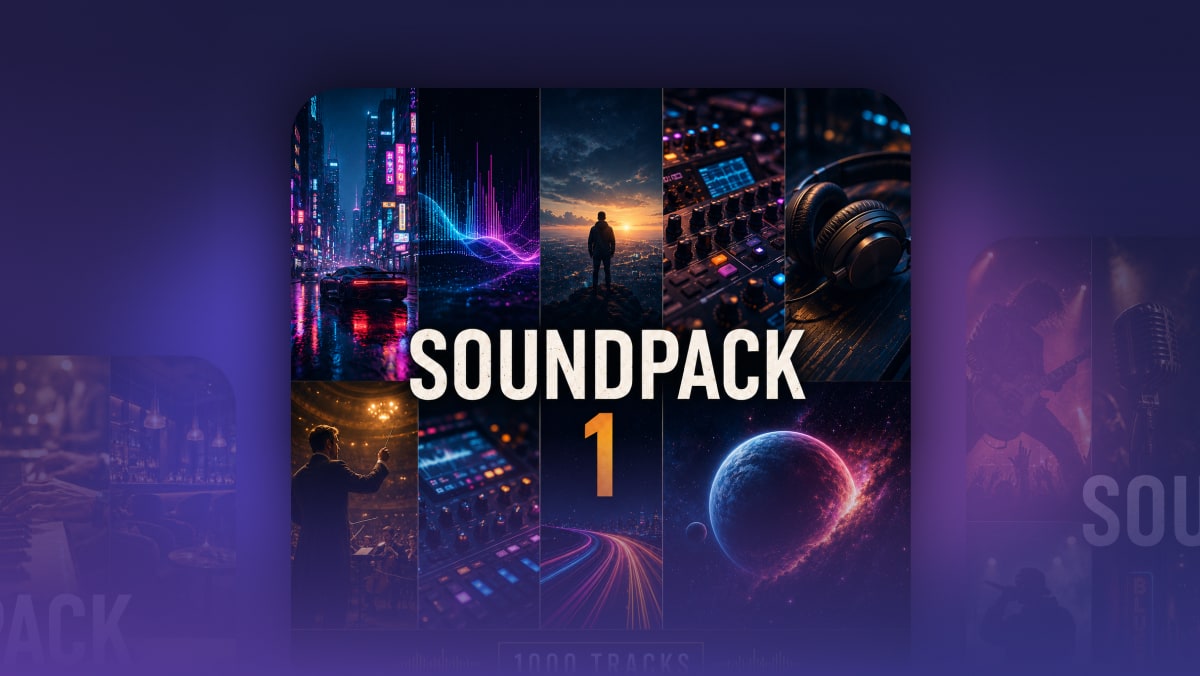
Soundpack Vol. 1
Discover high-quality music for your videos. The Soundpack includes 1,000 royalty-free tracks, so you can find the perfect soundtrack for every project and every mood.
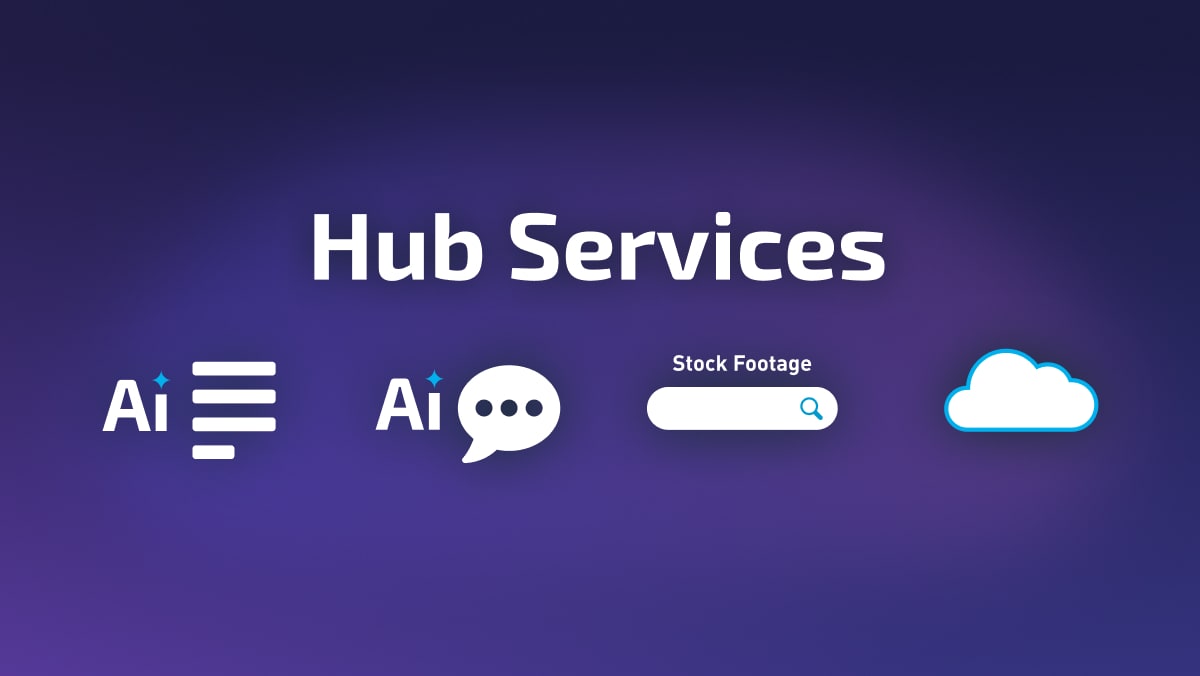
More credits for Hub services
Get additional Hub Credits for AI features and stock content. Create more voiceovers and subtitles, download even more royalty-free media, and expand your creative possibilities.
Get the biggest bundle
with Video deluxe
with Video deluxe
Ultimate
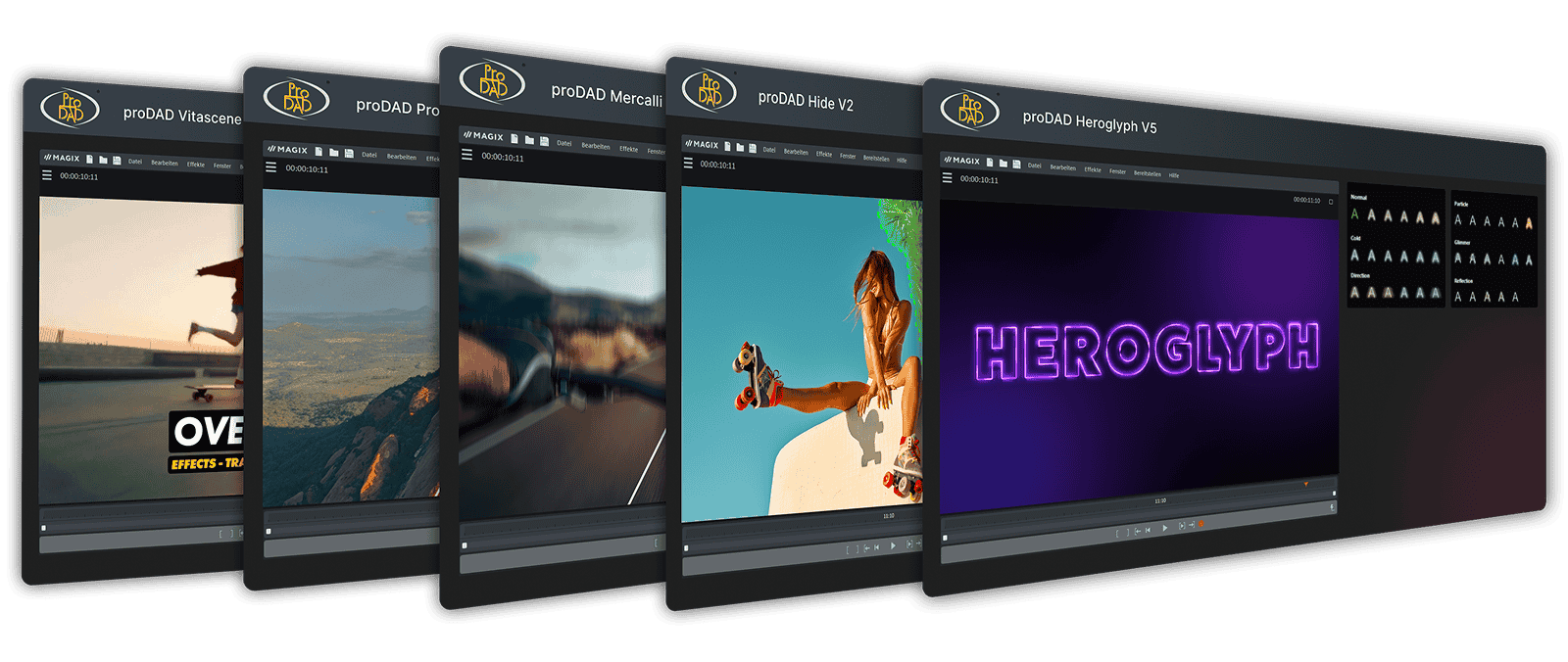
Video deluxe 2027 Premium + 21 powerful extras
Get Video deluxe Premium, plus 5 professional proDAD add-ons, exclusive video, audio, and music content, and over 1,700 additional effects, transitions, and titles.
×
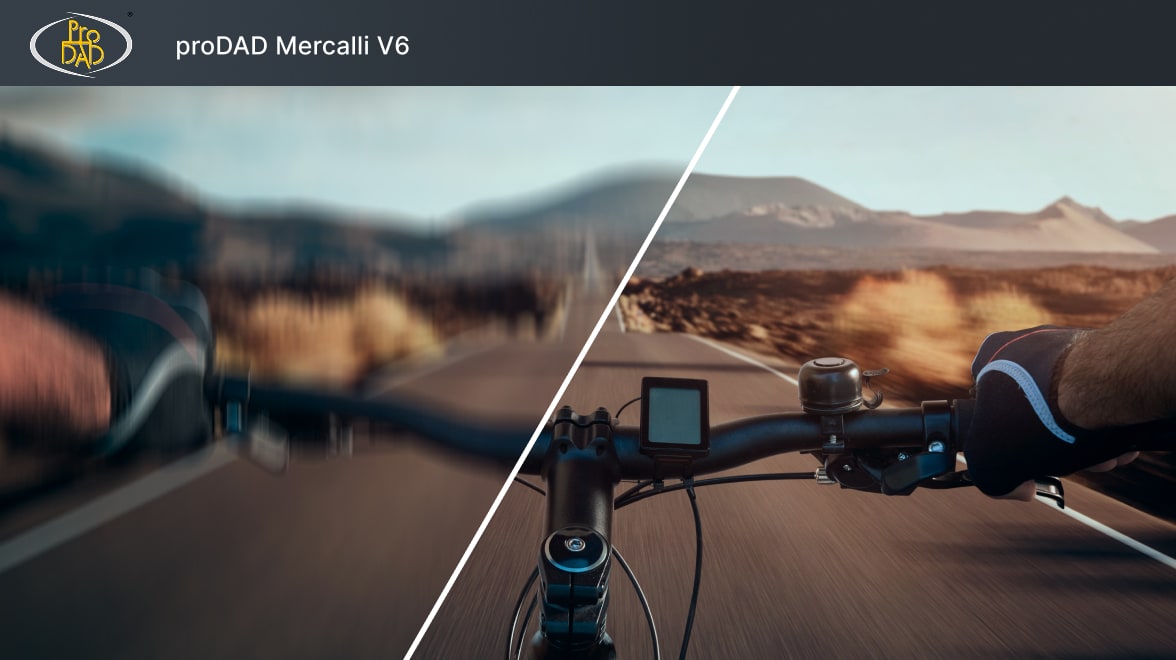
proDAD Mercalli V6
Use AI-powered stabilization to correct shaky footage. Advanced motion analysis compensates for camera shake, rolling shutter, and distortion, while automatic image optimization improves contrast, color, and saturation.
×
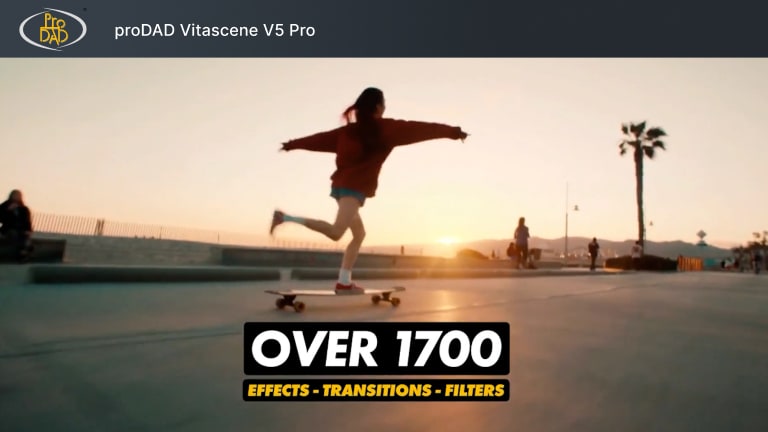
proDAD VitaScene V5 Pro
Access over 1,700 stunning effects, transitions, ready-to-use templates, and dynamic animations for text and graphics. Create striking visuals, enhance mood and give your videos a professional look.
×
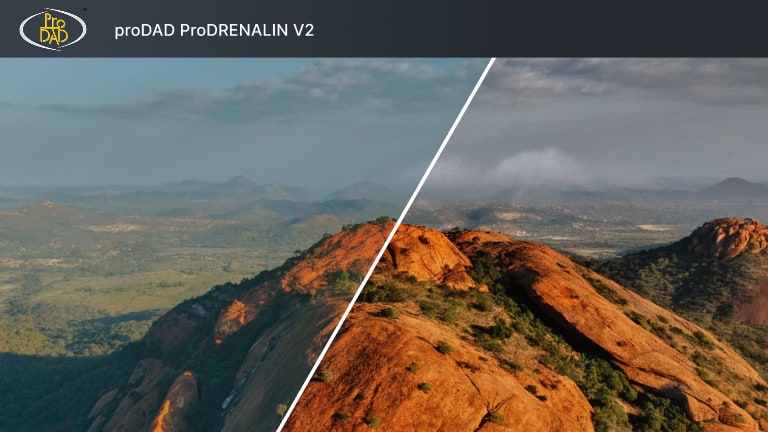
proDAD ProDRENALIN V2
Optimize action camera and drone footage with advanced correction tools and AI-assisted enhancement. Correct lens distortion, improve color and contrast, apply creative filters, and fine-tune every clip.
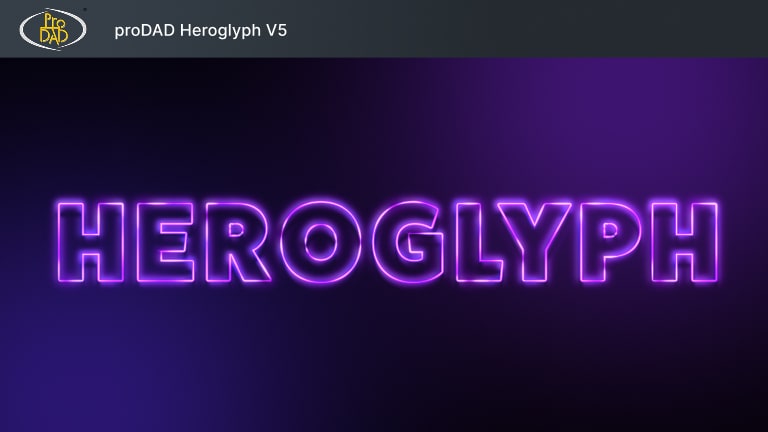
proDAD Heroglyph V5
Create professional titles, animated text, and end credits with a vast collection of customizable templates. Easily add polished motion graphics to your videos and make every project stand out.
×
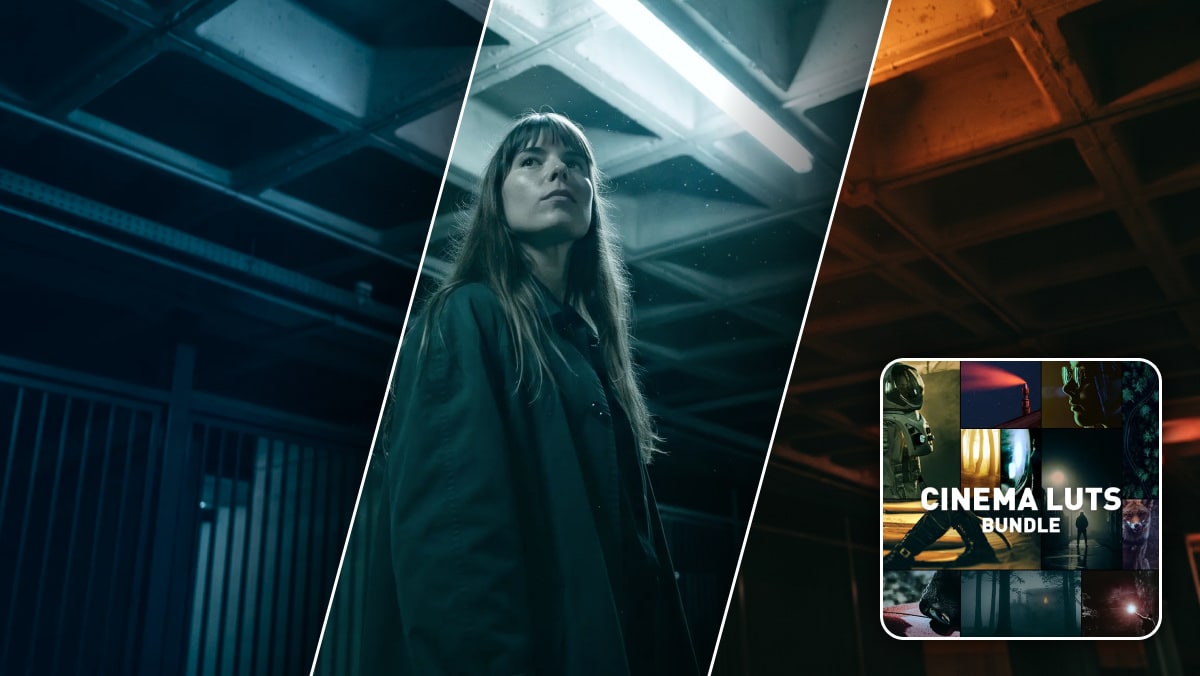
Cinema LUTs Bundle 5
Apply cinematic color grading in just a few clicks with over 100 professional LUTs. Explore a wide range of looks, from moody thrillers to vibrant fantasy and sci-fi styles.
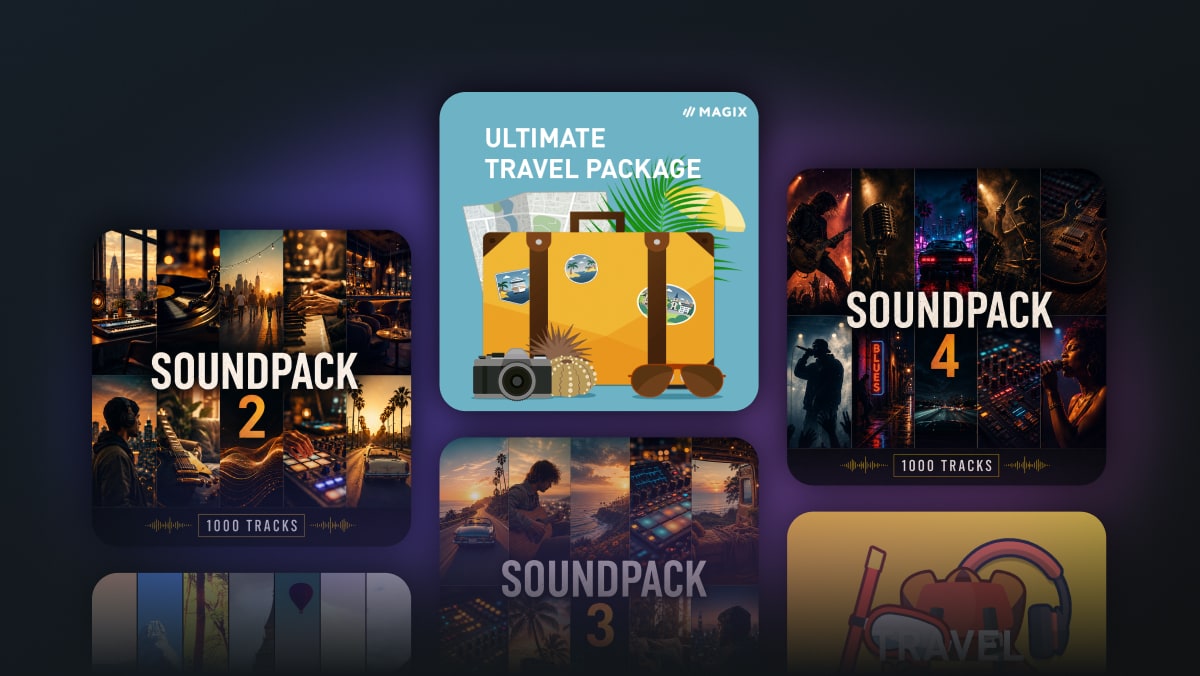
Premium stock content
Expand your creative library with 100+ visual effects, design elements for travel and holiday videos, plus 3 Soundpacks featuring 3,000 royalty-free tracks.
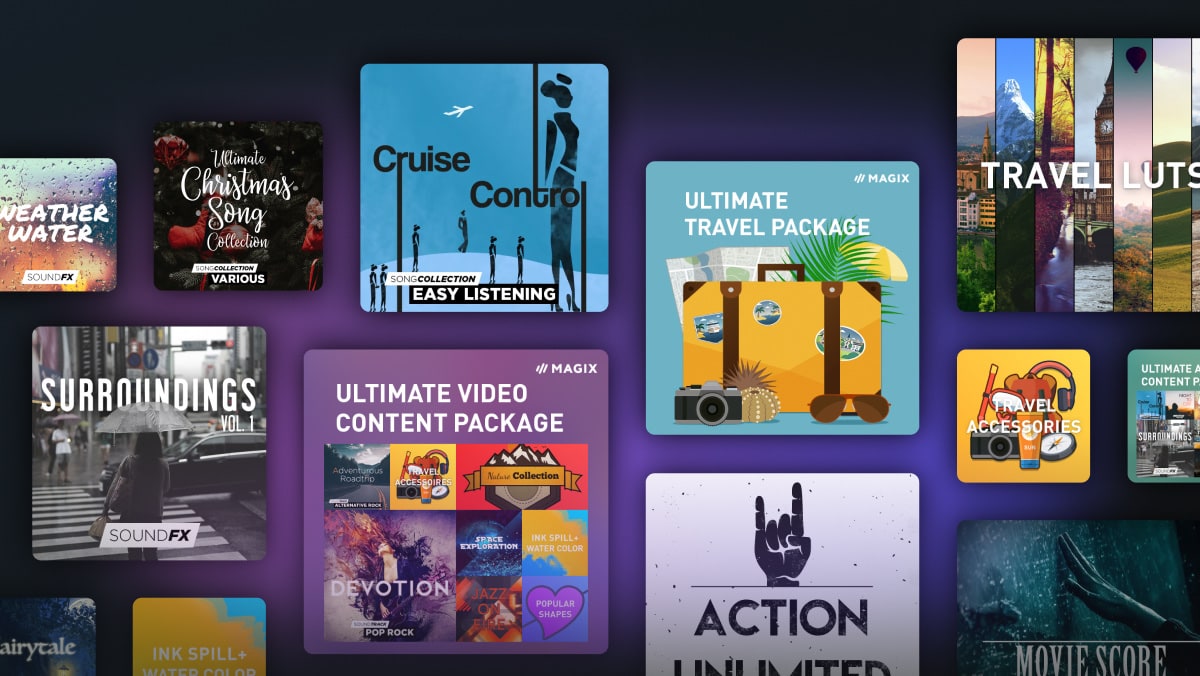
And much more
Discover even more creative possibilities, including themed music collections, professional sound effects, additional transitions, and festive design elements for the holidays.
MAGIX Content Hub
Content for every project
Access royalty-free music, sound effects, and video clips right inside Video deluxe. Ready to use, no licensing hassle.
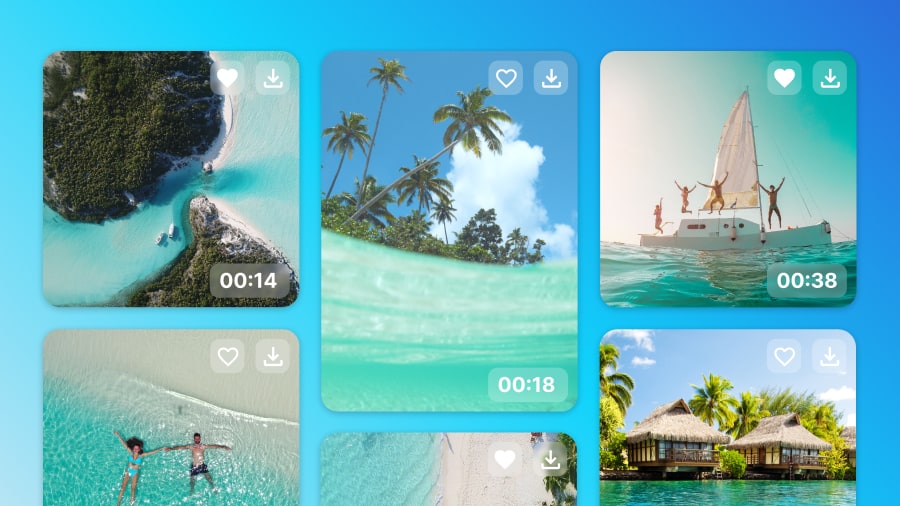
Storyblocks Content
Missing the right shot? Video deluxe gives you access to over 1 million high-quality video and audio assets from Storyblocks right in your timeline.
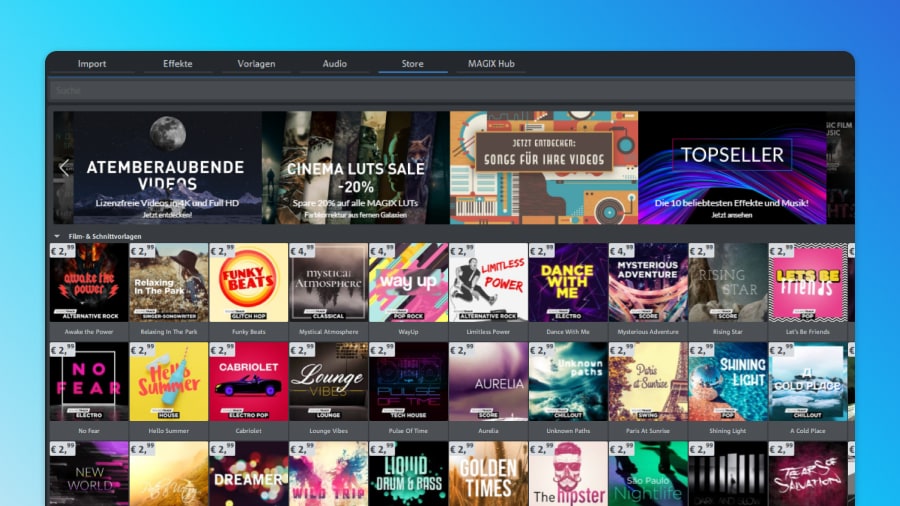
In-App Store
Access a growing selection of effects, audio content and add-ons in the In-App Store and integrate them seamlessly into your workflow.

Limited-time offer. Don’t miss out!

Pricing
Get Video deluxe now
Find the Video deluxe version that fits your needs.
New version 🔥


Plus
Video deluxe 2027
Easy video editing with AI tools, templates and creative effects.
- Intuitive video editing
- 2,000+ effects, fades, and templates
- Offline AI voiceovers & subtitles
- AI-powered image optimization
- Precise color grading & LUTs
- Royalty-free stock content
Included:
BEST VALUE
New version 🔥


Premium
Video deluxe 2027Extended toolkit with object removal and high-quality music content.
- Video deluxe Premium, plus:
- proDAD Hide V2 Bundle
- 1,000 versatile soundtracks Bundle
- AI-powered object removal
- More AI credits
- More stock downloads
Included in the bundle:
New version 🔥


Ultimate
Video deluxe 2027Complete editing suite with advanced tools and content for polished videos.
- Video deluxe Premium, plus:
- 5 powerful proDAD add-ons Bundle
- Cinema LUTs Bundle 5 Bundle
- Ultimate Content Pack Bundle
- 3,000 versatile soundtracks Bundle
- 1,700 exclusive effects
- Powerful image stabilization
- Professional title animations
- More AI credits
- More stock downloads
Included in the bundle:
Plug-ins and additional software can only be activated on one device. When repurchasing a plug-in you’ve already registered, you will not receive a new serial number.
|
Plus
Buy now
|
Premium
Buy now
|
Ultimate
Buy now
|
|
|---|---|---|---|
| proDAD VitaScene V5 PRO |
Plus
Not included
|
Premium
Not included
|
Ultimate
Included
|
| proDAD Mercalli V6 |
Plus
Not included
|
Premium
Not included
|
Ultimate
Included
|
| proDAD Hide V2 |
Plus
Not included
|
Premium
Included
|
Ultimate
Included
|
| proDAD ProDRENALIN V2 NEW |
Plus
Not included
|
Premium
Not included
|
Ultimate
Included
|
| proDAD Heroglyph V5 NEW |
Plus
Not included
|
Premium
Not included
|
Ultimate
Included
|
| Ultimate Content Pack |
Plus
Not included
|
Premium
Not included
|
Ultimate
Included
|
| Soundpacks NEW |
Plus
Not included
|
Premium
1
|
Ultimate
3
|
| Cinema LUTs Bundle 5 NEW |
Plus
Not included
|
Premium
Not included
|
Ultimate
Included
|
| Custom media tags NEW |
Plus
Included
|
Premium
Included
|
Ultimate
Included
|
| Smart media search NEW |
Plus
Included
|
Premium
Included
|
Ultimate
Included
|
| HiDPI program interface |
Plus
Included
|
Premium
Included
|
Ultimate
Included
|
| In-app Store & new Media Pool |
Plus
Included
|
Premium
Included
|
Ultimate
Included
|
| OpenFX support |
Plus
Included
|
Premium
Included
|
Ultimate
Included
|
| Archive & restore |
Plus
Included
|
Premium
Included
|
Ultimate
Included
|
| Wireless media transfer |
Plus
Included
|
Premium
Included
|
Ultimate
Included
|
| Offline AI voiceovers & subtitles NEW |
Plus
Unlimited
|
Premium
Unlimited
|
Ultimate
Unlimited
|
| AI subtitles (Speech-to-Text) |
Plus
1 hour¹
|
Premium
2 hours¹
|
Ultimate
4 hours¹
|
| AI voiceovers (Text-to-Speech) |
Plus
20,000 characters¹
|
Premium
30,000 characters¹
|
Ultimate
180,000 characters¹
|
| MAGIX Content |
Plus
120 downloads¹
|
Premium
180 downloads¹
|
Ultimate
580 downloads¹
|
| Cloud storage |
Plus
1 GB
|
Premium
2 GB
|
Ultimate
2 GB
|
| Media Share |
Plus
Included
|
Premium
Included
|
Ultimate
Included
|
| AI Face Recognition NEW |
Plus
Included
|
Premium
Included
|
Ultimate
Included
|
| AI Colorize |
Plus
Included
|
Premium
Included
|
Ultimate
Included
|
| AI Style Transfer |
Plus
Included
|
Premium
Included
|
Ultimate
Included
|
| AI image enhancement |
Plus
Included
|
Premium
Included
|
Ultimate
Included
|
| AI Media Management |
Plus
Included
|
Premium
Included
|
Ultimate
Included
|
| Highlighted subtitles |
Plus
Included
|
Premium
Included
|
Ultimate
Included
|
| Infusion Engine 3 |
Plus
Included
|
Premium
Included
|
Ultimate
Included
|
| Multimedia tracks |
Plus
200
|
Premium
200
|
Ultimate
200
|
| High-speed timeline |
Plus
Included
|
Premium
Included
|
Ultimate
Included
|
| Track and object colors |
Plus
Included
|
Premium
Included
|
Ultimate
Included
|
| J and L cuts |
Plus
Included
|
Premium
Included
|
Ultimate
Included
|
| Automatically remove gaps |
Plus
Included
|
Premium
Included
|
Ultimate
Included
|
| Multicam editing |
Plus
Up to 4 cameras
|
Premium
Up to 4 cameras
|
Ultimate
Up to 4 cameras
|
| Preview rendering |
Plus
Included
|
Premium
Included
|
Ultimate
Included
|
| Beat-based video editing |
Plus
Included
|
Premium
Included
|
Ultimate
Included
|
| Movie & editing templates |
Plus
75
|
Premium
75
|
Ultimate
75
|
| Change track height |
Plus
Included
|
Premium
Included
|
Ultimate
Included
|
| 8K Ultra HD support |
Plus
Included
|
Premium
Included
|
Ultimate
Included
|
| Proxy video editing |
Plus
Included
|
Premium
Included
|
Ultimate
Included
|
| Flexible rotation point |
Plus
Included
|
Premium
Included
|
Ultimate
Included
|
| Multichannel sound |
Plus
Stereo
|
Premium
Included
|
Ultimate
Included
|
| Automatic loudness adjustment |
Plus
Included
|
Premium
Included
|
Ultimate
Included
|
| Audio scrubbing in the timeline |
Plus
Included
|
Premium
Included
|
Ultimate
Included
|
| Dehisser |
Plus
Included
|
Premium
Included
|
Ultimate
Included
|
| Music Editor 3.0/Mastering Suite |
Plus
Included
|
Premium
Included
|
Ultimate
Included
|
| RAW support NEW |
Plus
Included
|
Premium
Included
|
Ultimate
Included
|
| MiniDV / HDV camcorder support |
Plus
Included
|
Premium
Included
|
Ultimate
Included
|
| AVCHD camcorder support |
Plus
Included
|
Premium
Included
|
Ultimate
Included
|
| Cloud import tool |
Plus
Included
|
Premium
Included
|
Ultimate
Included
|
| UHD & 8K media import |
Plus
Included
|
Premium
Included
|
Ultimate
Included
|
| HEVC support (10-bit import) |
Plus
Included
|
Premium
Included
|
Ultimate
Included
|
| XAVCS support |
Plus
Included
|
Premium
Included
|
Ultimate
Included
|
| HEIF image import |
Plus
Included
|
Premium
Included
|
Ultimate
Included
|
| Automatic alignment for vertical videos |
Plus
Included
|
Premium
Included
|
Ultimate
Included
|
| 360° recordings including stitching |
Plus
Included
|
Premium
Included
|
Ultimate
Included
|
| Stereo 3D recordings |
Plus
Included
|
Premium
Included
|
Ultimate
Included
|
| Screen recording |
Plus
Included
|
Premium
Included
|
Ultimate
Included
|
| Intel® Hyper Encode technology |
Plus
Included
|
Premium
Included
|
Ultimate
Included
|
| DVD, AVCHD & Blu-ray burning with animated menus |
Plus
Included
|
Premium
Included
|
Ultimate
Included
|
| Export to smartphones and tablets |
Plus
Included
|
Premium
Included
|
Ultimate
Included
|
| Upload to Vimeo |
Plus
Included
|
Premium
Included
|
Ultimate
Included
|
| Upload to YouTube |
Plus
Included
|
Premium
Included
|
Ultimate
Included
|
| Batch conversion |
Plus
Included
|
Premium
Included
|
Ultimate
Included
|
| AVCHD smart rendering |
Plus
Included
|
Premium
Included
|
Ultimate
Included
|
| Batch export for chapters |
Plus
Included
|
Premium
Included
|
Ultimate
Included
|
| Stereo 3D export to disc, file or YouTube |
Plus
Included
|
Premium
Included
|
Ultimate
Included
|
| 360° video export as file or to YouTube |
Plus
Included
|
Premium
Included
|
Ultimate
Included
|
You can redeem your Hub voucher for at least one year after purchasing the product license. Once redeemed in the product's Hub window, your Hub credit remains valid indefinitely.
* To increase credits for AI and Hub/Cloud functions, click here.
Connect and grow
Join the community
Get in touch with other creators, exchange ideas and get inspired by a passionate community.
Tips and tricks
These guides will help you get more out of Video deluxe, one step at a time.
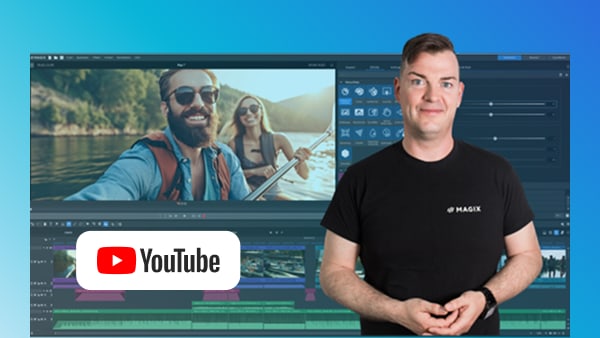
Tutorials
New to video editing? Start with easy-to-follow tutorials and create your first video today.
Forum
Got questions or just want to connect with other creators? Share your ideas and inspiration here.
Frequently asked questions
1. What can I do with MAGIX Video deluxe?
MAGIX Video deluxe is an intuitive video editing software for both beginners and experienced users. You can edit your footage and audio, and apply effects, transitions, and titles with ease.
2. How can I upgrade to MAGIX Video deluxe?
You can upgrade directly through the MAGIX website. Just choose your preferred version from the orderbox and follow the guided steps.
3. Is MAGIX Video deluxe an easy video editing program?
Yes, MAGIX Video deluxe is one of the most user-friendly video editing programs available. It's perfect for beginners thanks to its intuitive interface, drag-and-drop functionality, and ready-to-use templates.
4. Which video formats does MAGIX Video deluxe support?
MAGIX Video deluxe supports all common formats, including MP4, AVI, MOV, and more. Find more info under specifications.
5. How much does MAGIX Video deluxe cost?
For information on pricing, simply check the orderbox above.
Select your language