
Video Saver!
Video editor, tape digitizer & archiving tool
Digitize your video tapes with ease
Analog videotapes won’t last forever. With Video Saver!, you can easily transfer video recordings to your PC, preserve your favorite memories, and share them in three easy steps.
Import
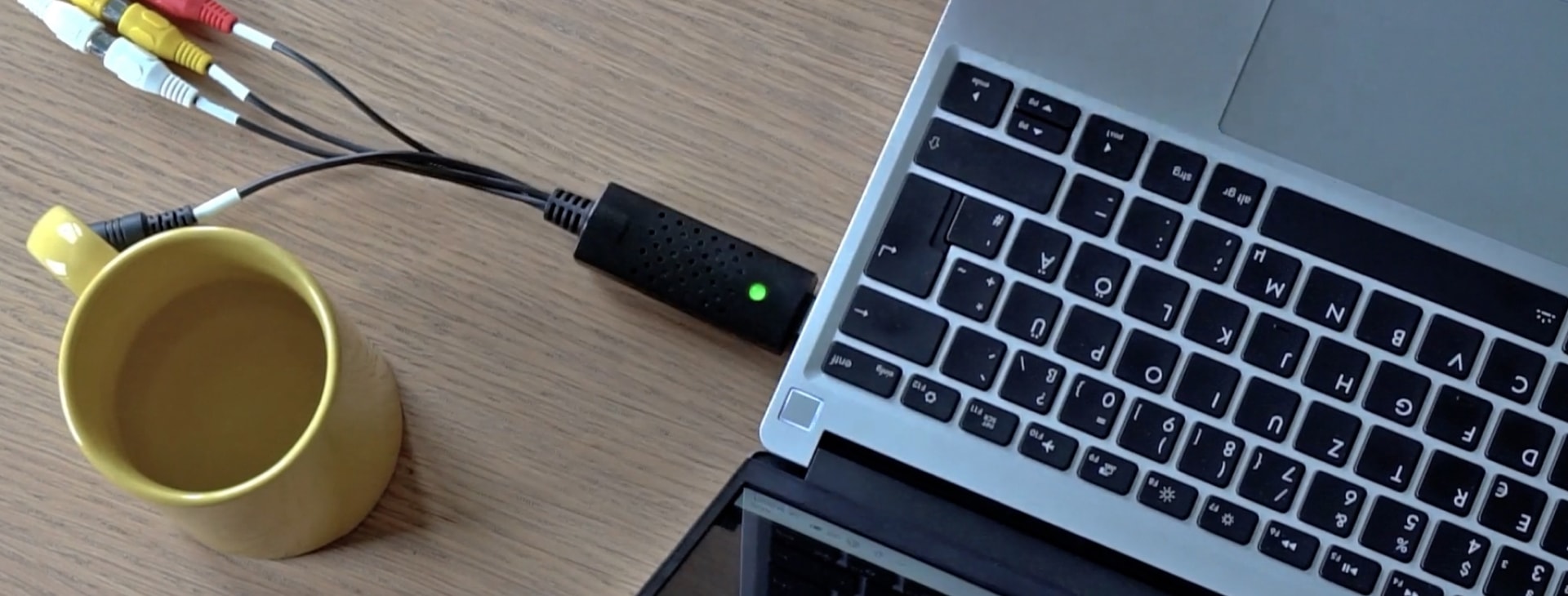
Transfer footage to your PC
MAGIX USB Video Converter
Connects directly to your PC and supports SCART, S-Video, and RCA inputs. It lets you digitize VHS, S-VHS, Video8, Hi8, and Betamax tapes and transfer recordings from digital formats like Digital8, MiniDV, and DV. Note: Video Saver! does not support SECAM.
Optimization
Enhance your videos
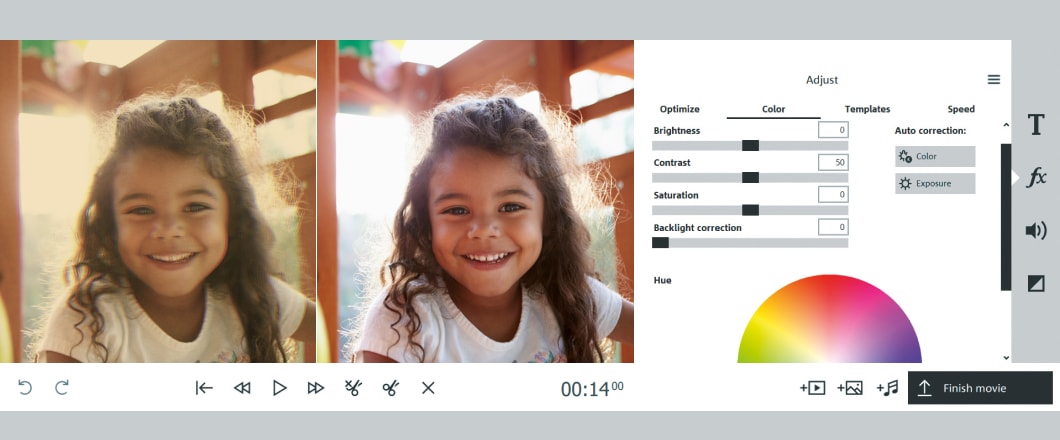
Color correction
Adjust brightness, contrast, and color manually, or use automatic correction for quick results.
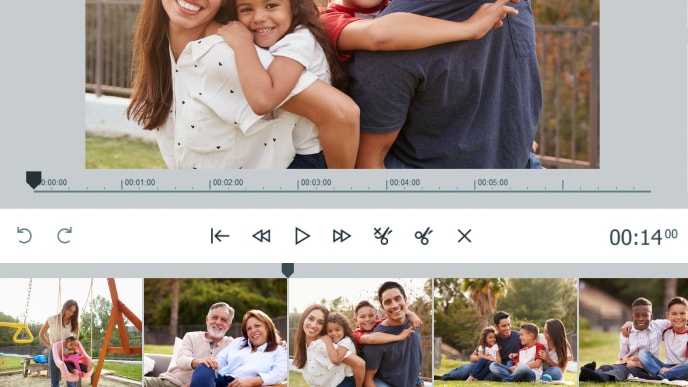
Fine-tune videos
Optimization tools
Edit your footage with simple one-click tools for cuts, transitions, color correction and a wide range of creative effects.

Add context
Title animations
Insert animated titles to highlight key moments, years, or locations and bring structure to your videos.
Export
Burn to disc or share online
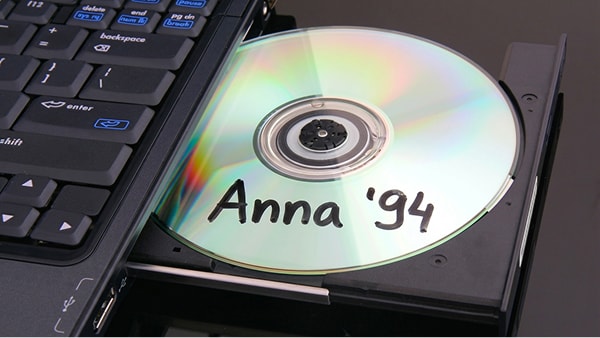
DVD & Blu-ray discs
Burn your films to DVD or Blu-ray discs with personalized menus for a clean look.

Smartphones & PCs
Save your videos as MP4 files and watch them on smartphones or PCs from a USB stick.

Social media
Upload your videos to Facebook or YouTube and share special moments with friends and family.
Ready for more?
DELUXE
Advanced digitizing & editing with
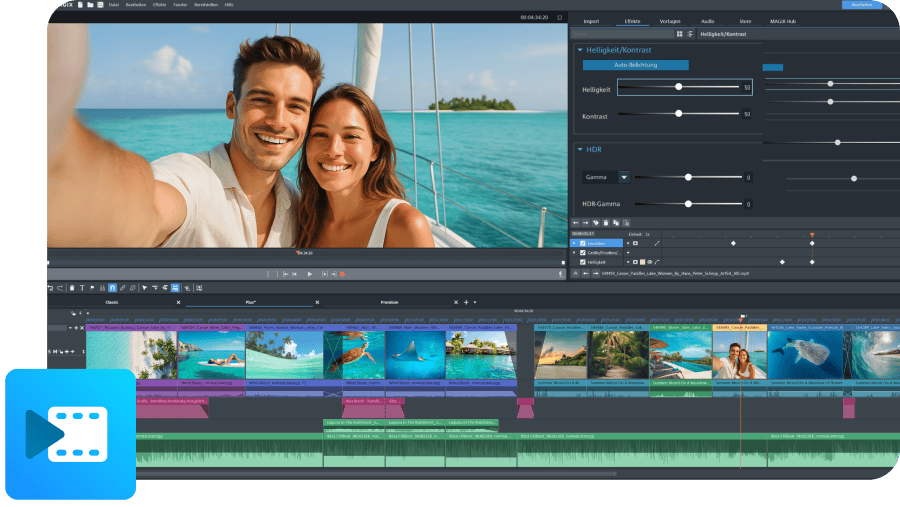
AI-powered editing
Video deluxe 2026 Plus
Cut and arrange your clips with ease, polish them with powerful AI tools, and experiment with a wide range of creative effects – all in one super intuitive timeline.
Deluxe lets you digitize in higher quality and elevates your videos with powerful AI tools.
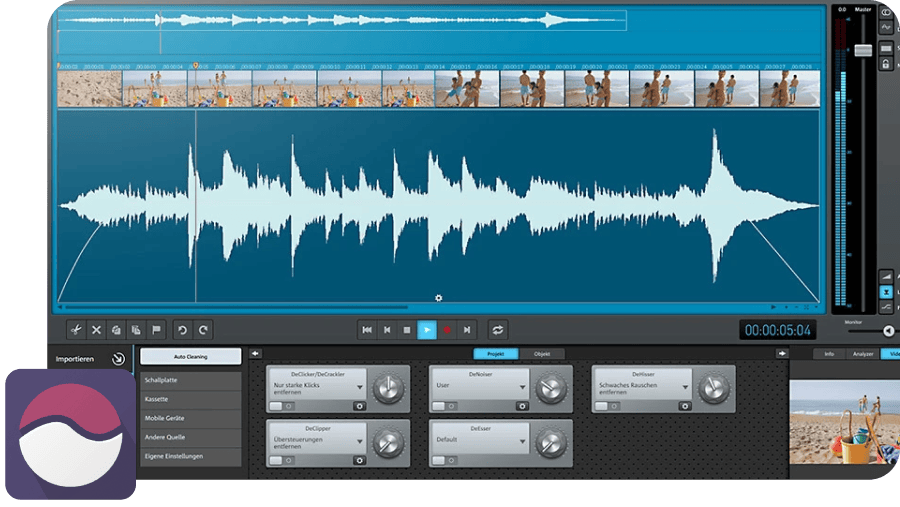
Polished audio
Video Sound Cleaning Lab
Clean up voices, music, and background noise in just a few clicks. Use smart Auto Cleaning tools, precise effects, and presets to make your audio sound clear and balanced, even if the original recording isn’t.




Offer ends in
Pricing
Get Video Saver! now
Find the Video Saver! version that fits your needs.
This product is not available in Australia.
Please visit our international website to purchase it.
Go to international website ->
Frequently Asked Questions
How do I digitize VHS tapes?
You can easily digitize old VHS tapes with MAGIX Video Saver!: Simply connect your video recorder to your PC via the MAGIX Video Grabber, import the video and edit it.
How long do VHS tapes last?
VHS magnetic tapes are very sensitive and only last around 35 years under the best of conditions. If you don't want to lose your treasured home videos to old age, now's the time to digitize them.
Select your language






















